Starting Up, Logging In and Out, and Shutting Down
Operator Manual for the Baxter ExactaMix 2400 Compounder
53007410 Rev. C Page 31
Tip! Baxter recommends setting up each user with a unique login name and password. If
the compounder is connected to a network, Baxter recommends that the compounder
be logged in to the network automatically. For details, contact Baxter Technical Services.
Refer to Getting Help on Page 22.
NOTE: To require each user to log in, refer to General on Page 119. To set up password
expiration, refer to Password Expiration on Page 120.
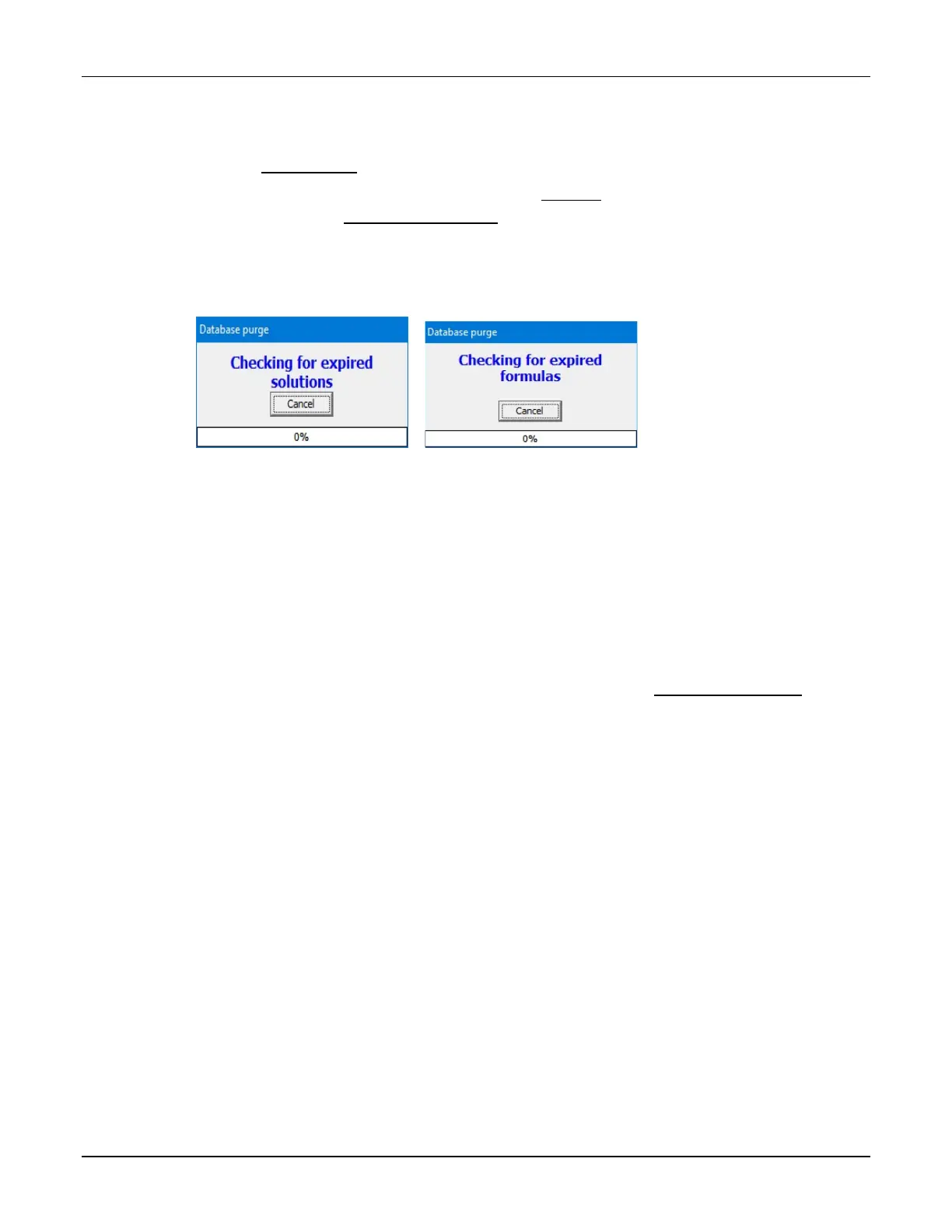
When the software starts, it performs self-checks and briefly displays the following
messages. Other messages may also appear. Do not cancel these operations.
Messages that appear at startup
Next, the software may display a Confirm screen. Several styles of the Confirm screen may
appear, but each includes this text: Compounder is not ready for operation. Do you wish to
run the setup wizard? The screen also lists the conditions that prevent the compounder from
being ready for operation. The screen appears if any of these conditions exist:
• The calibration of the load cell has expired.
• The calibration of the pump has expired.
• The tube set has expired.
NOTE: To set up the options for tube set expiration, refer to Tube Set Expiration on
Page 115.



 To Next Page