Using the Formulary Editor
Operator Manual for the Baxter ExactaMix 2400 Compounder
53007410 Rev. C Page 145
WARNING
If a code number is assigned to one product in the order-entry
software, and that number is assigned to a different product in the
compounder’s formulary, the compounder may pump the wrong
ingredient. It is the user’s responsibility to ensure that code numbers
are properly and consistently assigned in both systems.
e. Enter the Drug ID.
NOTE: The Drug ID is used to identify products uniquely. In the United States, the
Drug ID is usually the NDC.
f. Enter the Max Hang Time.
NOTE: This setting is the maximum amount of time the product can be attached
to the compounder. The compounder displays a message if the product remains
attached longer than the specified time.
g. Select the product’s Container Type.
h. If you want to change the Name, tap Regenerate Name or enter a new name.
NOTE: Based on the product information, the Name is generated automatically
for new products. This name is used when the product’s barcode is printed.
i. Tap Save.
Deleting a Product
1. At the Formulary Editor window:
a. In the top half, select the ingredient from the Name list.
b. In the bottom half, select one or more products you want to delete from the
Product Name list, then tap Delete.
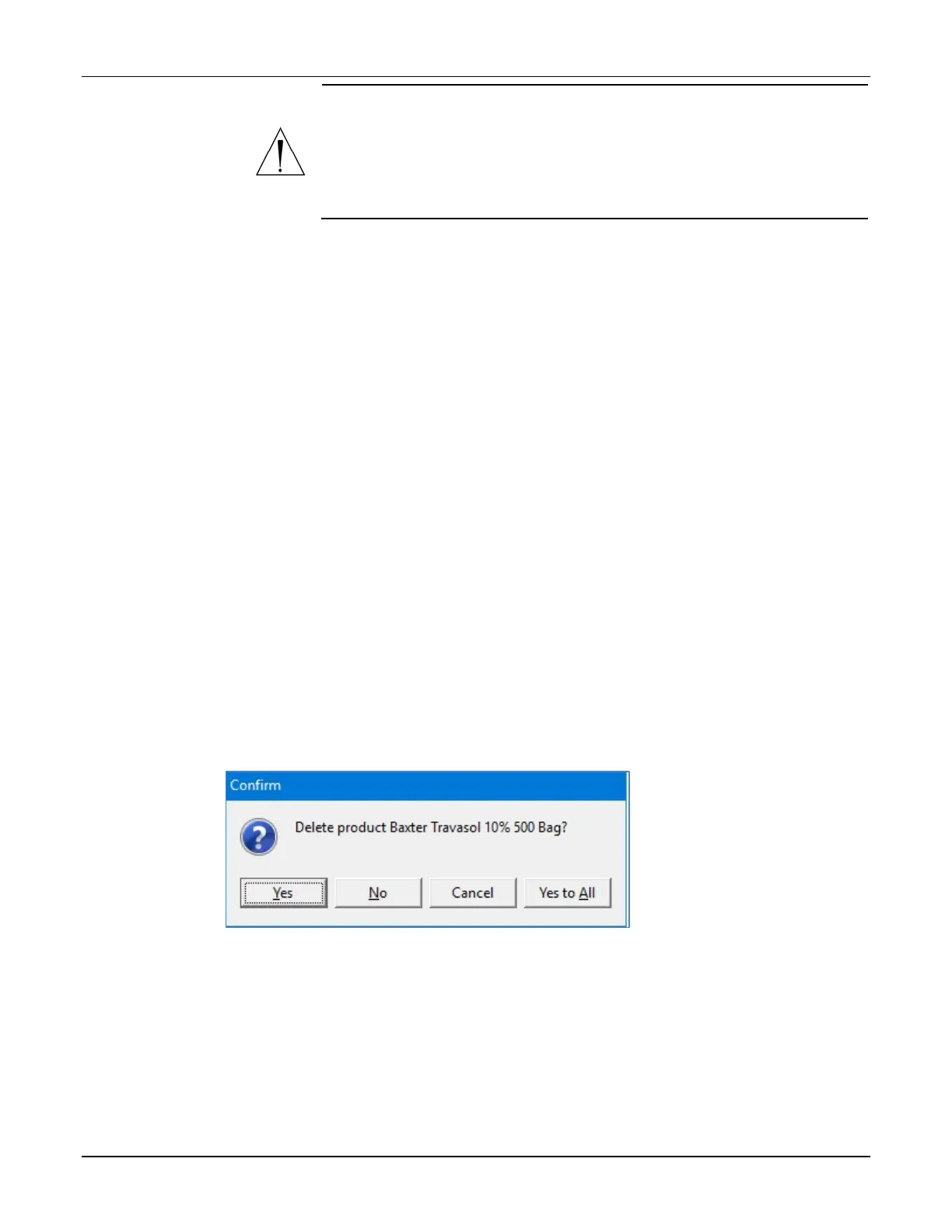
2. At the Delete product <name>? message, tap:
• Yes to delete the product from the ingredient
• Yes to All to delete all products selected in the Formulary Editor window
NOTE: If only one product is selected, only one will be deleted.
Message



 To Next Page