Using the Bag Inventory Editor
Operator Manual for the Baxter ExactaMix 2400 Compounder
Page 158 53007410 Rev. C
DELETING A BAG
1. At the Bag Inventory window:
a. Select one or more bags you want to delete.
b. Tap Delete.
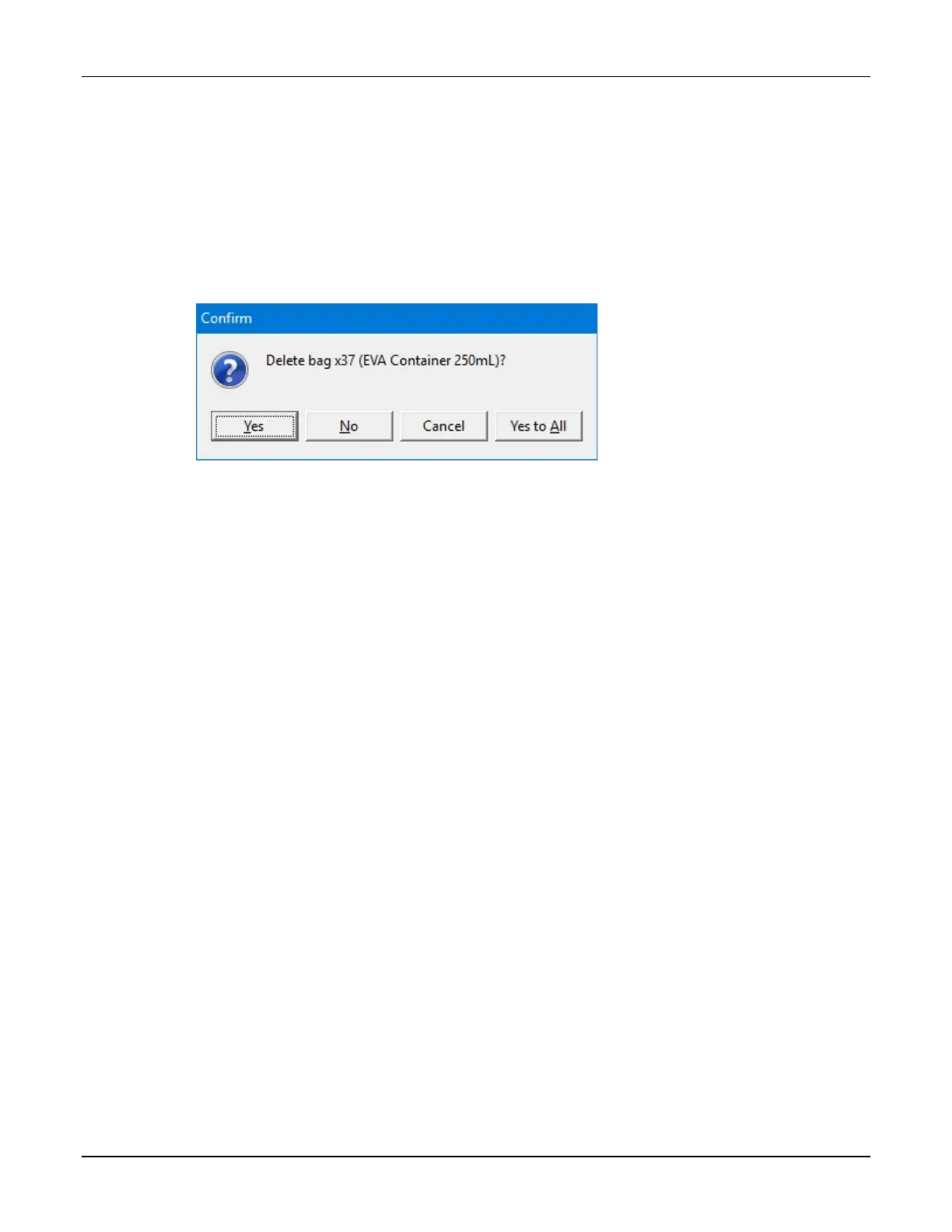
2. At the Delete bag <name>? message, tap:
• Yes to delete the bag
• Yes to All to delete all bags selected in the Bag Inventory window
NOTE: If only one bag is selected, only one will be deleted.
Message
3. At the Bag Inventory window, tap Close.



 To Next Page