Maintaining the Compounder
Operator Manual for the Baxter ExactaMix 2400 Compounder
Page 104 53007410 Rev. C
Backing Up the Entire Database
This procedure backs up the entire database, including the Blackbox log.
1. At the menu screen, tap Tools > Database > Backup All.
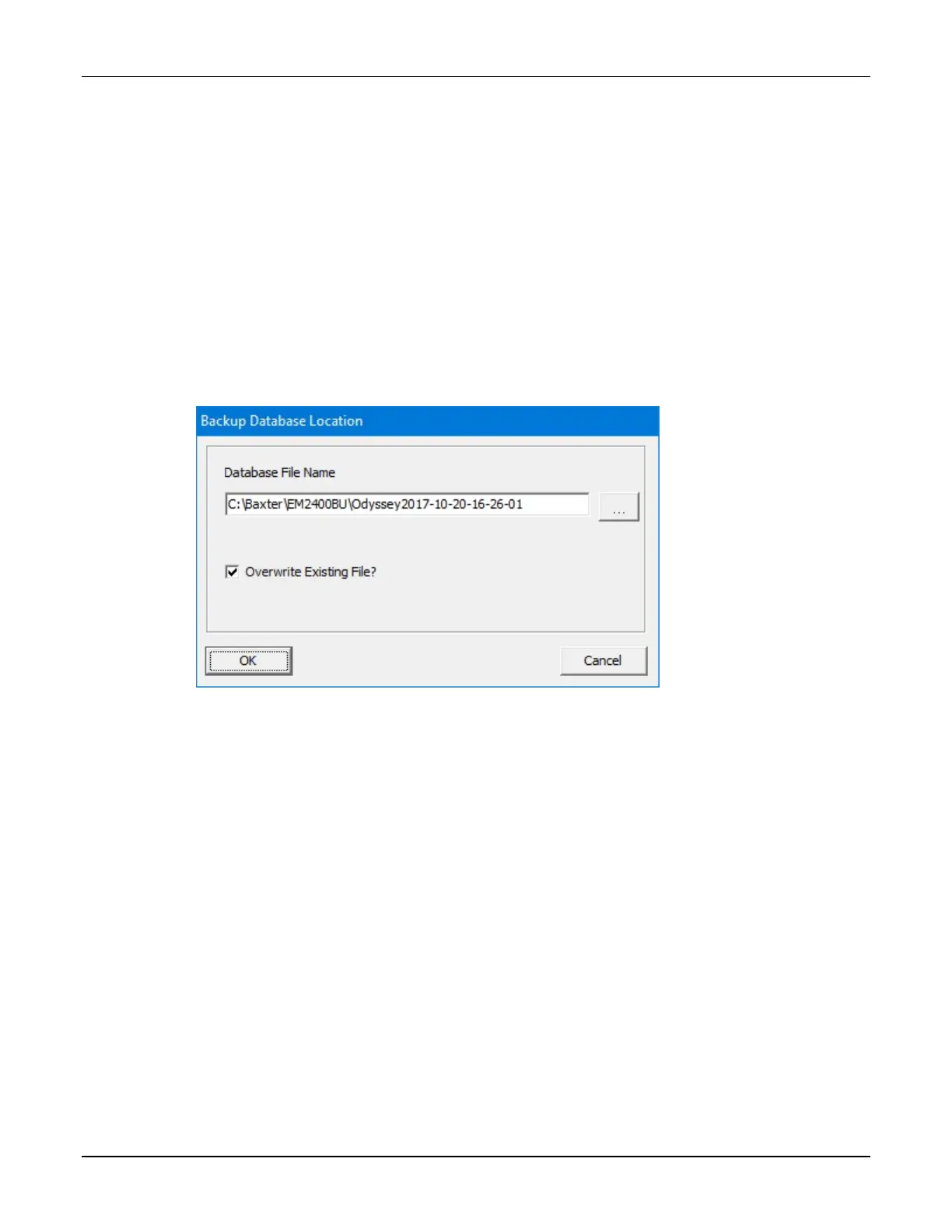
2. At the Backup Database Location window:
a. If desired, change the location of the backup by tapping the button to the right of
the current location (not recommended).
b. If you want to:
• Replace all the previous backup files to save space, select the Overwrite
Existing File? check box
• Keep the previous backup files, clear the Overwrite Existing File? check box
c. Tap OK.
Backup Database Location window
3. At the Backup succeeded message, tap OK.



 To Next Page