Using the Formulary Editor
Operator Manual for the Baxter ExactaMix 2400 Compounder
Page 142 53007410 Rev. C
• Can be used for Universal Ingredient to allow this ingredient to be used as a
Universal Ingredient
• Auto-addition to allow this ingredient to be added for temporary use at an
open port
f. Tap Save.
Deleting an Ingredient
1. At the Formulary Editor window, in the top half:
a. Select one or more ingredients you want to delete from the Name list.
b. Tap Delete.
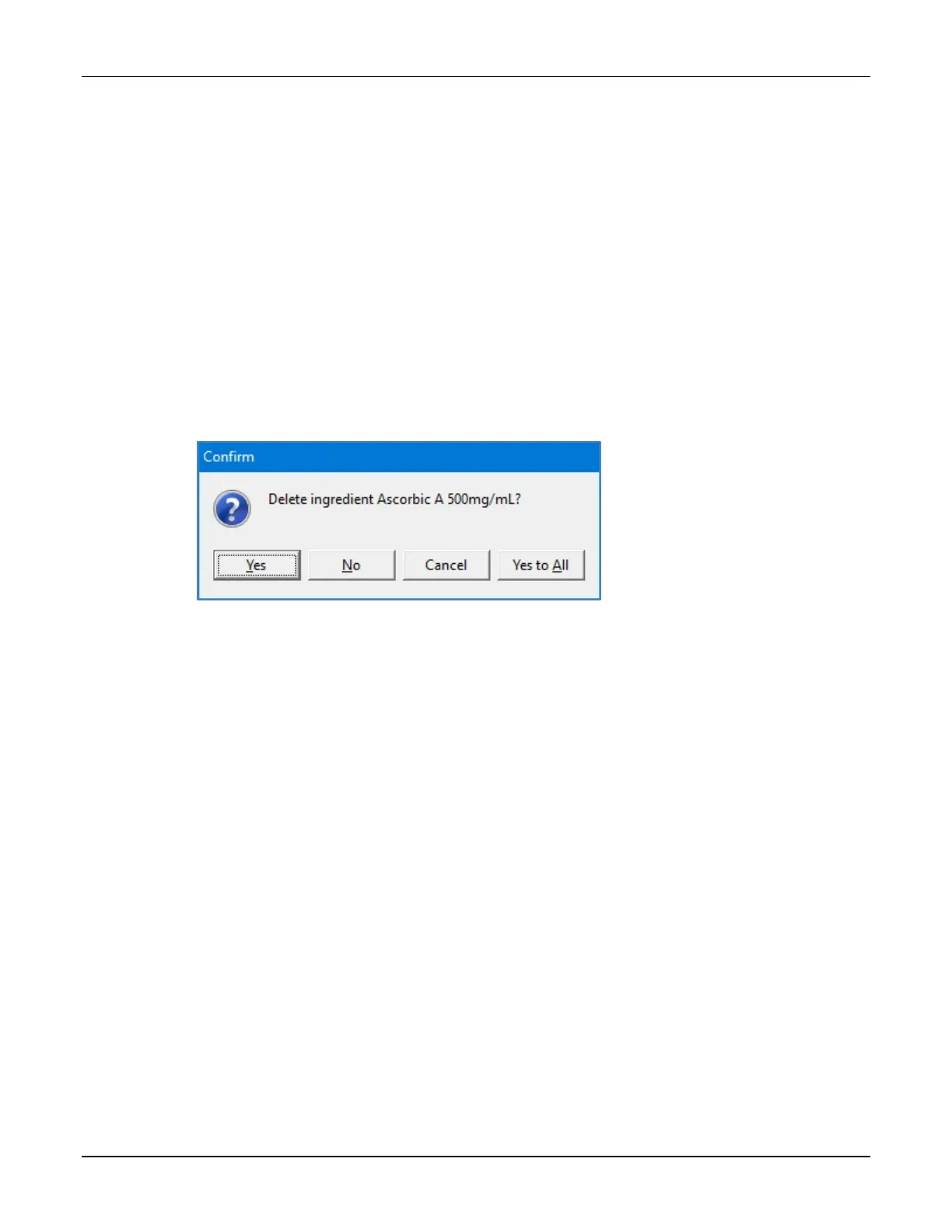
2. At the Delete ingredient <name>? message, tap:
• Yes to delete the ingredient
• Yes to All to delete all ingredients selected in the Formulary Editor window
NOTE: If only one ingredient is selected, only one will be deleted.
Message
Viewing an Ingredient’s Usage Information
1. At the Formulary Editor window, in the top half:
a. Select the ingredient you want to view from the Name list.
b. Tap Contained In.
A message with the ingredient’s current usage appears, including:
• The groups to which the ingredient belongs
• The products that contain the ingredient
• The configurations and formulas that contain the ingredient
2. At the Information message, tap OK.



 To Next Page