Using the Compounder
Operator Manual for the Baxter ExactaMix 2400 Compounder
53007410 Rev. C Page 91
FULFILLING THE ORDER (ADDITIONAL STEPS)
To complete some orders, you may need to perform additional steps along with the basic steps
already explained. Interruptions to the compounding process may occur. These additions and
interruptions are part of normal operation.
Performing an Auto-Addition
An auto-addition allows you to add an ingredient to the existing configuration temporarily, to
fulfill the current order, instead of selecting a new configuration (which would require you to
prime and verify all the inlets and ingredients).
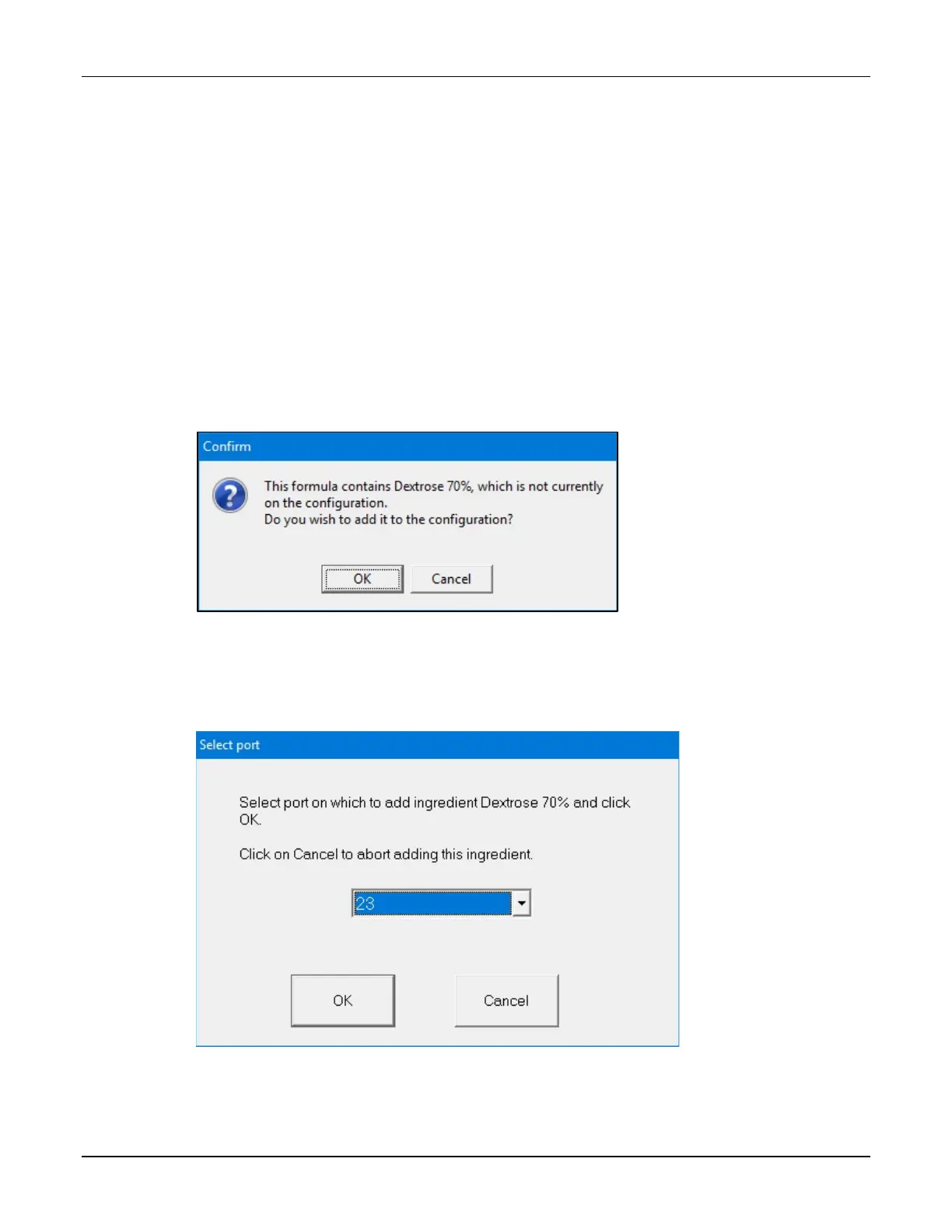
If the loaded formula includes an ingredient that is not attached to the compounder, but is
identified as an allowable auto-addition in the formulary and the current configuration, a
Confirm message appears.
1. At the Confirm message, tap OK.
Message
2. At the Select port window:
a. Select the port to which you will attach the ingredient.
b. Tap OK.
Select port window



 To Next Page