Using the Compounder
Operator Manual for the Baxter ExactaMix 2400 Compounder
Page 80 53007410 Rev. C
Saving and Using a Direct-Entry Formula
NOTE: For information about automatic unloading of formulas, refer to Understanding
Automatic Unloading of Formulas on Page 84.
1. Attach the patient bag. Refer to Attaching the Patient Bag on Page 85.
2. At the pump screen, tap Run.
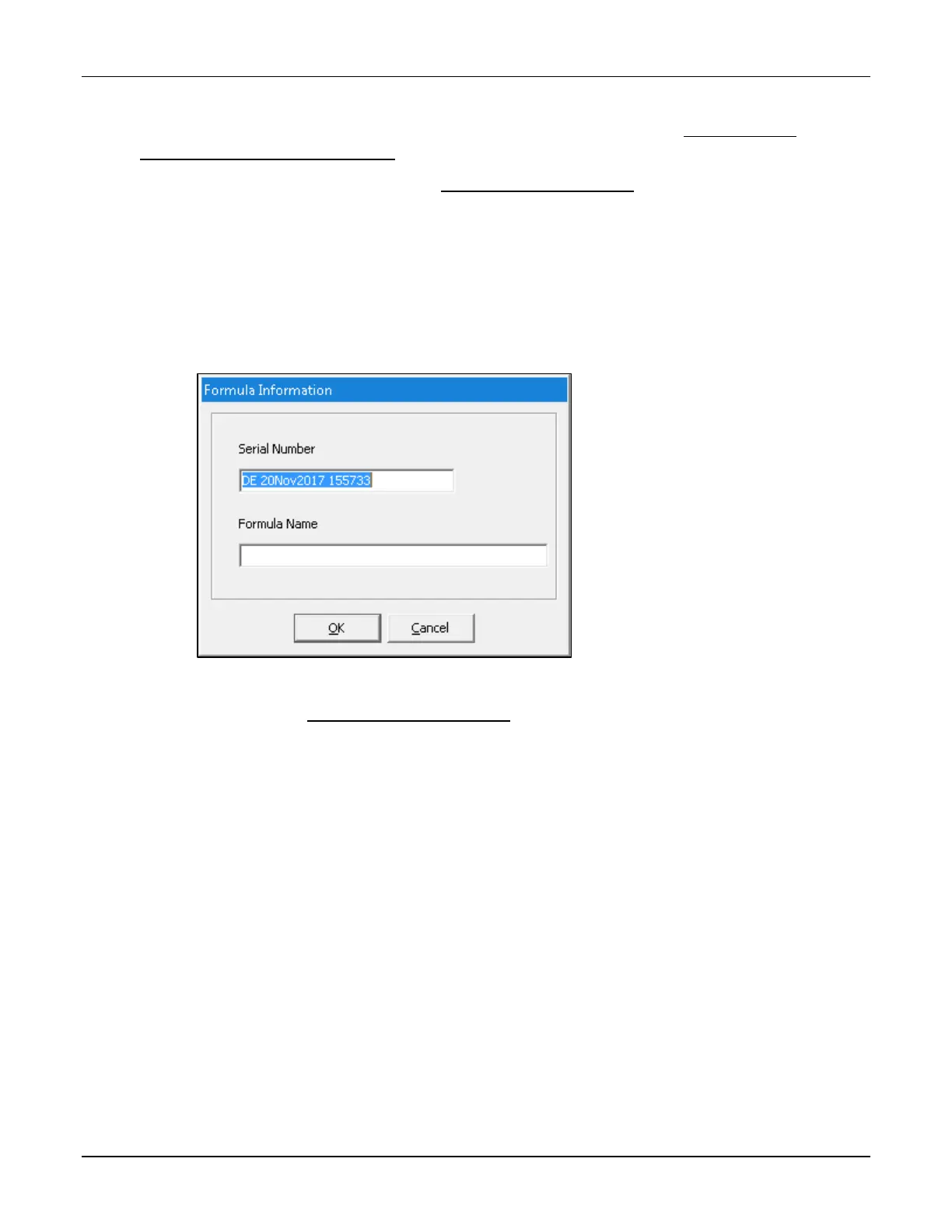
3. At the Formula Information window:
a. Enter a Formula Name.
b. If desired, enter a new Serial Number.
Tip! Baxter recommends not changing the serial number.
c. Tap OK.
Formula Information window
4. Continue with Compounding the Solution on Page 86.
NOTE: You do not need to tap Run again.



 To Next Page