Using the Compounder
Operator Manual for the Baxter ExactaMix 2400 Compounder
Page 84 53007410 Rev. C
FULFILLING THE ORDER (BASIC PROCESS)
Understanding Automatic Unloading of Formulas
As a safety precaution, the software automatically unloads the formula in these two main
situations:
• The software usually unloads the formula if you leave the pump screen after loading the
formula and before starting the compounding process.
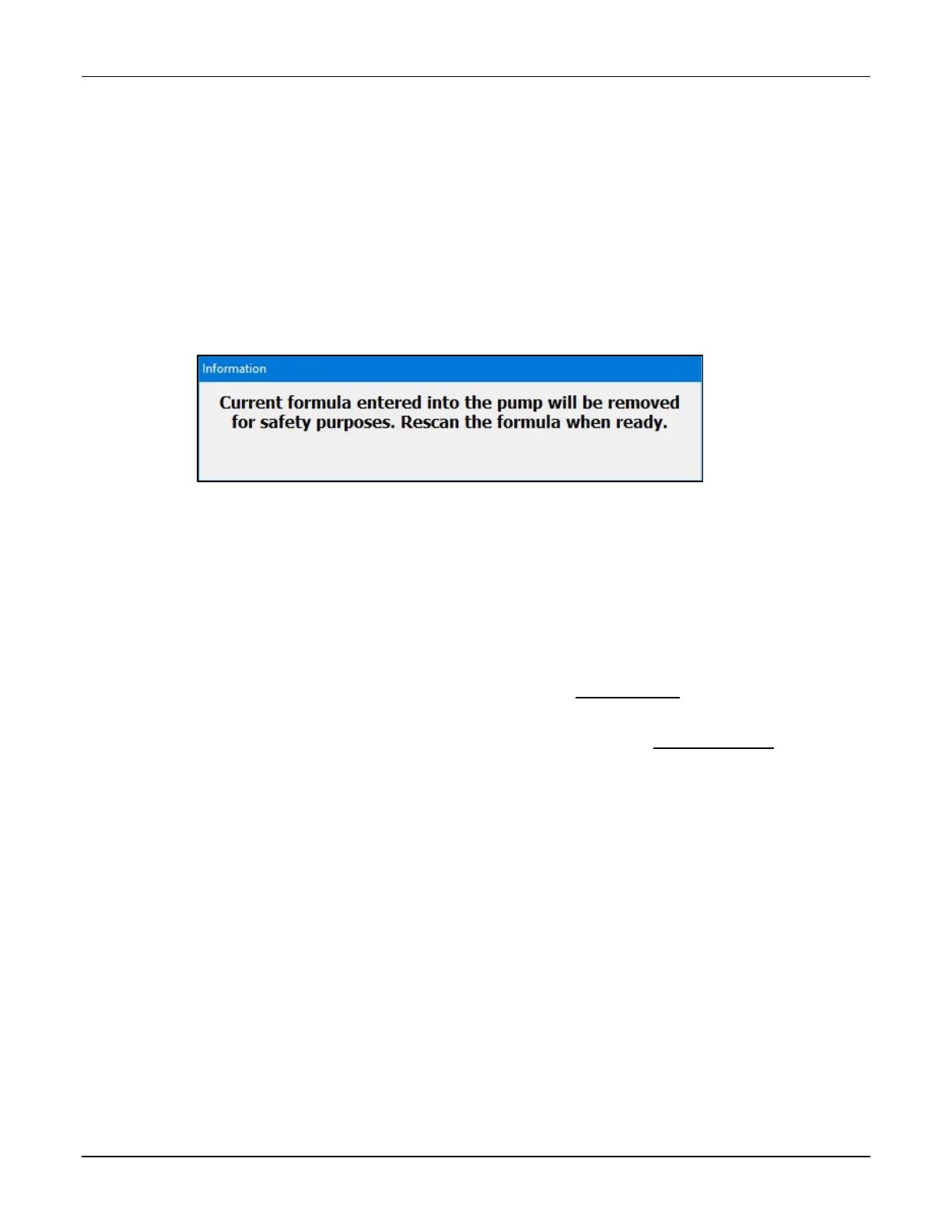
The message below, or one similar to it, appears and then automatically disappears.
The only exception is that the software does not unload the formula when you perform
an auto-addition.
Message
• The software usually unloads the formula when compounding is finished, regardless of
the outcome.
No message appears; however, you cannot use the formula for compounding again.
The only exception is that the software does not unload the formula when both of these
conditions occur together:
o The solution limit is more than 1 and has not yet been met, or the solution limit
is disabled. For more information, refer to Solution Limit on Page 121.
o Barcode scanning is not required to load a formula, but the formula was loaded
through this method. For more information, refer to Barcode Reader on
Page 120.



 To Next Page