Glossary
Operator Manual for the Baxter ExactaMix 2400 Compounder
53007410 Rev. C Page 209
RESTORING THE DATABASE
If certain types of issues occur, Baxter Technical Services may ask you to restore the database.
1. At the menu screen, tap Tools > Database > Restore Database.
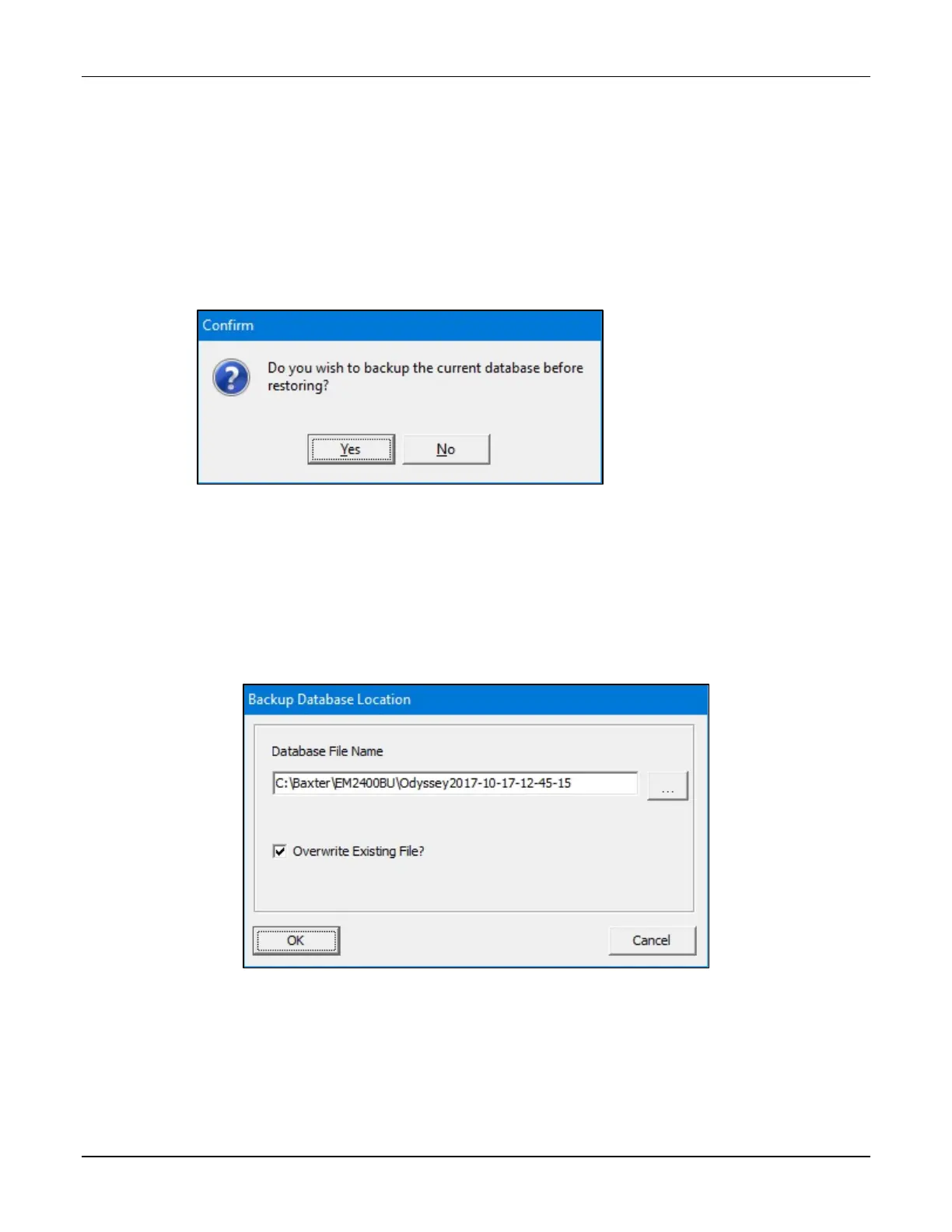
2. At the Do you wish to backup message, if you:
• Want to back up the current database before restoring, tap Yes and continue with
the next step
• Do not want to back up the current database before restoring, tap No and skip to
step 5
Message
3. At the Backup Database Location window:
a. If desired, change the location of the backup by tapping the button to the right of
the current location (not recommended).
b. Check Overwrite Existing File? to replace the previous backup file.
c. Tap OK.
Backup Database Location window



 To Next Page