Using Reports
Operator Manual for the Baxter ExactaMix 2400 Compounder
Page 168 53007410 Rev. C
FORMULA REPORT
The Formula Report is a summary of a specific formula.
To view the Formula Report:
1. At the menu screen, tap Reports > Standard > Formula.
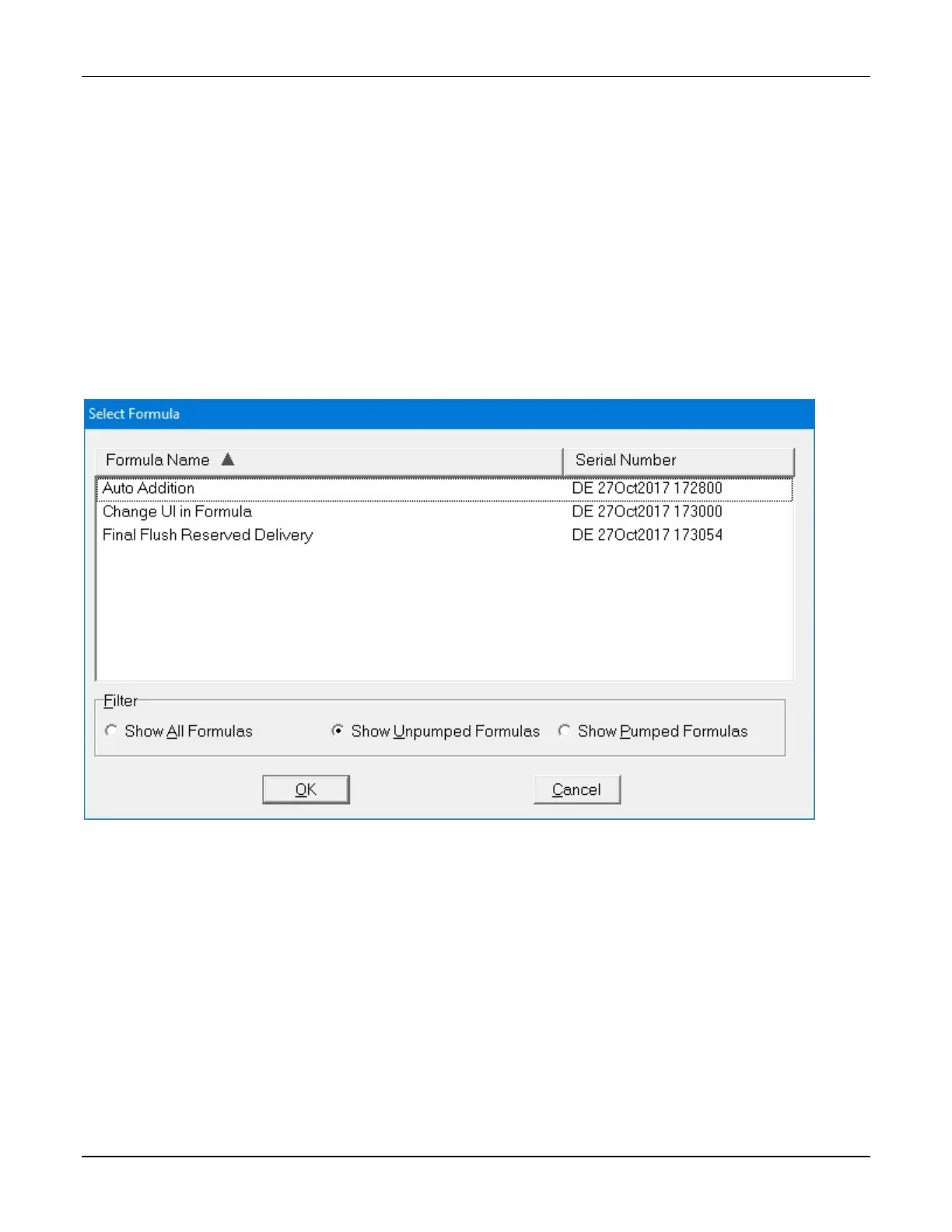
2. At the Select Formula window:
a. Select Show All Formulas, or select another filter to reduce the number of
formulas displayed.
NOTE: You can tap Formula Name to sort by name or tap Serial Number to sort
by number.
b. Select a formula.
c. Tap OK.
Select Formula window



 To Next Page