Components
Operator Manual for the Baxter ExactaMix 2400 Compounder
53007410 Rev. C Page 9
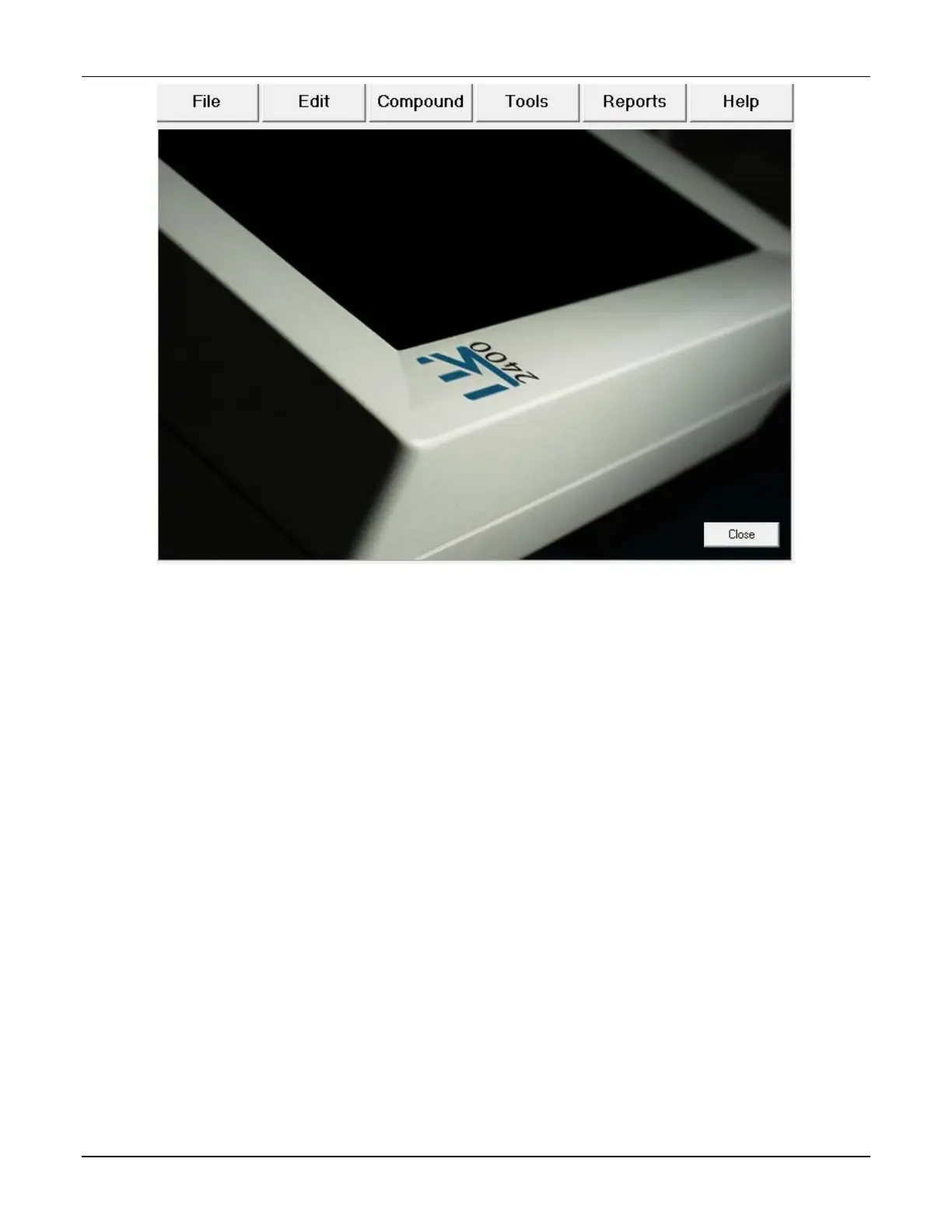
Menu screen
The menu screen has six tabs at the top. Tapping a tab displays a drop-down menu. Use the:
• File menu to manage formulas, log in or out of the software, exit the software, restart
the compounder or shut down the compounder
• Edit menu to edit the configurations, formulary, ingredient groups, inlet information
and bag information
• Compound menu to set up the compounder for operation, select a formula to
compound and manage ingredients
• Tools menu to set up options related to the system, users, security, directories used for
saving certain files and software maintenance
• Reports menu to view, print and export reports related to compounding and other
device activity
• Help menu to view tutorials and information about the hardware and software
Tapping Close in the bottom right displays the pump screen (or a similar screen during the
setup process). You can also display the pump screen by selecting certain functions, such as
those on the Compound menu.
Pump Screen
The pump screen shows a diagram of the valve set. It is used during the compounding process.
Similar screens are used during setup.



 To Next Page