Performing Advanced Tasks
Operator Manual for the Baxter ExactaMix 2400 Compounder
53007410 Rev. C Page 107
PERFORMING ADVANCED TASKS
Perform these tasks only when directed by Baxter Technical Services.
CHANGING THE UNIVERSAL INGREDIENT
IMPORTANT! This function requires Change Universal Ingredient permissions. For more
information about user groups and permissions, refer to Setting Up the Users on Page 123.
To change the Universal Ingredient for the most recently used configuration when you are not
in the process of compounding a solution, do the following procedure. To change the volume
used for flushing after a UI change, refer to Flush Between UI Changes on Page 117.
If you are prompted to change the volume of the UI during the compounding process, refer to
Formula Conflict on Page 199.
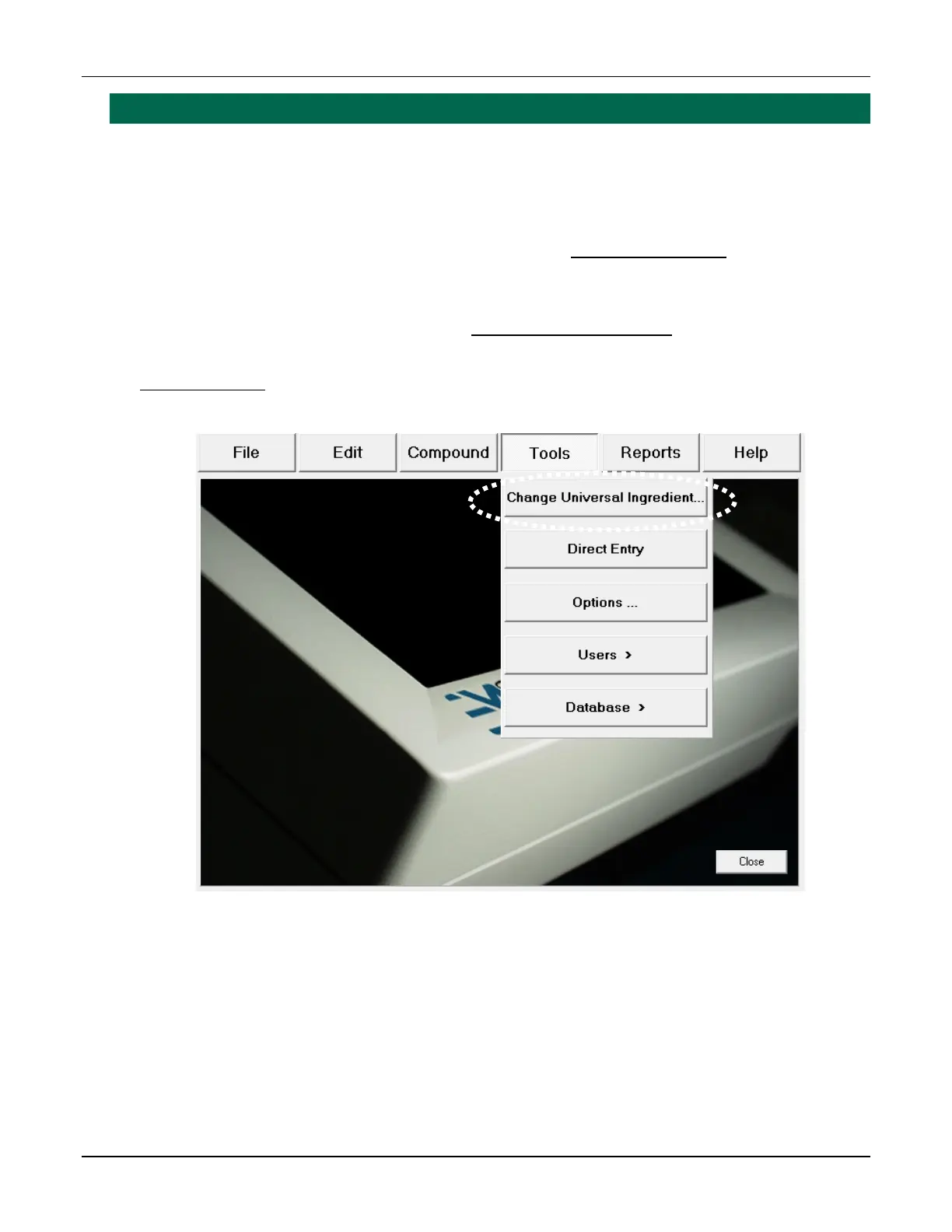
1. At the menu screen, tap Tools > Change Universal Ingredient.
Menu screen, Tools menu



 To Next Page