Performing Advanced Tasks
Operator Manual for the Baxter ExactaMix 2400 Compounder
Page 108 53007410 Rev. C
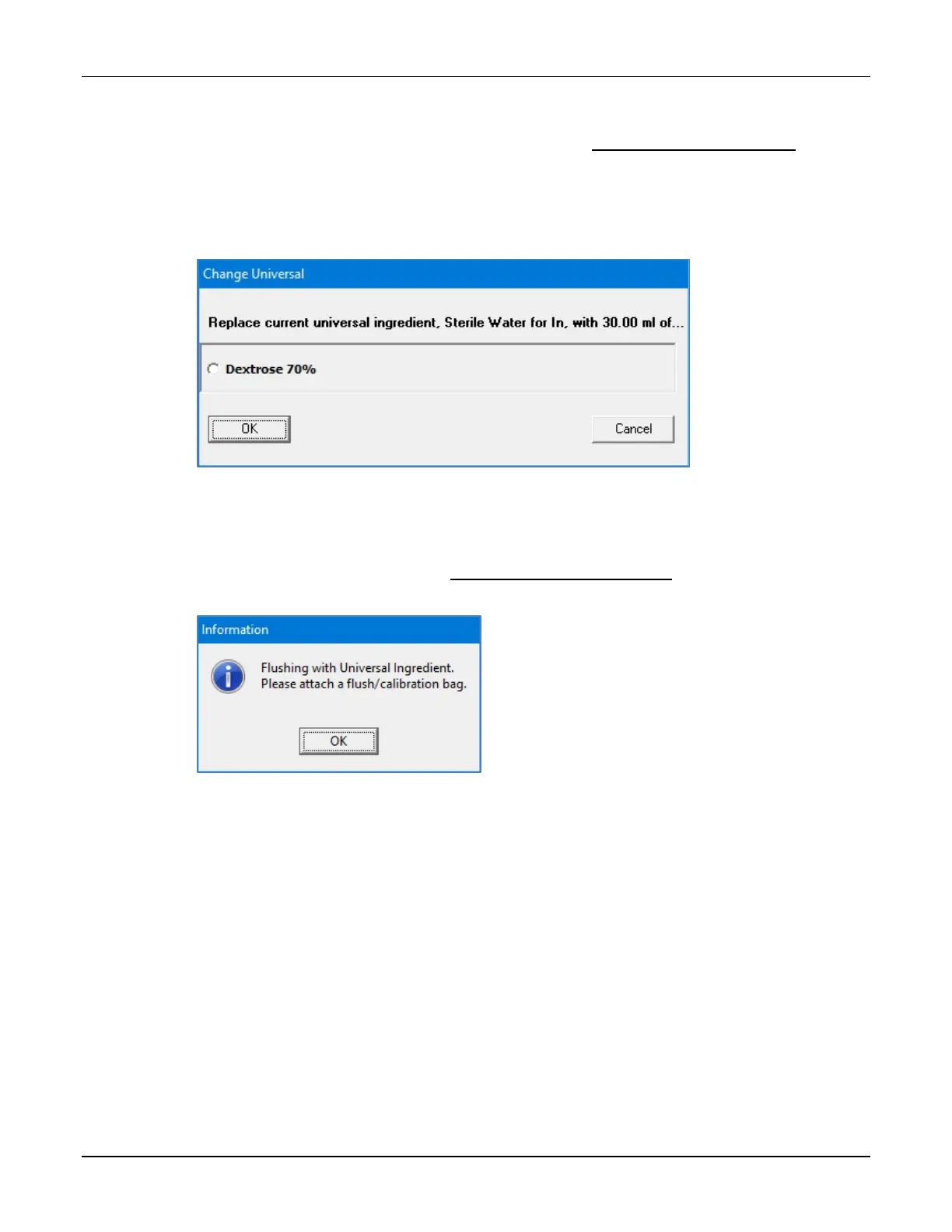
A Change Universal window appears. It lists any ingredients that are available in the
current configuration and have been specified as Universal Ingredients in the Formulary
Editor. To specify the Universal Ingredients, refer to Using the Formulary Editor on
Page 139.
2. At the Change Universal window:
a. Select the Universal Ingredient you want to use.
b. Tap OK.
Change Universal window
The compounder requires a flush of the new Universal Ingredient to clear the old
Universal Ingredient from the common fluid pathway.
3. Attach a calibration bag. Refer to Attaching the Calibration Bag on Page 73.
4. At the Flushing with Universal Ingredient message, tap OK.
Message
The pump screen shows an animation of the flush.



 To Next Page