Using Reports
Operator Manual for the Baxter ExactaMix 2400 Compounder
Page 160 53007410 Rev. C
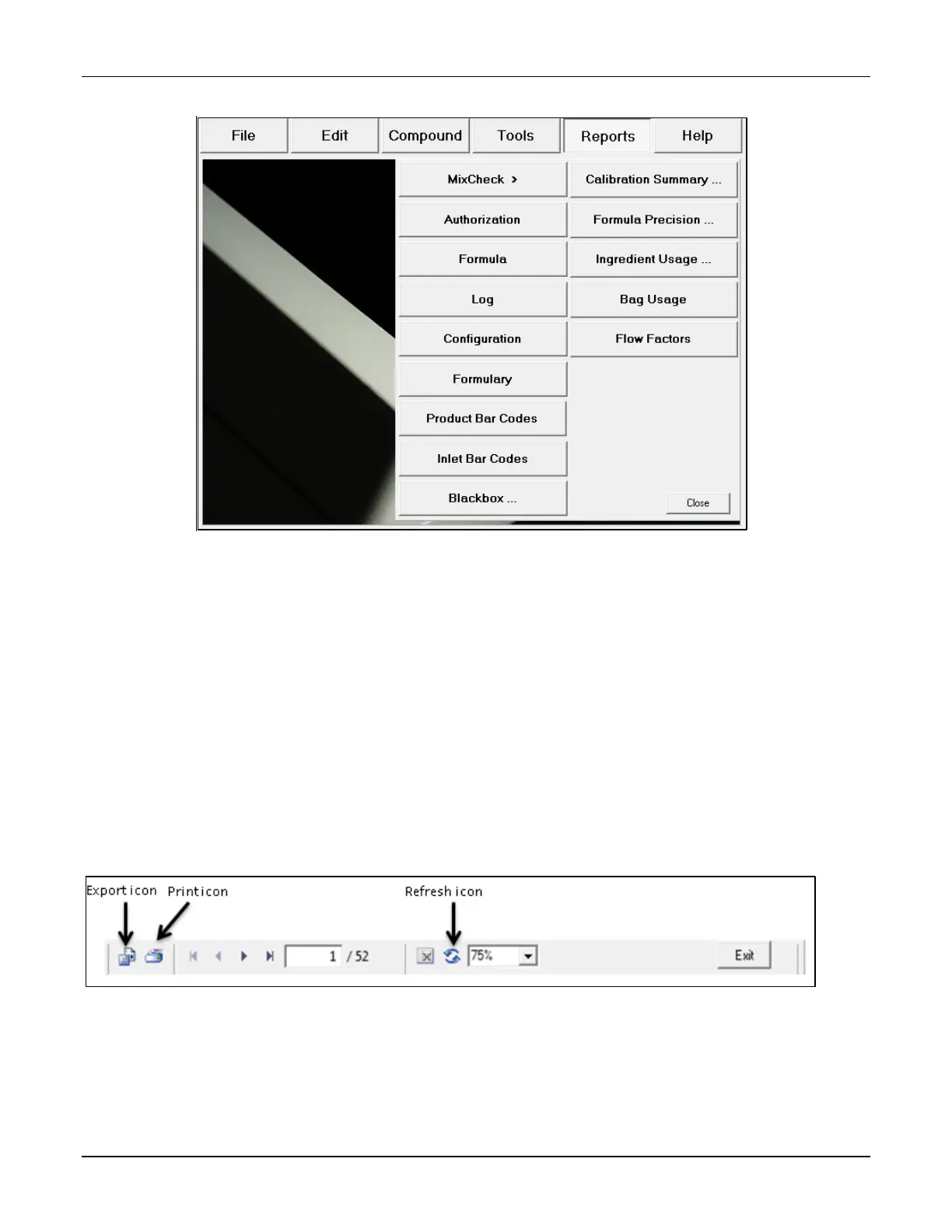
2. Select the report you want to view.
Standard reports
3. View the report. Refer to the instructions on the upcoming pages.
NOTE: The report screen may include scroll bars on the right side and/or the bottom.
The top of the report screen may include these navigation options:
o The print icon allows you to send the report to the specified printer.
o The export icon allows you to save the report to a USB drive.
o The refresh icon generates the report again.
o The percentage list controls the zoom.
o The arrows and the number field allow you to move to different pages of a multi-
page report.
4. When you are finished using the report, tap Exit.
Navigation options for reports



 To Next Page