Starting Up, Logging In and Out, and Shutting Down
Operator Manual for the Baxter ExactaMix 2400 Compounder
53007410 Rev. C Page 33
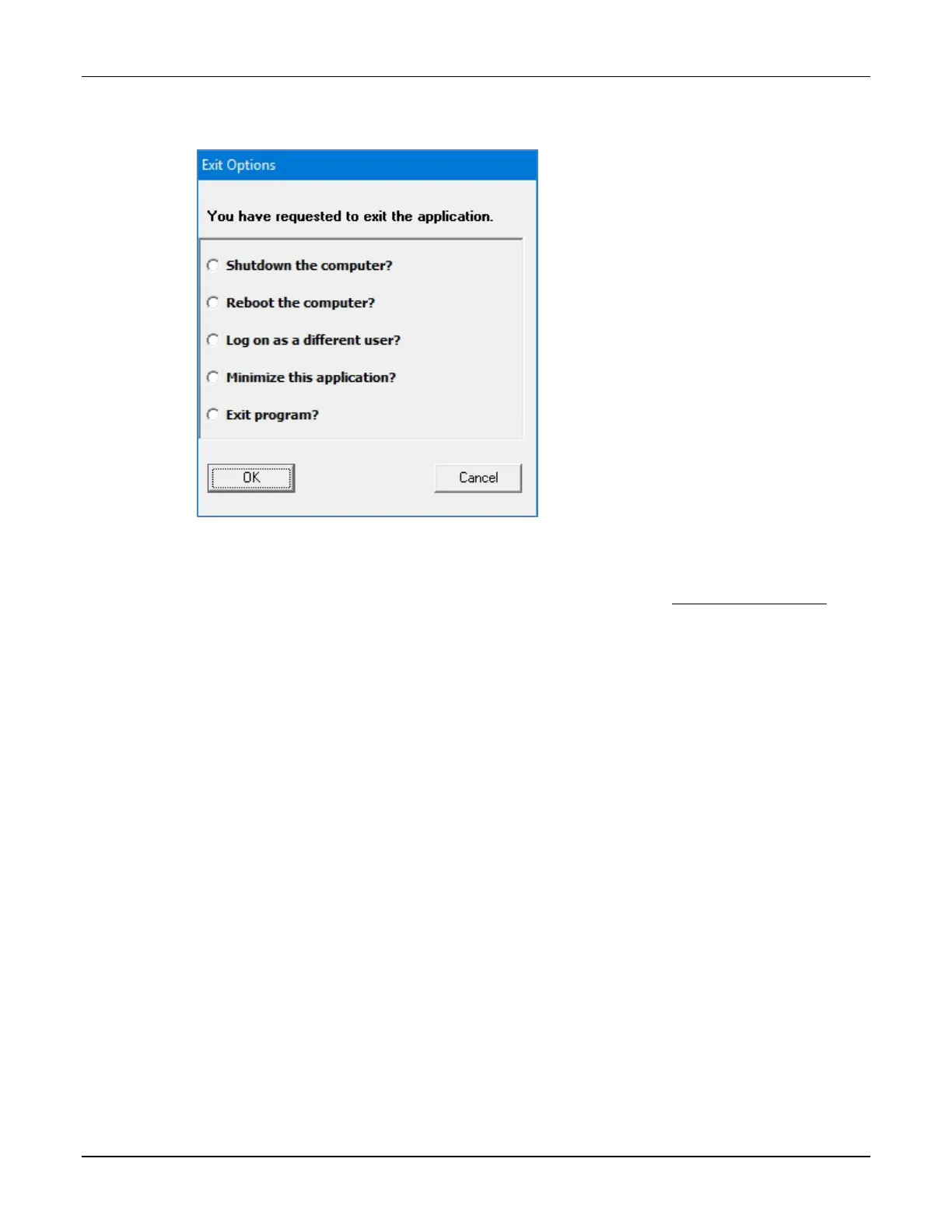
The Exit Options window appears.
Exit Options window
IMPORTANT! The last two options shown above require Administration permissions. For
more information about user groups and permissions, refer to Setting Up the Users on
Page 123.
2. Tap one of these options:
• Shutdown the computer? to shut down the software and turn off the compounder
• Reboot the computer? to shut down the software, turn off the compounder and
restart the compounder
• Log on as a different user? to log out and allow another user to log on
NOTE: The Confirm screen may appear if the compounder is not ready for operation.
• Minimize this application? to minimize the compounder software so that the
Windows desktop is visible
NOTE: The compounder software remains active and can be maximized when
needed.
• Exit program? to exit the compounder software
3. Tap OK.



 To Next Page