Setting Up the Compounder
Operator Manual for the Baxter ExactaMix 2400 Compounder
Page 72 53007410 Rev. C
The compounder pumps 100 mL of water, checks the weight, makes any necessary
adjustments to the movement of the pump rotor, pumps 100 mL again and checks the
weight again. If the Universal Ingredient (UI) for the configuration is something other
than water, the compounder automatically flushes the common fluid pathway with the
identified UI.
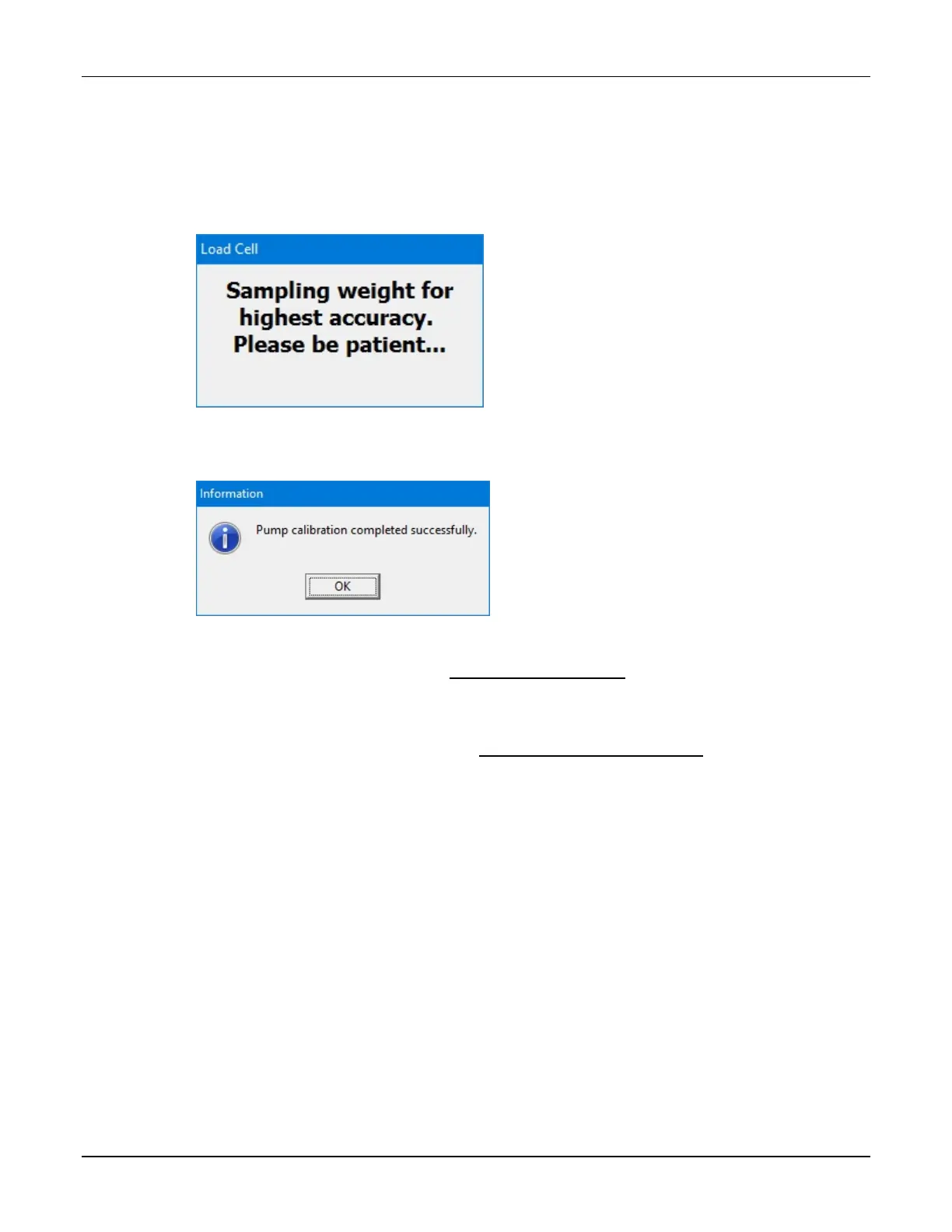
This message appears and disappears:
Message
8. At the Pump calibration completed successfully message, tap OK.
Message
NOTE: If calibration fails, refer to Pump calibration failed on Page 201.
If you started this procedure from the Setup Wizard screen, a check mark now appears
next to Calibrate Compounder at the Setup Wizard screen.
9. Remove the calibration bag. Refer to Removing the Calibration Bag on Page 73.



 To Next Page