4-25
Test tools:
ANI sensor
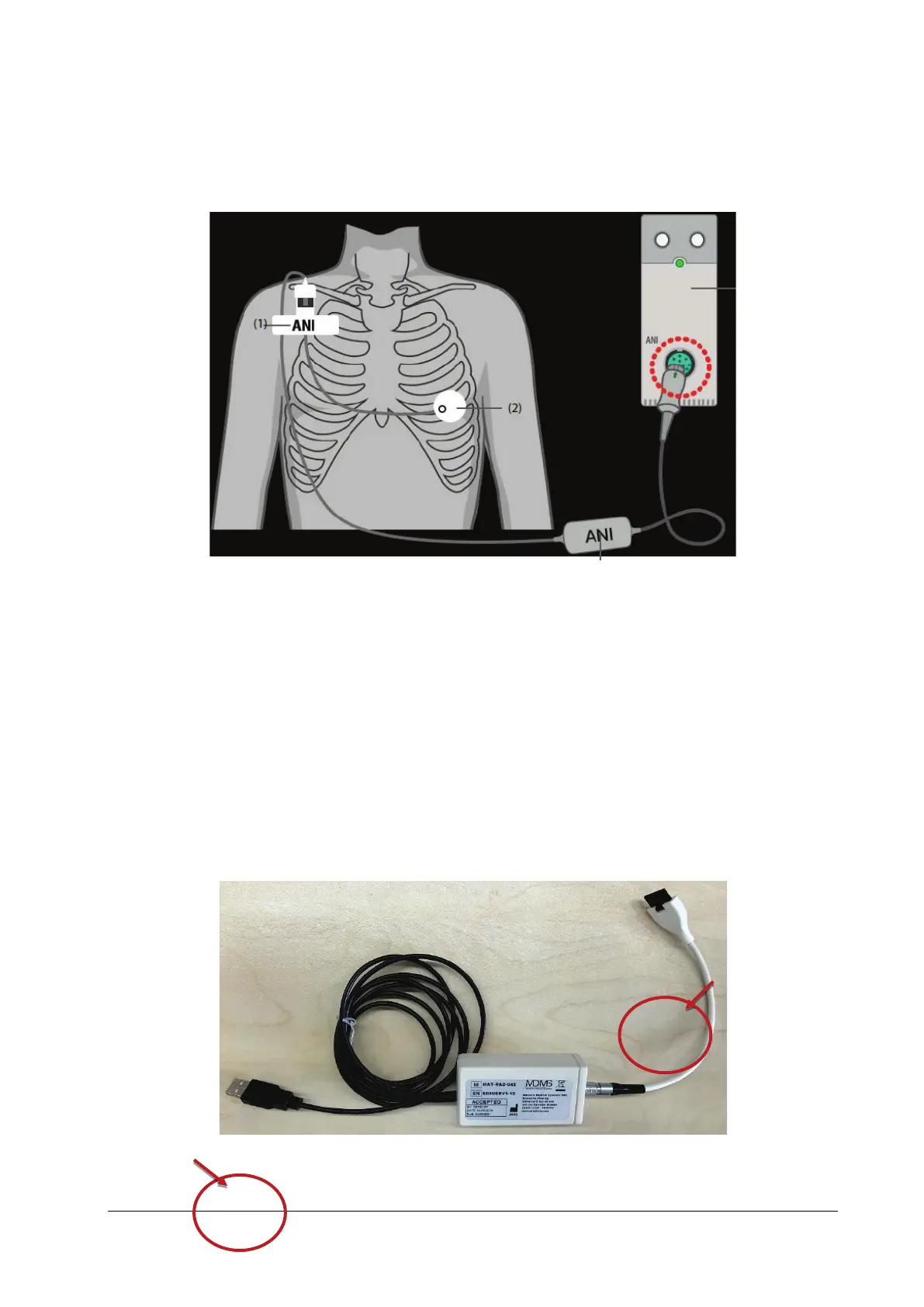
1. Follow instructions in the ANI module chapter in the user manual to connect the ANI measurement system. Follow
instructions in ANI sensor user manual to connect the ANI sensor to a healthy adult.
2. After three minutes, observe the ANI parameter value displayed on the monitor interface. If the ANI parameter
value is within the range of [12,100], the ANI module is functional.
Method 2: Using Simulator
Test tools:
ANI simulator
PC (with software and drive G-897-000275-00 installed)
1. Follow instructions in the ANI module chapter in the user manual to connect the ANI measurement system (ANI
sensor does not need to be connected).
2. Connect one end of the ANI simulator to the ANI module, and the other end to the upper computer, as shown in
the following figure.
3. Log in to the PC, install the configuration software G-897-000275-00: Open the PC software & drive folder under the
G-897-000275-00 folder, and double-click to install the CDM21224_Setup drive. After installation is completed, start
ANI module



 To Next Page