7-4
Be sure to pull out the base with proper force, without damaging the cables and connectors.
7.3.3 Separating the Front and Rear Half of the Monitor
1. After the base assembly is removed, carefully place the monitor face down.
Before placing the monitor face down, make sure that the desktop is flat, without foreign matters, lest
the screen would be damaged.
Release the clip (if any) on the connection line socket before disconnecting the connection line. Be sure to
pull out the base with proper force, without damaging the cables and connectors.
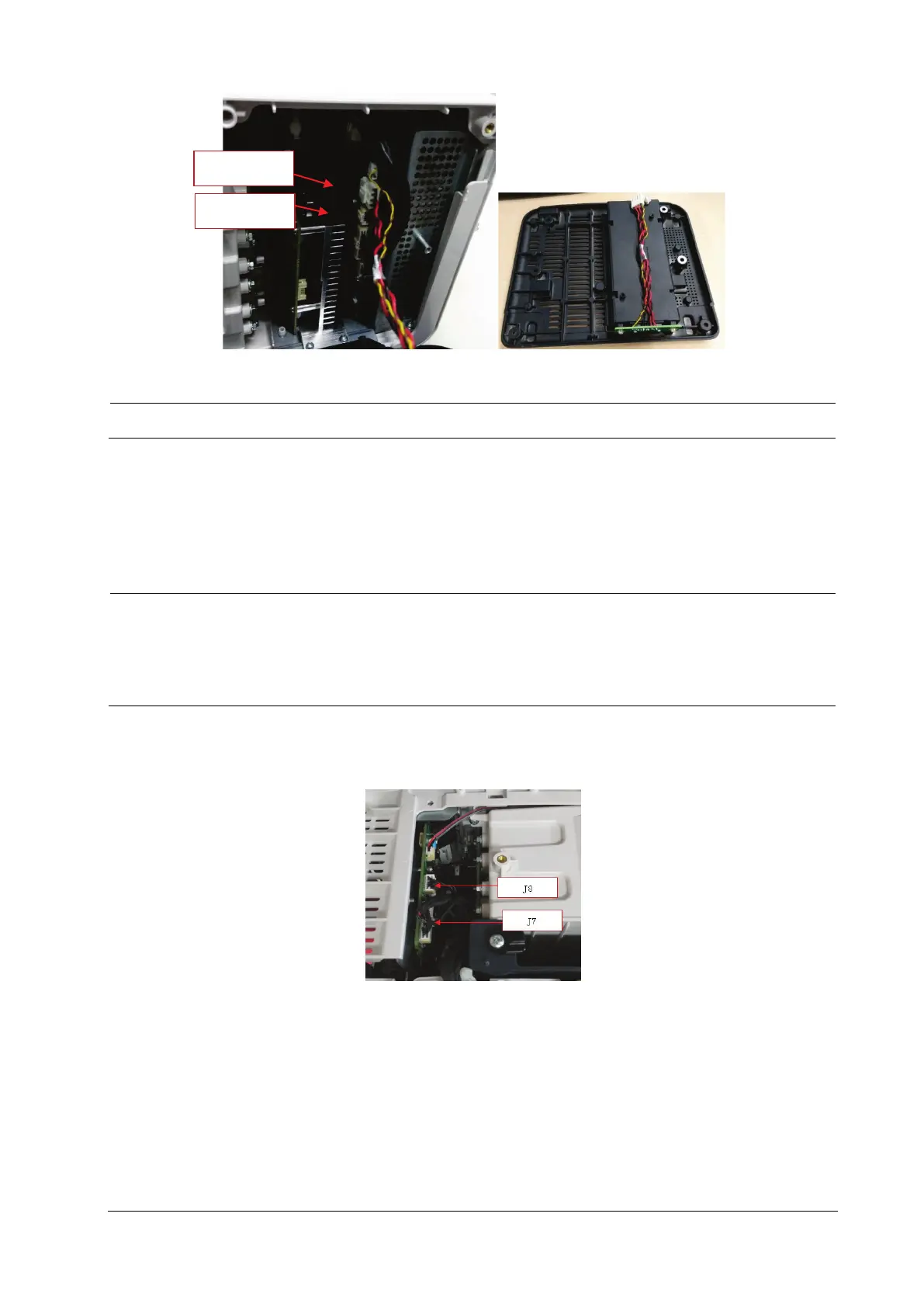
For the N12/M12 series machines, remove the connection line for the LCD screen and the connection line for
the small board of front case.
For the N15/M15/N17/M17 series machines, remove the connection line for the touch screen, connection line
for the LCD screen and the connection line for the small board of front case.
J24
J20



 To Next Page