4-31
4.13.4 Setup
This tab page supports the settings relevant to ECG alarms and other configurations.
Neonate ST analysis switch: Switch it on to enable the neonate ST analysis function; switch it off to disable relevant
functions of neonate ST analysis.
HR/PR alarm off switch: Switch it on to set the HR/PR alarm switch; switch it off to disable the setting of HR/PR alarm
switch.
HR alarm delay switch: Switch it on to enable the HR alarm affected by the setting of alarm delay; switch it off to
prevent the HR alarm from being affected by the setting of alarm delay.
ESN: Enter the electronic serial number.
Wireless setting: Provide Wi-Fi regulation test procedure and settings.
Update ID Module: Provide interface for burning device integration ID. Users should confirm the BeneLink port and
device ID before burning.
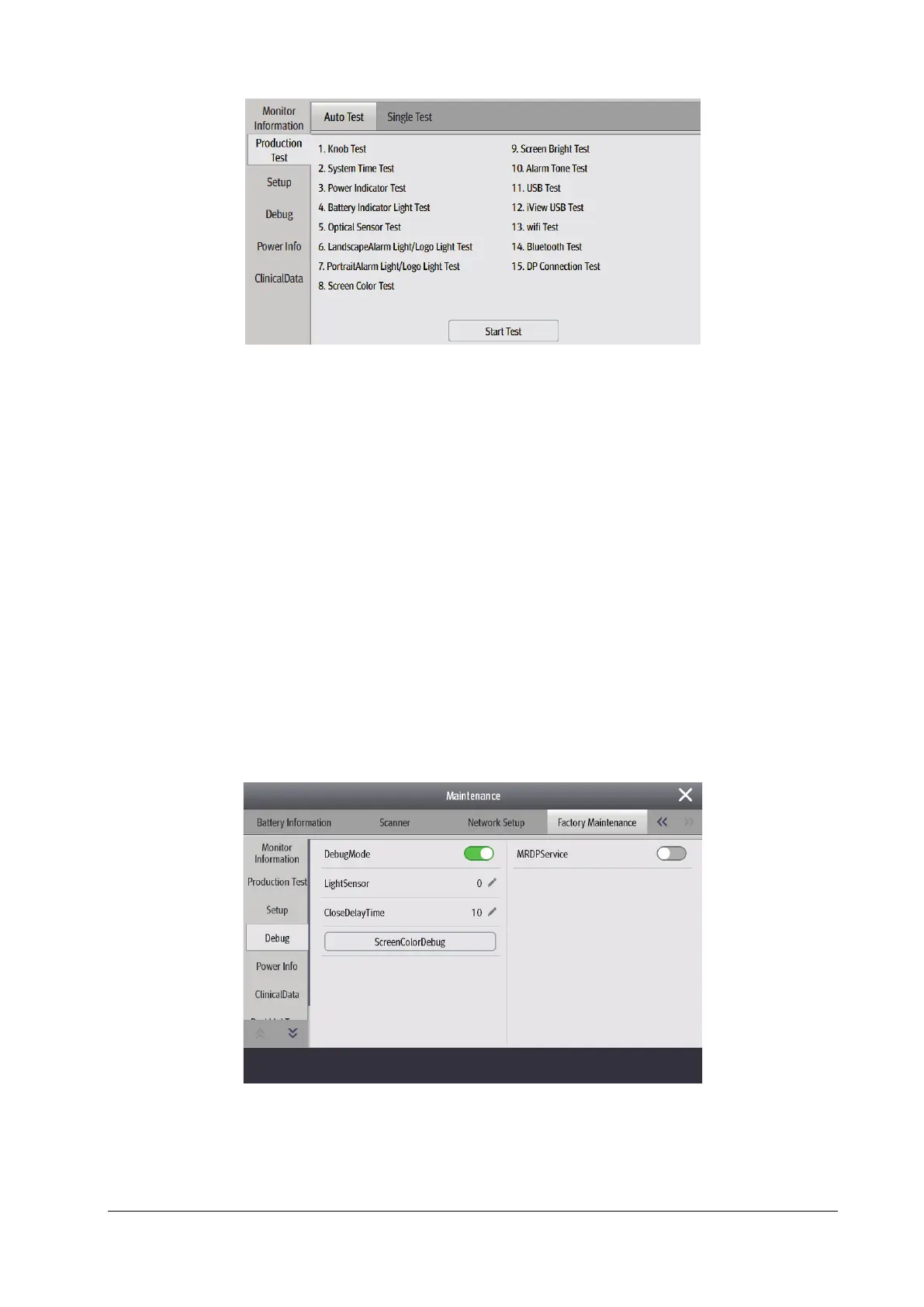
4.13.5 Debug
This tab page provides settings related to the debug mode, which is only applicable to testing.
4.13.6 Power Info
This tab page displays information about power supply.



 To Next Page