4-28
See Appendix A Electrical Safety Inspection for electrical safety tests.
4.8 Recorder Check
Tools required:
None.
1. Print ECG waveforms. The recorder should print correctly and the printout should be clear.
2. Set the recorder to some problems such as out of paper, etc. the patient monitor should give corresponding
prompt messages. After the problem is removed, the recorder should be able to work correctly.
3. Switch automatic alarm recording for each parameter ON and then set each parameter's limit outside set alarm
limits. Corresponding alarm recordings should be triggered when parameter alarms occur.
4.9 Network Print Test
HP LaserJet Pro M202dw laser printer is recommended for BeneVision patient monitor series
4.9.1 Device Connection and Setup
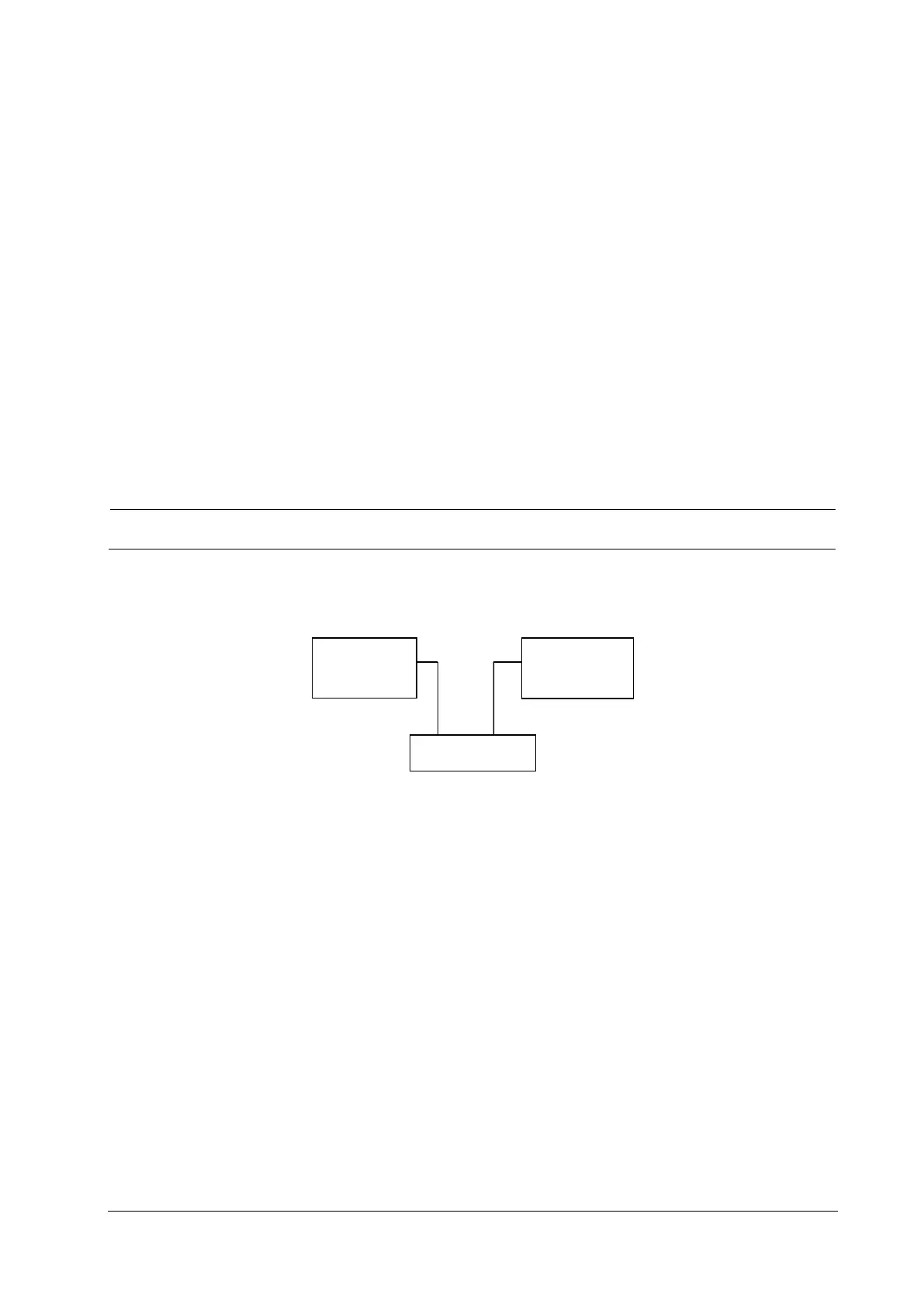
1. Connect the patient monitor and network printer to a network switch using common network cables as follows:
2. Select Main Menu→Maintenance→enter the required password→Network Setup and set the IP address of the
patient monitor in the same network segment with that of the network printer. (See the instructions for use
accompanying the printer)
3. Select Main Menu→Maintenance→enter the required password→Print and set the IP address of the printer to
the actual IP address, and set the paper size to the actual size.
4. Set the print resolution to 300dpi or 600dpi as required.
5. Click Print Test Page to check whether the output of the printer's test page is normal. If not, recheck the
connection and configuration of the printer.
4.10 Device Integration Check
Refer to BeneLink Module Operator’s Manual (P/N: 046-009023-00).
4.11 Battery Check
Tools required:
BeneVision
monitor
Network
printer
Switch
Network cable
Network cable



 To Next Page