7-19
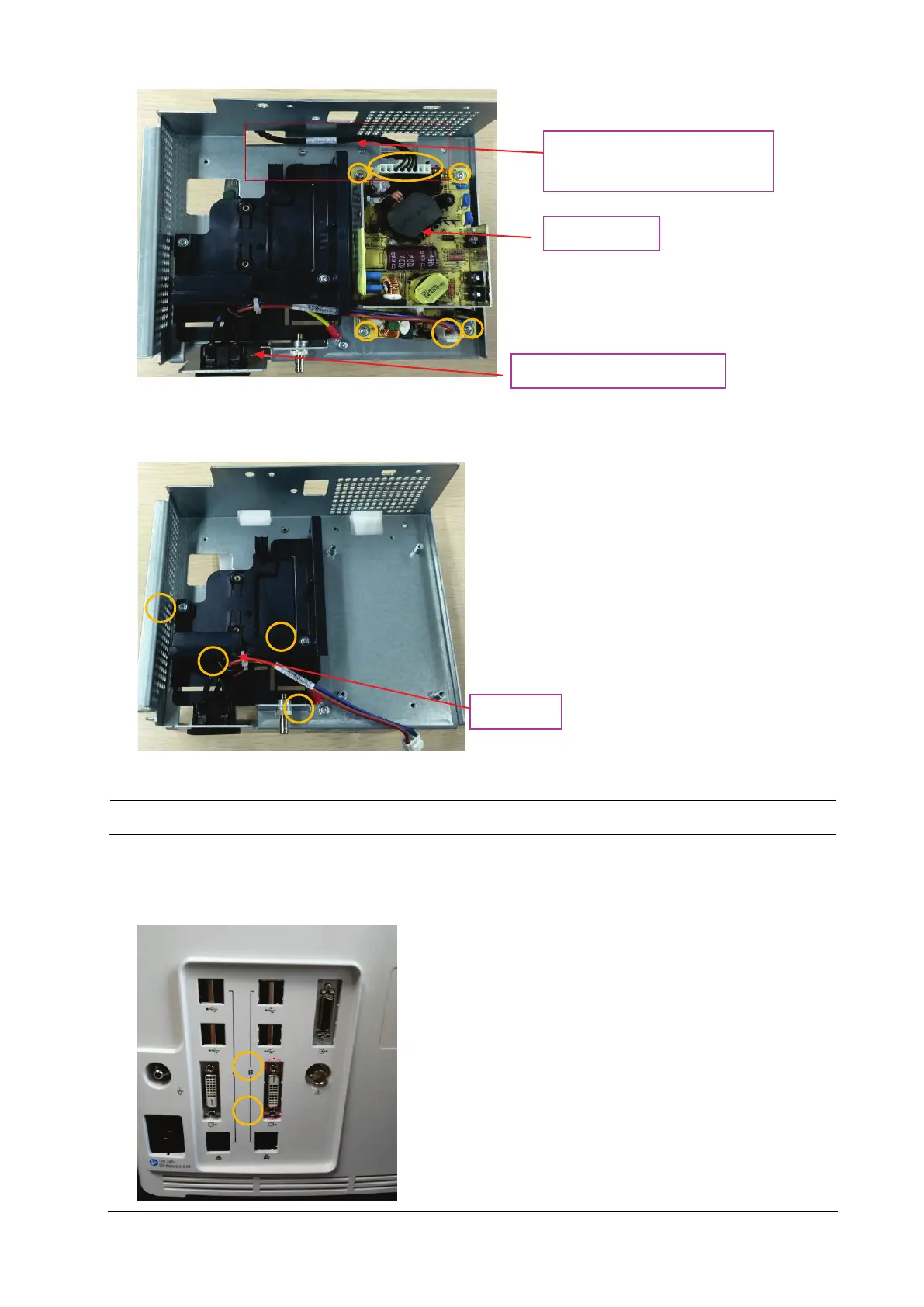
5. Cut off the cable tie on the connection line, loosen and remove the two M3X6 screws, and take out the recorder
cover; loosen and remove one M3X6 screw, and take out the power cord from the AC input to ACDC.
NOTE
Do not injure the cable when cutting the cable tie.
7.5.7 Removing the iView Board Assembly (N17 Series)
1. First screw out the two DVI stud screws.
Cable tie
Connection line from the main
control board to the ACDC
AC input to ACDC power cord
Power board



 To Next Page