99
Decorative Stitches
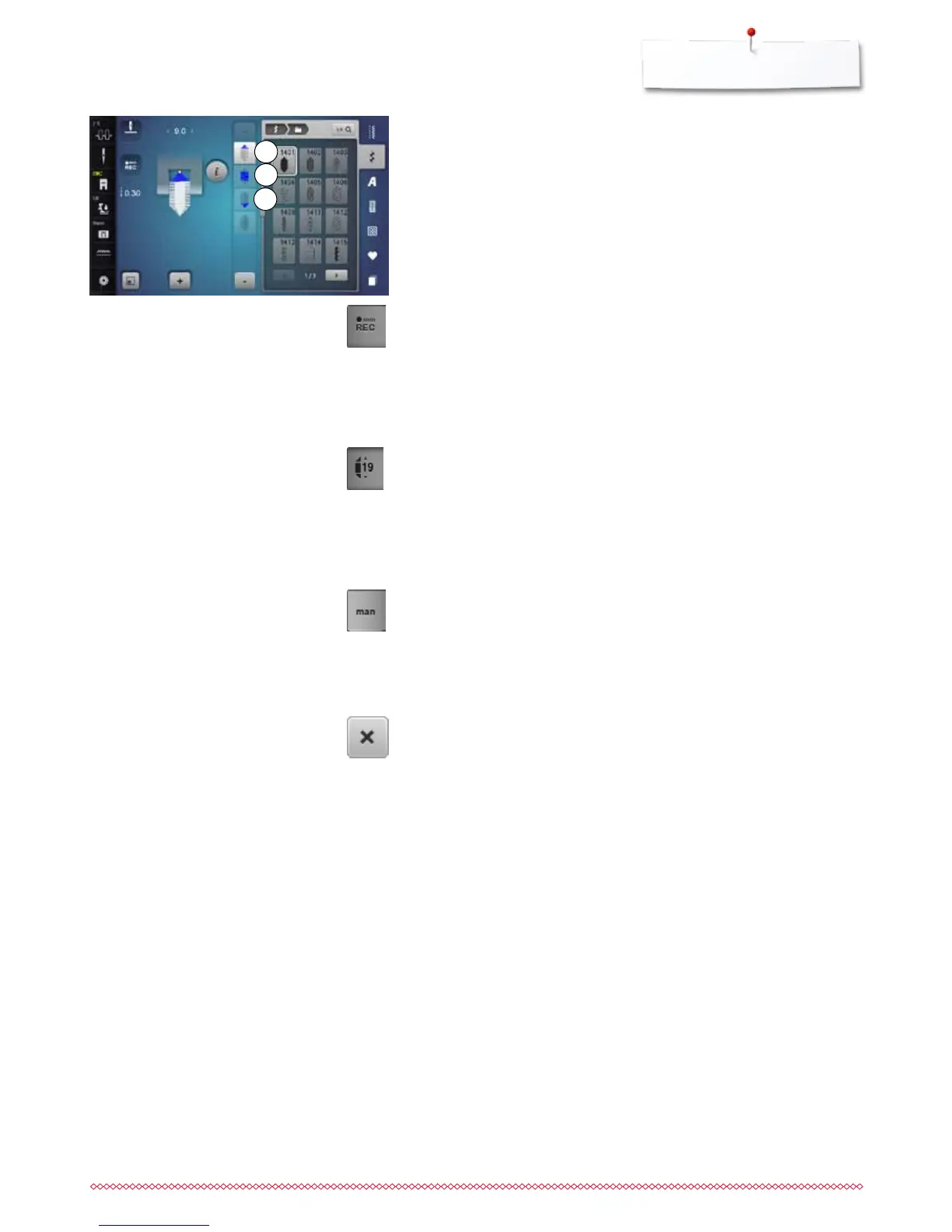
Programming the length of section 2
►
«REC»-icon is active (dark), when a tapering pattern is selected
⦁
sew the first section
⦁
use «Quick reverse »-button to set the length of section 2
►
once the length is programmed, the field is turned off (inactive, bright)
►
after programming section 2, section 3 is sewn automatically and the
sewing computer stops
⦁
if a new length is to be programmed, touch the icon again
Programming the length of section 2 by Entering mm
⦁
touch «Tapering length»-icon
►
program the length using the stitch width or the stitch length knob
⦁
touch the small «i» at the top of the Display
►
the Function Overview appears
⦁
sew the stitch pattern
►
all three sections are automatically sewn and the sewing computer stops
⦁
if a new length is to be programmed, touch the icon again
Manual setting the Length of Section 2
⦁
touch «man»-icon
►
sew first section
⦁
use «Quick reverse»-button to set the length of section 2
►
the third section is automatically sewn and the sewing computer stops
►
the length is not programmed and must be reset each time a new tapered
pattern is started
Back
⦁
touch «i»- or «Close»-icon
►
the Display showing the functions is closed
►
the tapering patterns appear
2
3
1



 To Next Page