142
Overview Display
Overview Display
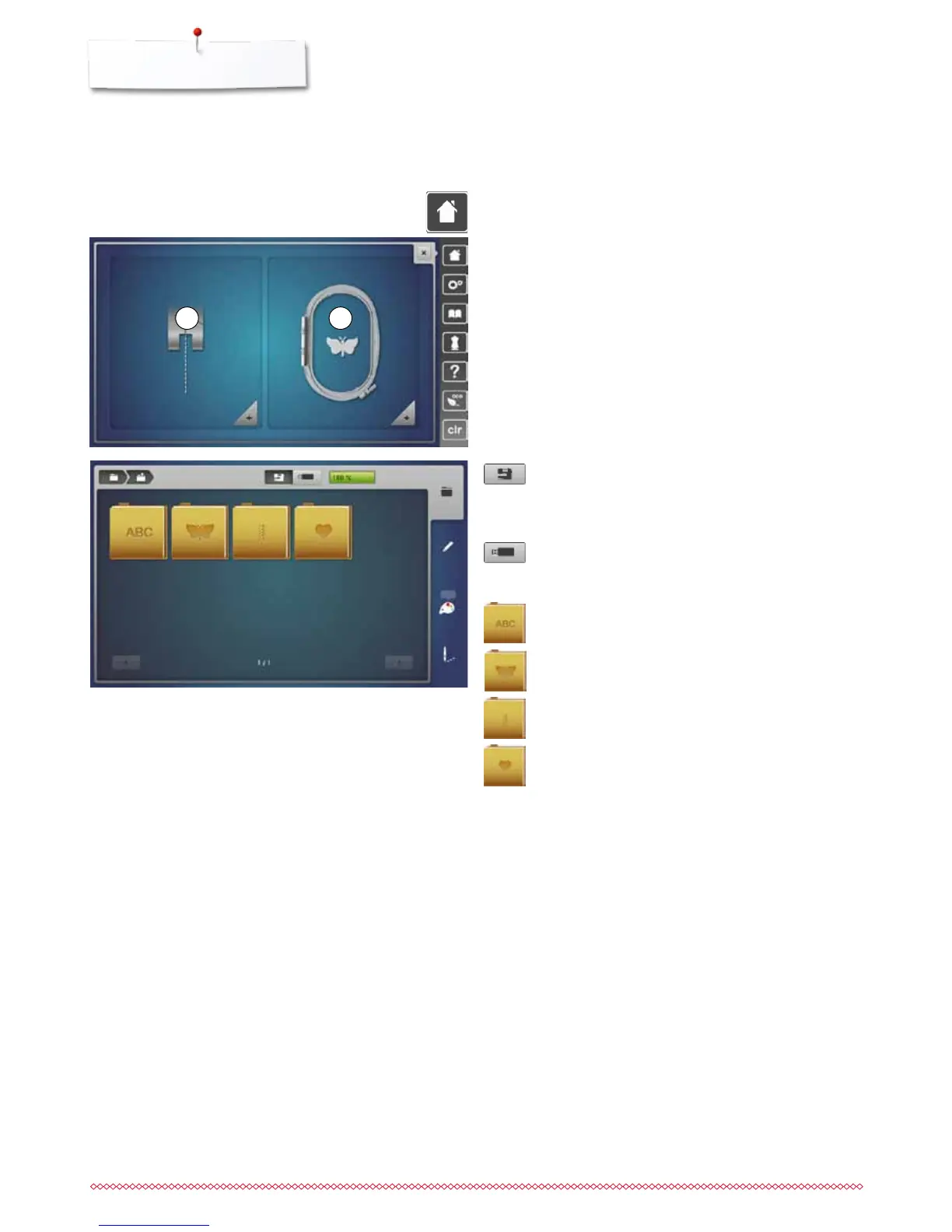
Entry to Embroidery mode
Embroidery computer
To select embroidery motifs from the folders
«Alphabets», «Motifs», «Stitch patterns» or «My
Designs».
USB-Stick (optional accessory)
To select embroidery motifs which are saved on the
USB stick.
Alphabets
To select built-in alphabets.
Motifs
To select built-in embroidery motifs.
Stitch patterns
To select integrated stitch patterns.
My Designs
To select saved embroidery motifs.
⦁
press «Home»-button
Embroidery mode
⦁
touch «Embroidery mode»-icon 2
►
the «Embroidery»-Display appears
Sewing mode
⦁
touch «Sewing mode»-icon 1
►
the «Sewing»-Display appears
1 2



 To Next Page