158
Embroidery motifs
⦁
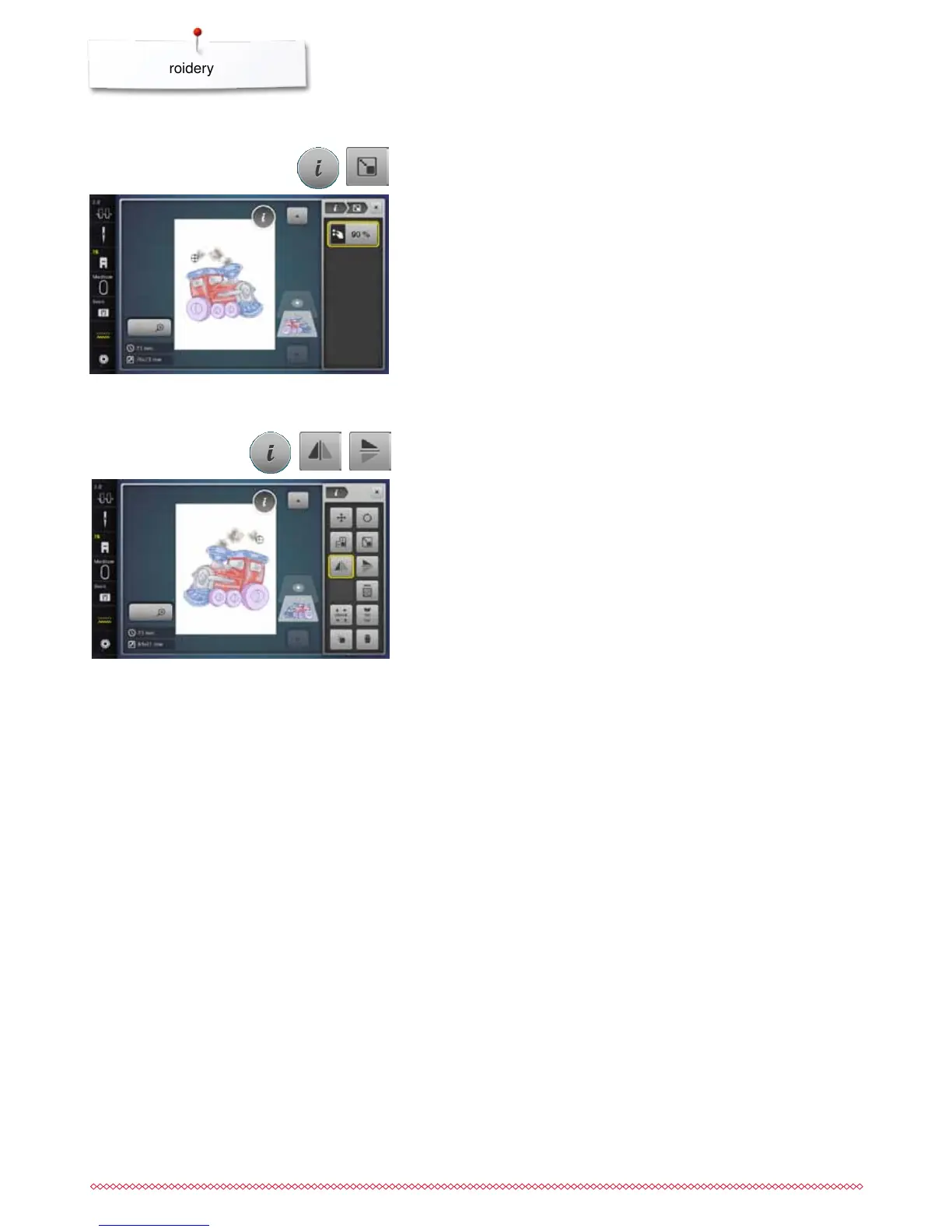
turn stitch width knob to the right
►
the motif is enlarged
⦁
turn stitch width knob to the left
►
the motif is reduced
►
the alteration is displayed in the icon in percent (%)
⦁
touch yellow-framed icon
►
the size of the motif is reset to basic setting
⦁
touch «i»-icon
⦁
touch «Enlarging or reducing motif proportionally»-icon
Altering embroidery motifs proportionally
⦁
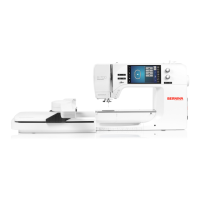
touch «Mirror Image left/right»-icon
►
the motif will be mirrored horizontally
⦁
touch «Mirror Image up/down»-icon
►
the motif will be mirrored vertically
⦁
touch «i»-icon
Mirroring motifs


 To Next Page