92
Buttonholes
Buttonhole in Long Term Memory
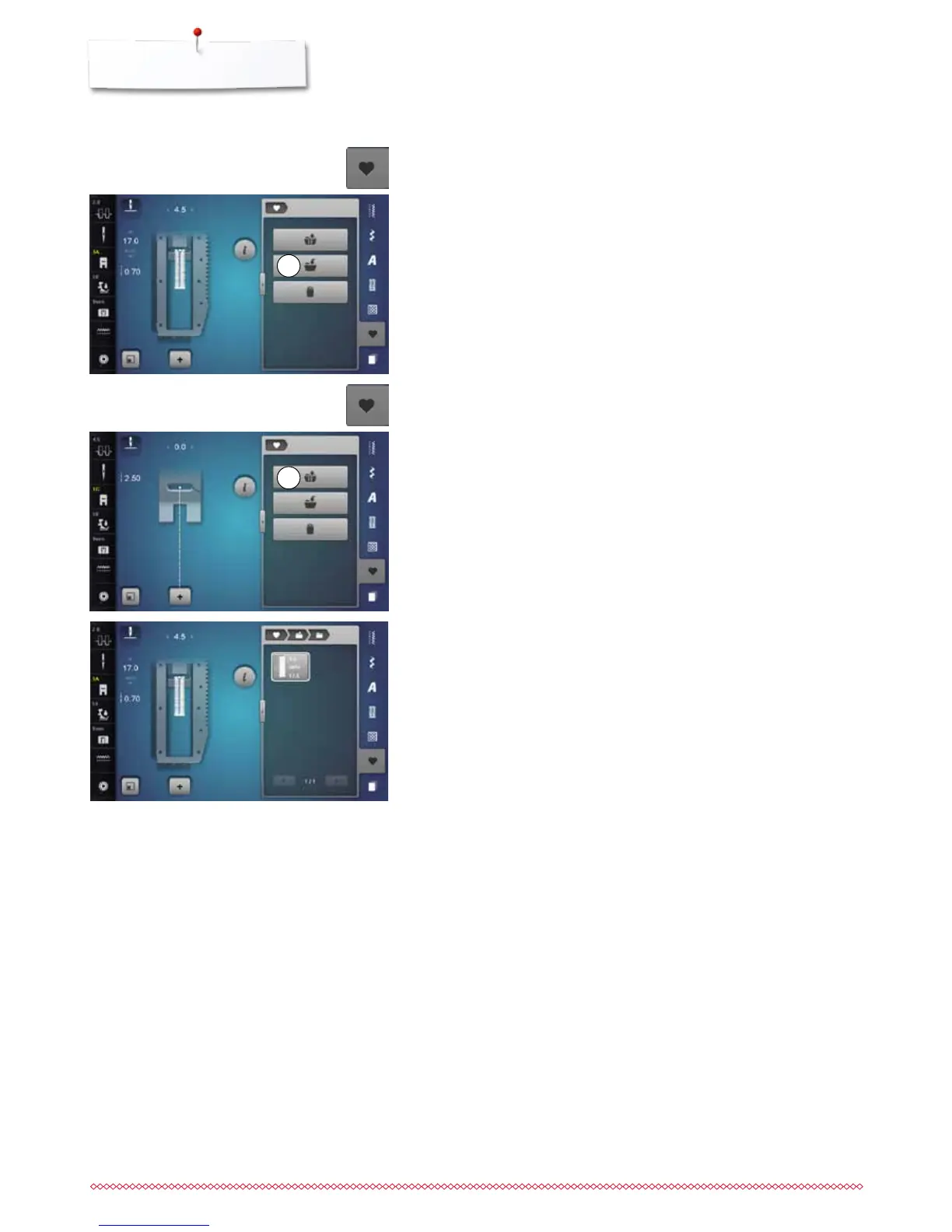
Programming the buttonhole
⦁
touch «Save»-icon 1
►
a Display with four folders appears
⦁
select the folder where the buttonhole is to be saved, e.g. 1
⦁
touch the yellow-framed «Save»-icon
►
the buttonhole is now saved in long term memory
1
Selecting a saved buttonhole
⦁
touch folder 2
►
a Display with four folders appears
⦁
select the folder where the buttonhole is to be select, e.g. 1
2
⦁
select buttonhole
⦁
touch «Memory»-button
⦁
touch «Memory»-button



 To Next Page