121
Personal Program
Deleting stitch patterns
Selecting stitch patterns
⦁
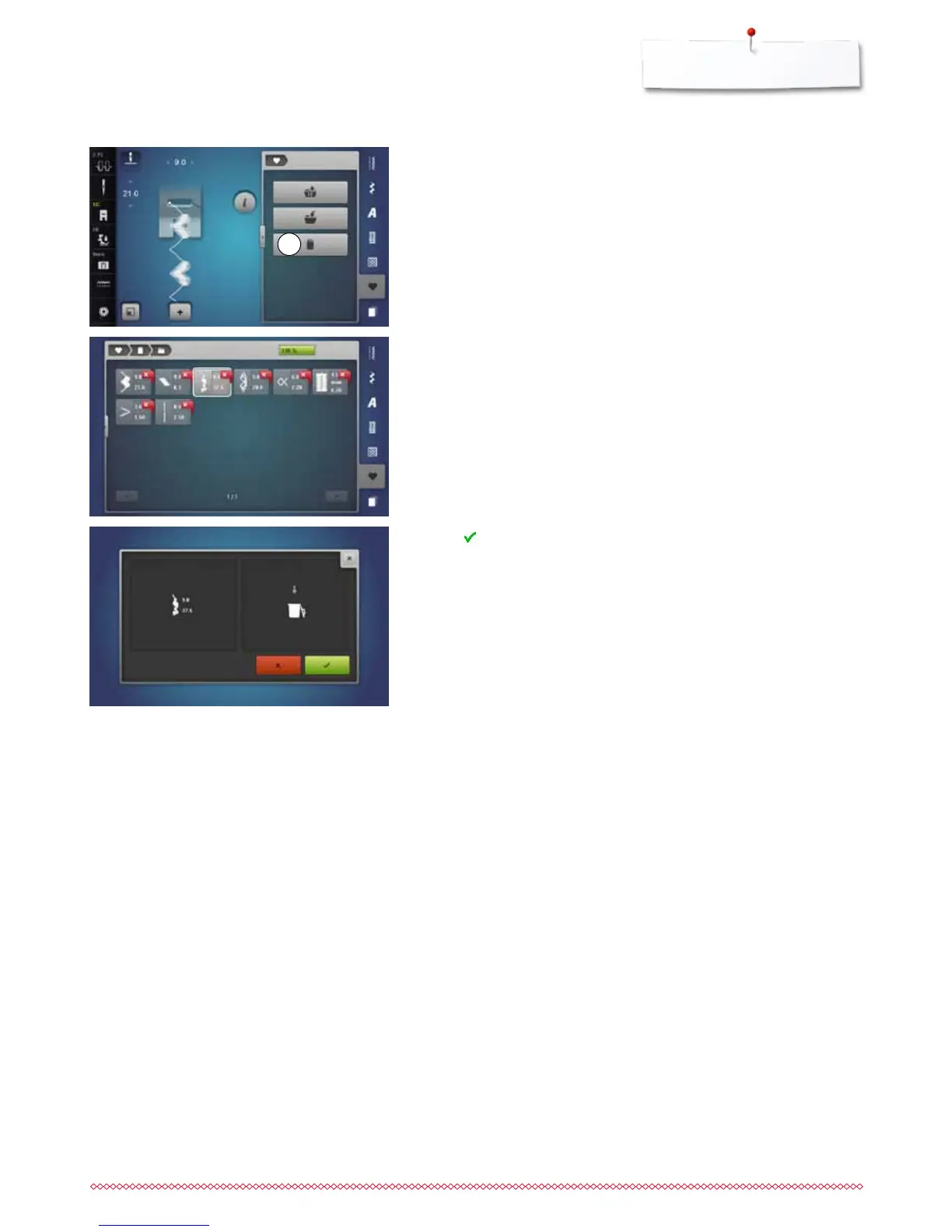
touch «Personal program»-button
⦁
touch «Delete»-icon 1
⦁
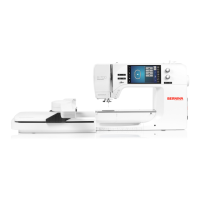
select the desired folder
⦁
select the stitch pattern to be deleted
⦁
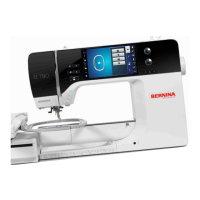
touch to confirm
►
stitch pattern is deleted
►
the remaining stitch patterns are moved by one position
1


 To Next Page