69
Practical Stitches
⦁
turn the knobs or
⦁
touch stitch width or stitch length Display
⦁
touch «-»/«+» icons in the respective Display or
⦁
move the round knob in the Display using the Touchscreen pen or the
finger
Can be altered while sewing.
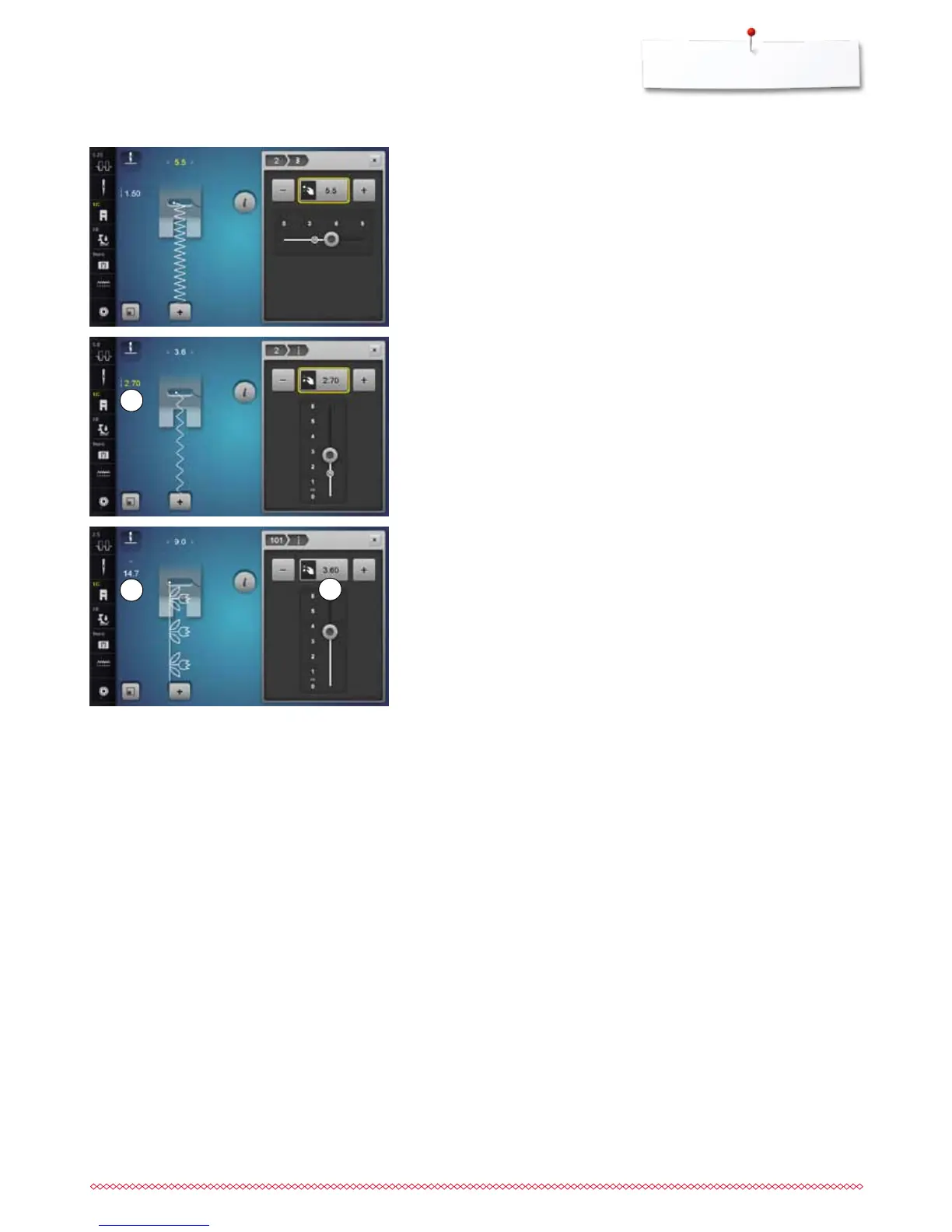
When sewing practical or quilting stitches the actual stitch length 1 is displayed.
With other stitch patterns, including alphabets, the overall length of a stitch
pattern 2 is displayed. The actual stitch length 3 is only visible when the stitch
length Display is opened.
1
2
3
Altering stitch width and stitch length



 To Next Page