59
Help Program
⦁
touch «Help Program»-button
⦁
select the desired stitch pattern or the desired function
Stitch patterns
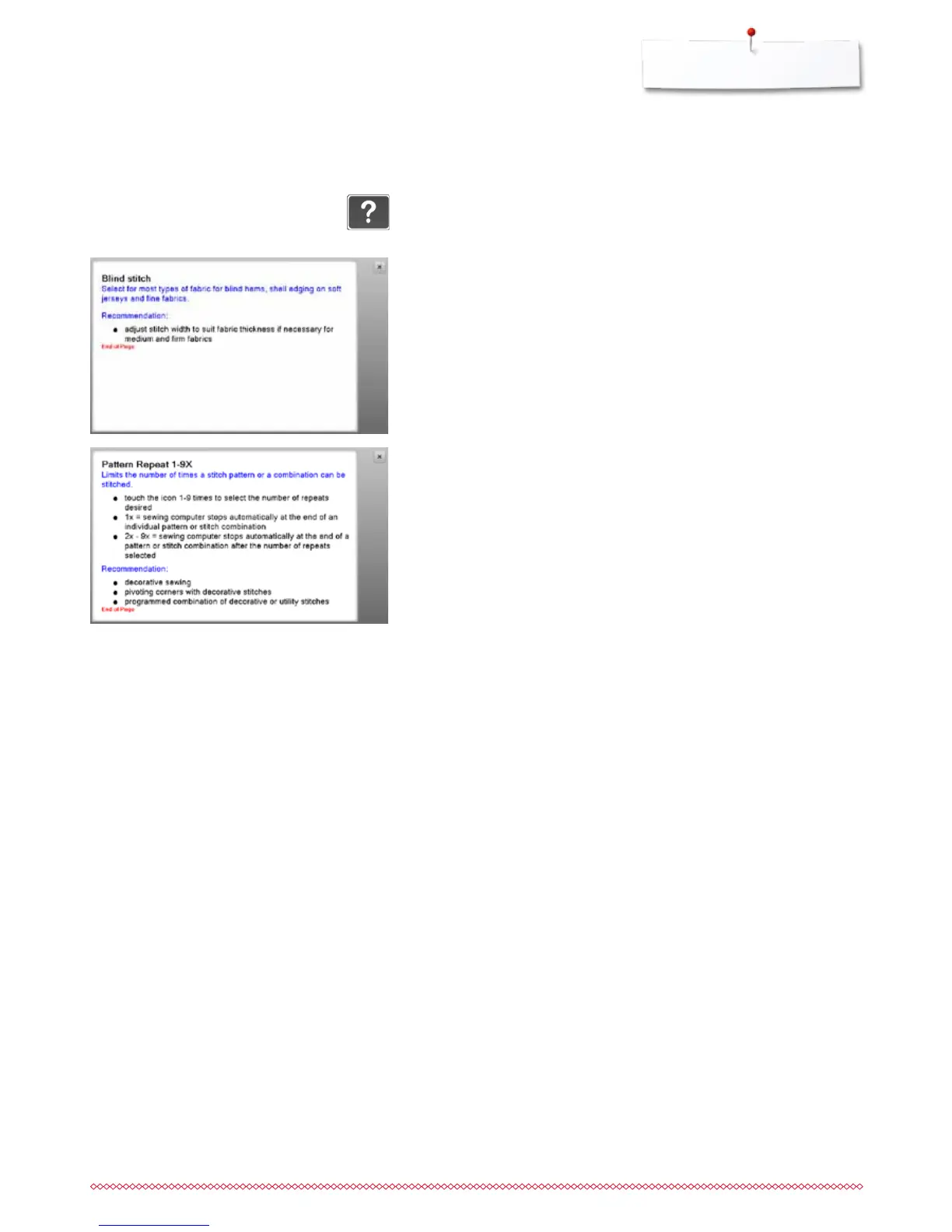
The Display shows the following information:
►
stitch pattern name
►
suitable materials
►
recommendation
Help Program
The Help Program provides information about individual stitch patterns and
function icons in the Display.
Functions
The Display shows the following information:
►
function name
►
function explanation
►
recommendation
Leaving the Help Program
⦁
touch «Close»-icon
►
the Help program is closed
►
the previous Display appears


 To Next Page