88
Buttonholes
Automatic with Direct Entry Length
Buttonhole foot No. 3A
Programming the buttonhole length
Buttonholes can be sewn to a specific length with the Buttonhole foot No. 3A.
Buttonhole length = cutting length in mm.
⦁
select the desired buttonhole
⦁
touch «i»-icon
⦁
touch «Direct entry length»-icon
Determining the buttonhole length
⦁
enter the buttonhole length using the multifunction knobs (stitch width or
stitch length knob)
►
the length entered appears below the buttonhole
►
the number above the button is the exact button size
⦁
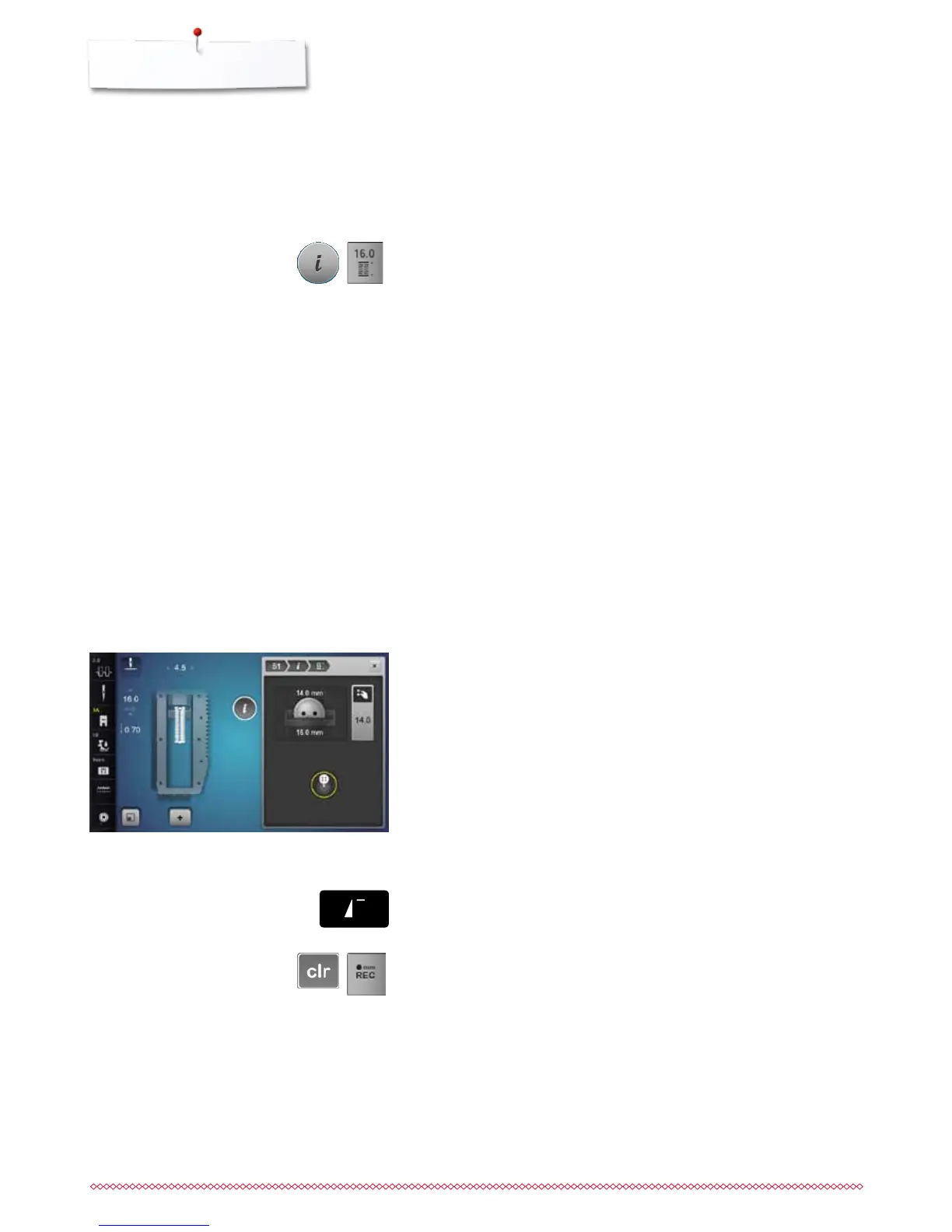
touch small «i»-icon in the upper part of the Display
►
the Function Overview appears
►
the length entered is saved
►
«auto» and the programmed length is shown on the left side in the Display
Back to the Buttonhole menu
⦁
touch «i»- or «Close»-icon
►
the buttonhole Display appears
Buttonhole foot No. 3A
Determining button size
The sewing computer calculates the length of the buttonhole directly from the
diameter of the button. 2 mm are automatically added for the button thickness.
⦁
hold the button on the yellow circle in the right portion of the Display
⦁
adjust the yellow cirlce to the size of the button using the stitch width or the
stitch length knob
►
the button size is indicated above the button between the two lines
(i.e. 14 mm)
⦁
remove the button from the Display
⦁
touch «i»- or «Close»-icon
►
the length entered is saved
►
«auto» and the programmed length is shown on the left side in the Display
Corrections for thick buttons
Match buttonhole length to buttonhole thickness (raised buttons, etc.) e.g.
buttonhole length + 1 cm (incl. 2 mm) if button height is 1cm.
The button slides easily through the buttonhole.
Automatic with Button measuring
Back to buttonhole begin
⦁
press «Pattern begin»-button
►
the sewing computer sets the program to the start of the buttonhole again
Deleting saved buttonholes
⦁
press the «clr»-button or touch «recording»
►
«auto» goes off and «REC» appears
⦁
a new buttonhole length can be programmed



 To Next Page