171
Embroidery motifs
⦁
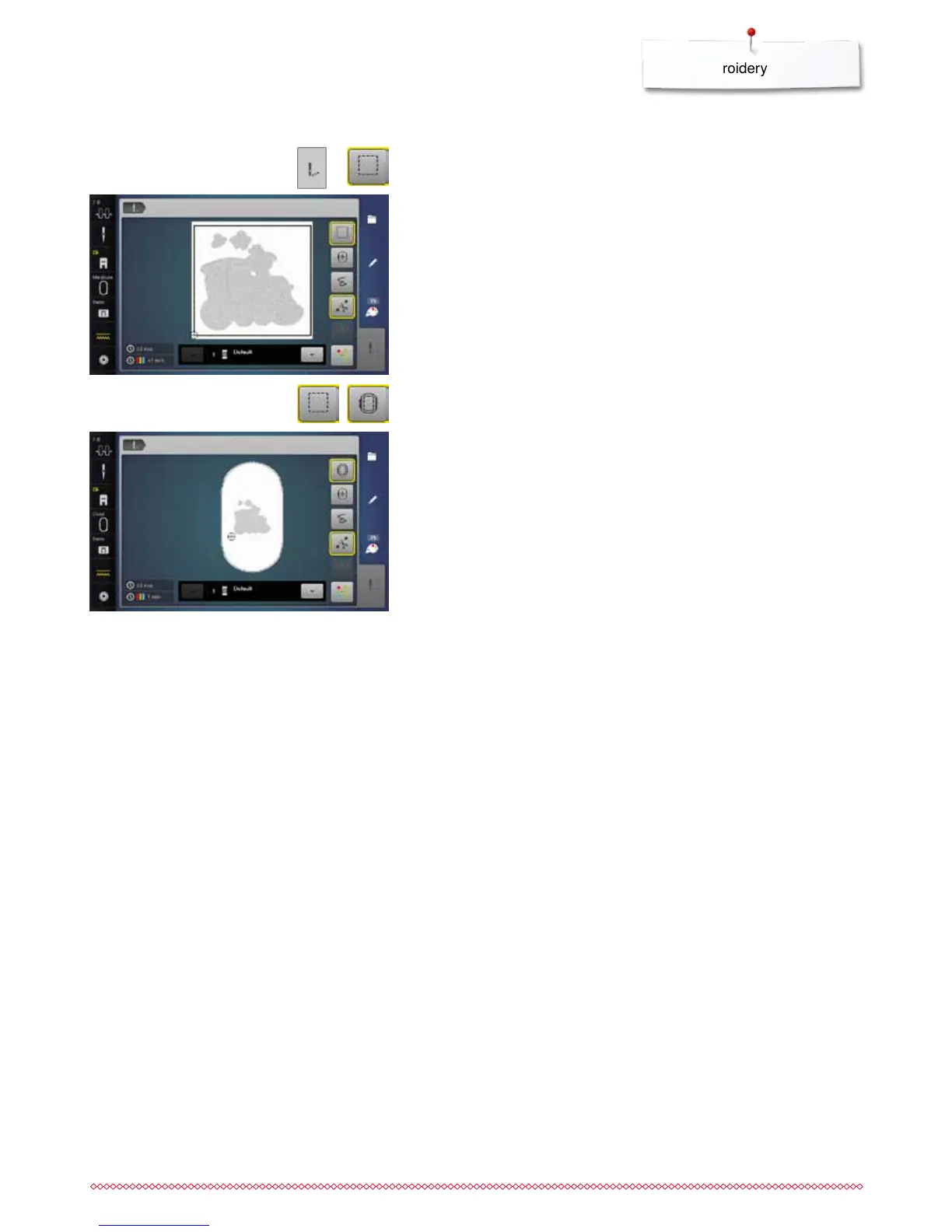
press «Embroidery menu»-button
⦁
touch «Basting»-icon
The embroidery motif is outlined with a straight stitch.
This serves as an additional anchoring of the project so that the fabric and
stabilizer are adhered.
The basting is now done along the hoop.
Deactivating basting
⦁
touch the icon again
►
basting stitches are deactivated
This function remains active even if a new motif is selected.
⦁
touch «Basting»-icon again
►
the symbol changes
Basting



 To Next Page