109
BSR
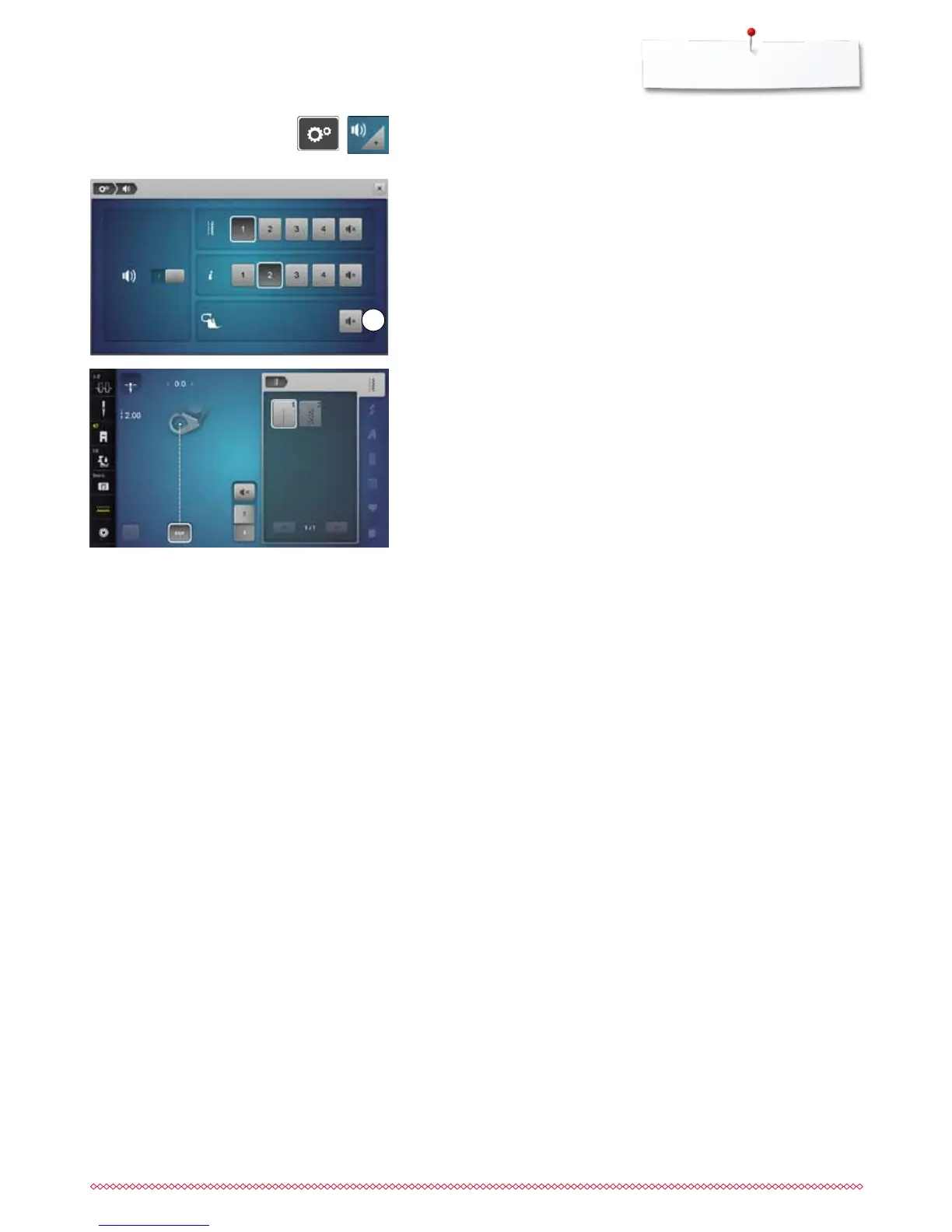
Beeper (audio signal) activation/deactivation
⦁
press «Setup»-button
⦁
touch «Acoustic signal»-icon
Selecting sound for BSR in the Setup Program
►
one sound is set as default (active)
⦁
touch the icon 1 showing the loudspeaker for BSR
►
the loudspeaker turns white and the icon dark
►
the sound for the beeper is inactive
The loudspeaker is dark and the icon is bright when the sound of the beeper is
activated.
Selecting sound for BSR in the «BSR»-Display
⦁
touch the icon with the loudspeaker
►
the icon turns dark and the loudspeaker white
►
the sound for the beeper is inactive
The icon with the loudspeaker is bright and the loudspeaker is dark when the
sound for the Beeper is active.
1



 To Next Page