61
Balance
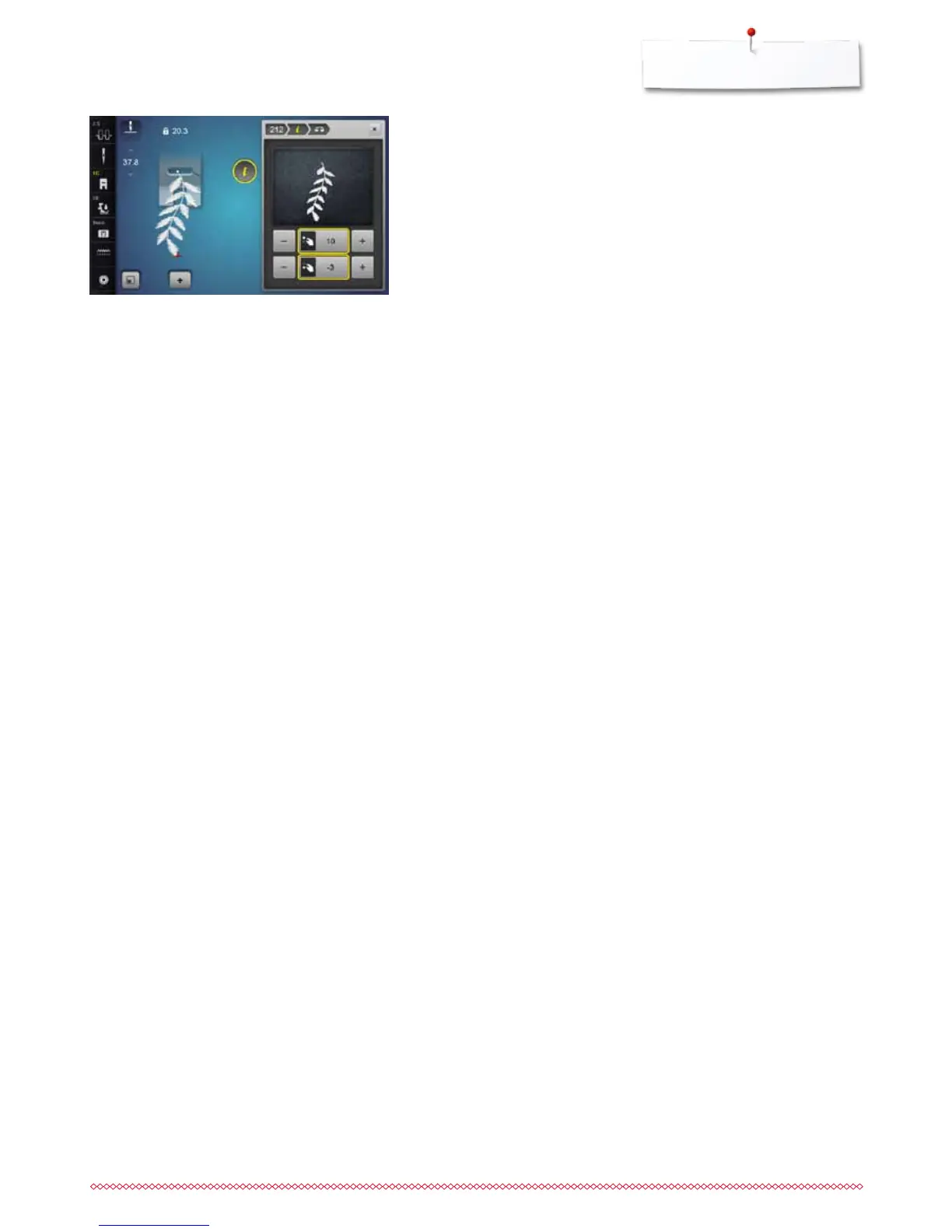
The stitch sewn on the fabric e.g. stitch pattern No. 212 is vertically and
horizontally distorted.
Vertical corrections
⦁
adjust the stitch pattern length via the stitch length knob or «+»/«-»-icons,
until the stitch in the right part of the Display is identical with the stitch on
the fabric
Horizontal corrections
⦁
adjust the stitch pattern width via the stitch width knob or «+»/«-»-icons,
until the stitch in the right part of the Display is identical with the stitch on
the fabric
Back to basic settings
⦁
touch «i»-icon
⦁
touch the yellow-framed «Balance»-icon
⦁
touch the yellow-framed icon
►
basic setting is reset


 To Next Page