BERNINA International AG Seestrasse 161 CH-8266 Steckborn Schweiz Seite 140 von 172
DRAFT – VERSION
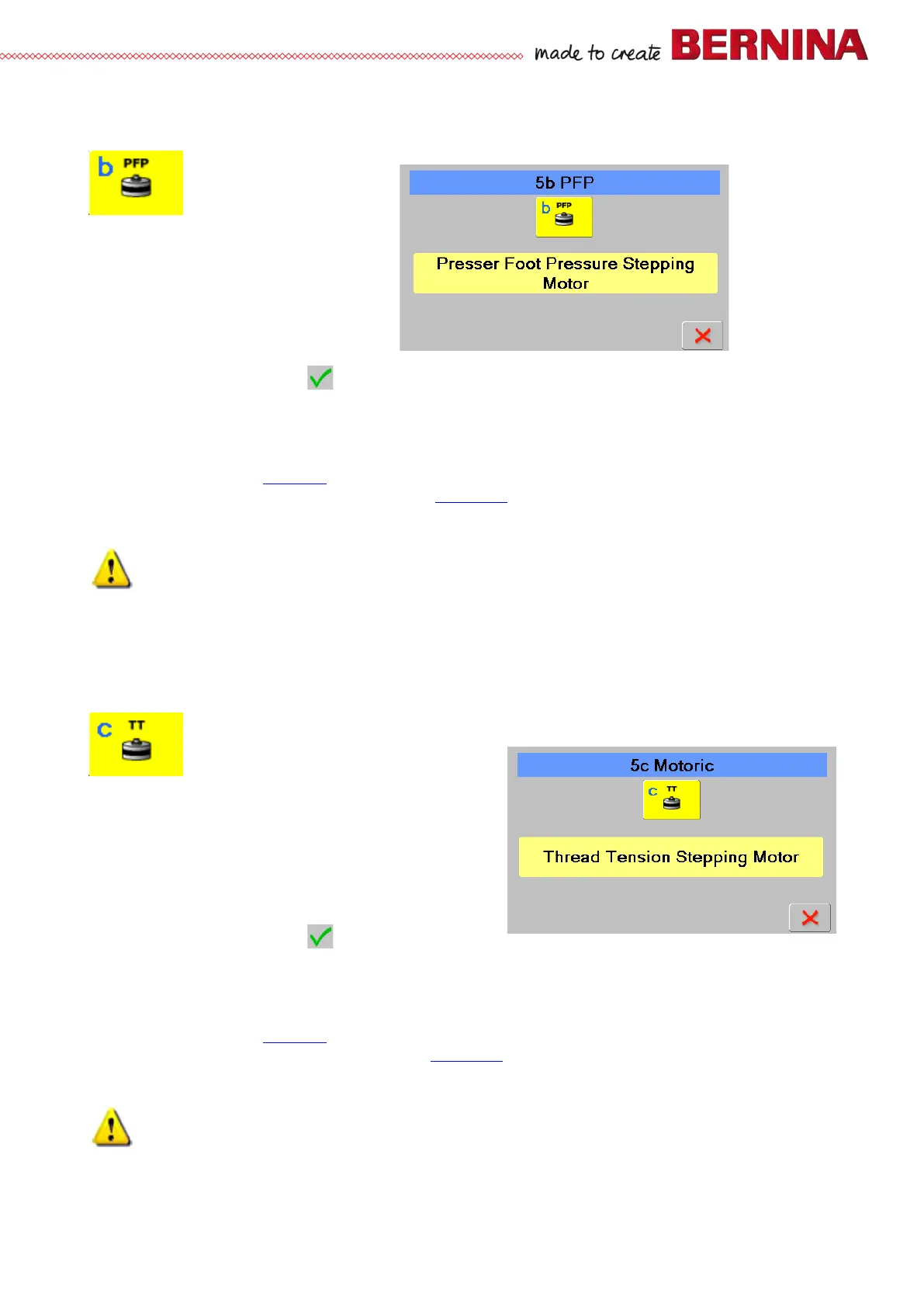
5b Presser-foot pressure stepping motor
Is used to check presser foot pressure stepping motor function
Check:
• Select test 5b.
• Press icon to activate the stepping motor. The
colour of the icon will change to light blue,
‘Running’ appears, and the presser-foot bar moves up
and down.
• Press icon again to stop the stepping motor.
‘Successful’ appears.
• To return to section 5, press .
Repair note:
• If the stepping motor doesn’t move, the fault might be with the motor itself, the wiring or the PCBA-Base.
• Check cables and plugs for deformation and/or wear and tear.
• Replace PCBA-Base (see 4.2.4
).
• Replace presser-foot pressure stepping motor (see 4.3.21)
Important!
Disconnect machine from the power supply.
Do not disconnect or reconnect when the machine is powered.
5c Upper-thread tension stepping motor
Is used to check upper thread tension stepping motor function
Check:
• Select test 5b.
• Press icon to activate the stepping motor. The colour of
the icon will change to light blue, ‘Running’ appears,
and the upper-thread tension unit moves back and
forth.
• Press icon again to stop the stepping motor.
‘Successful’ appears.
• To return to section 5, press .
Repair note:
• If the stepping motor doesn’t move, the fault might be with the motor itself, the wiring or the PCBA-Base.
• Check cables and plugs for deformation and/or wear and tear.
• Replace PCBA-Base (see 4.2.4
).
• Replace upper-thread tension stepping motor (see 4.3.17)
Important!
Disconnect machine from the power supply.
Do not disconnect or reconnect when the machine is powered.



 To Next Page