BERNINA International AG Seestrasse 161 CH-8266 Steckborn Schweiz Seite 24 von 172
DRAFT – VERSION
Precondition:
• Machine connected to flawlessly working
power supply
• Foot control is connected
• Main switch I/O is ON
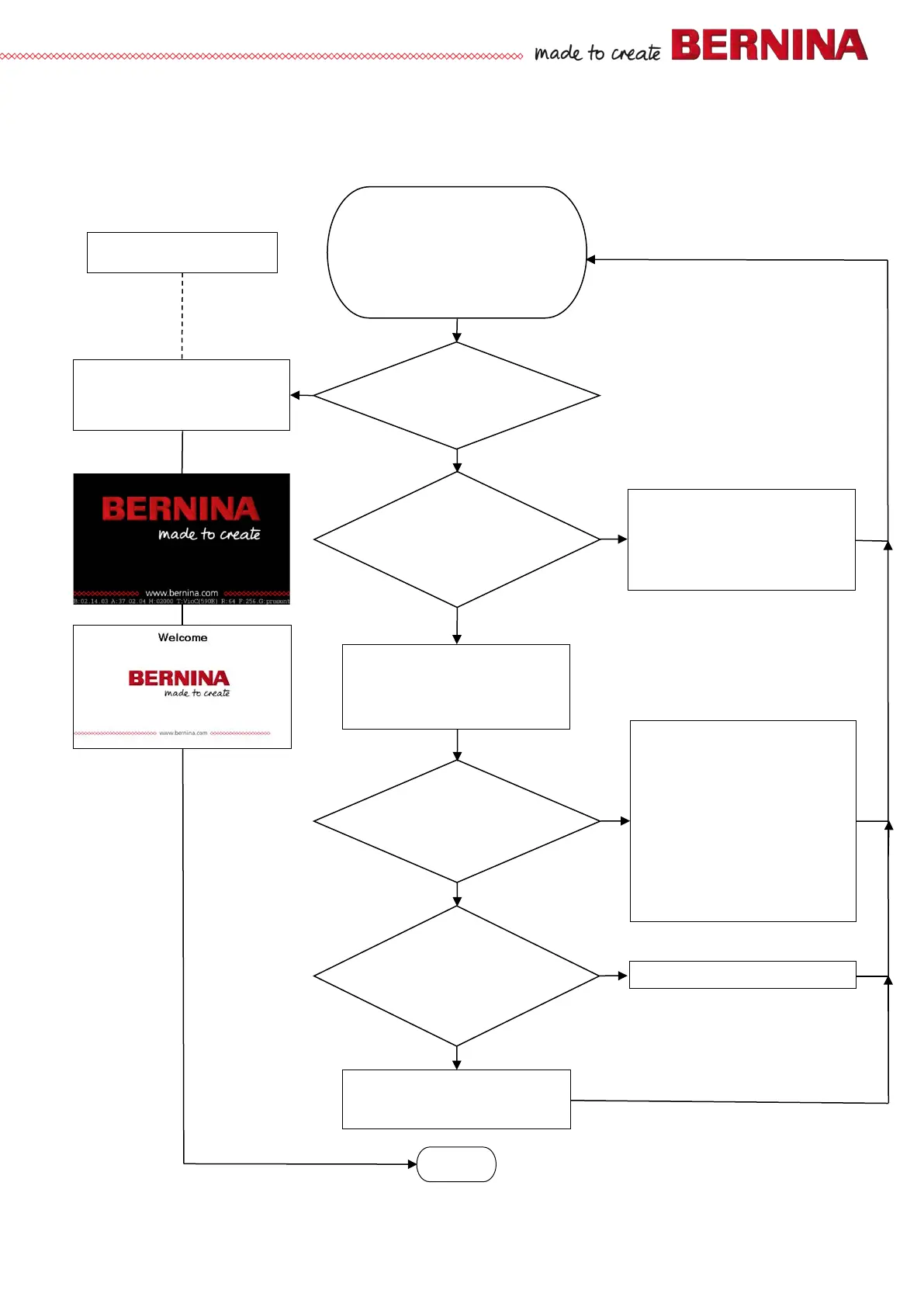
Initialise
stepping motors?
at least one?
Yes
Does machine start up to
black starting screen with
red BERNINA logo?
Is upper LED lit: 35V
on PCBA-Base?
Is lower LED lit: 5V
on PCBA-Base?
No
Do 2 LEDS light and/or
flash
on PCBA-Module ARM 9?
(FPAG & Firmware)
Yes
Yes
No
Check functioning of all stepping motors in
Service Program
Repair if required. Test functioning.
What’s on the screen
No
Yes
No
• Switch machine off.
• Remove front cover but don’t disconnect
it.
• Switch machine on.
Yes
• Use LED functions table to find cause.
Remedy.
1. FW update via alternative access (see
8.2)?
2.
Machine keeps asking for FW update
(loop).
3.
EEPROM is corrupted or inexistent
35V LED isn’t lit:
• Check power supply.
• Check main switch I/O.
• Check wire between PCBA-Power and
PCBA-Base.
• Check main fuse on PCBA-Power.
• Replace PCBA-Power.
5V LED isn’t lit:
• Replace PCBA-Base.
• Replace PCBA-CPU Module ARM 9.
End
Chapter 3 - Troubleshooting
3.1 General troubleshooting flow chart



 To Next Page