BERNINA International AG Seestrasse 161 CH-8266 Steckborn Schweiz Seite 141 von 172
DRAFT – VERSION
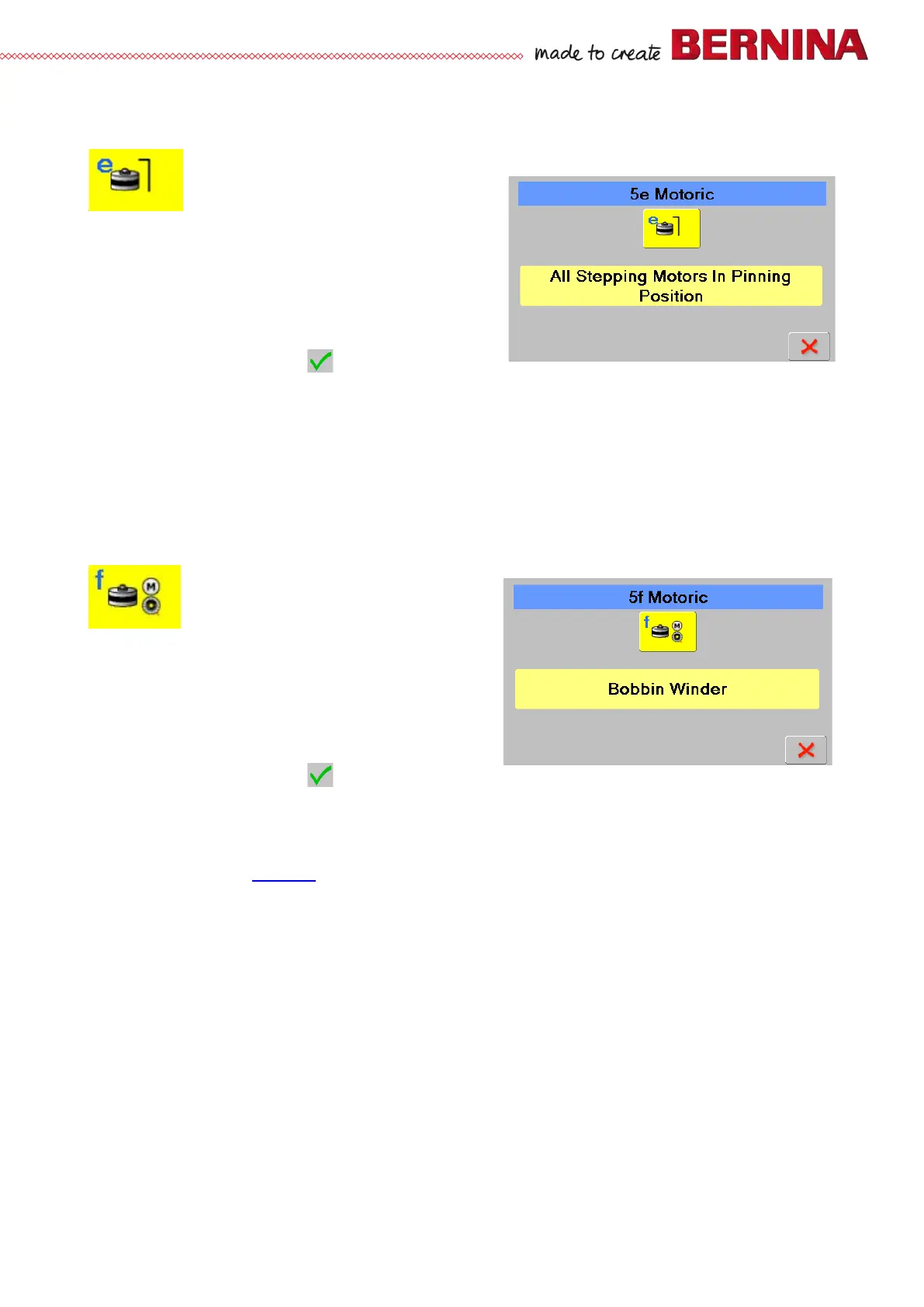
5e All stepping motors in pinning position
Is used to bring all stepping motors in pinning position
Check:
• Select test 5e.
• Press icon to activate the stepping motors. The colour
of the icon will change to light blue, ‘Running’ appears,
and all motors move into pinning position.
• To check the positions, use pinning tools.
• Press icon again to stop the test. ‘Successful’ appears.
• To return to section 5, press .
Repair note:
• Check pinning positions as indicated above. Replace motor(s) according to Service Manual if necessary.
• Check cables and plugs for deformation and/or wear and tear.
5f Bobbin winder motor
Is used to check bobbin winder motor function
Check:
• Select test 5f.
• Press icon to activate the winder motor. The colour of
the icon will change to light blue, ‘Running’ appears,
and the winder motor starts.
• Press icon again to stop the winder motor. ‘Successful’
appears.
• To return to section 5, press .
Repair note:
• If the stepping motor doesn’t move, the fault might be with the motor itself, the wiring or the PCBA-Base.
• Check cables and plugs for deformation and/or wear and tear.
• eplace PCBA-Base (see 4.2.4
).
• Replace winder motor.



 To Next Page