BERNINA International AG Seestrasse 161 CH-8266 Steckborn Schweiz Seite 153 von 172
DRAFT – VERSION
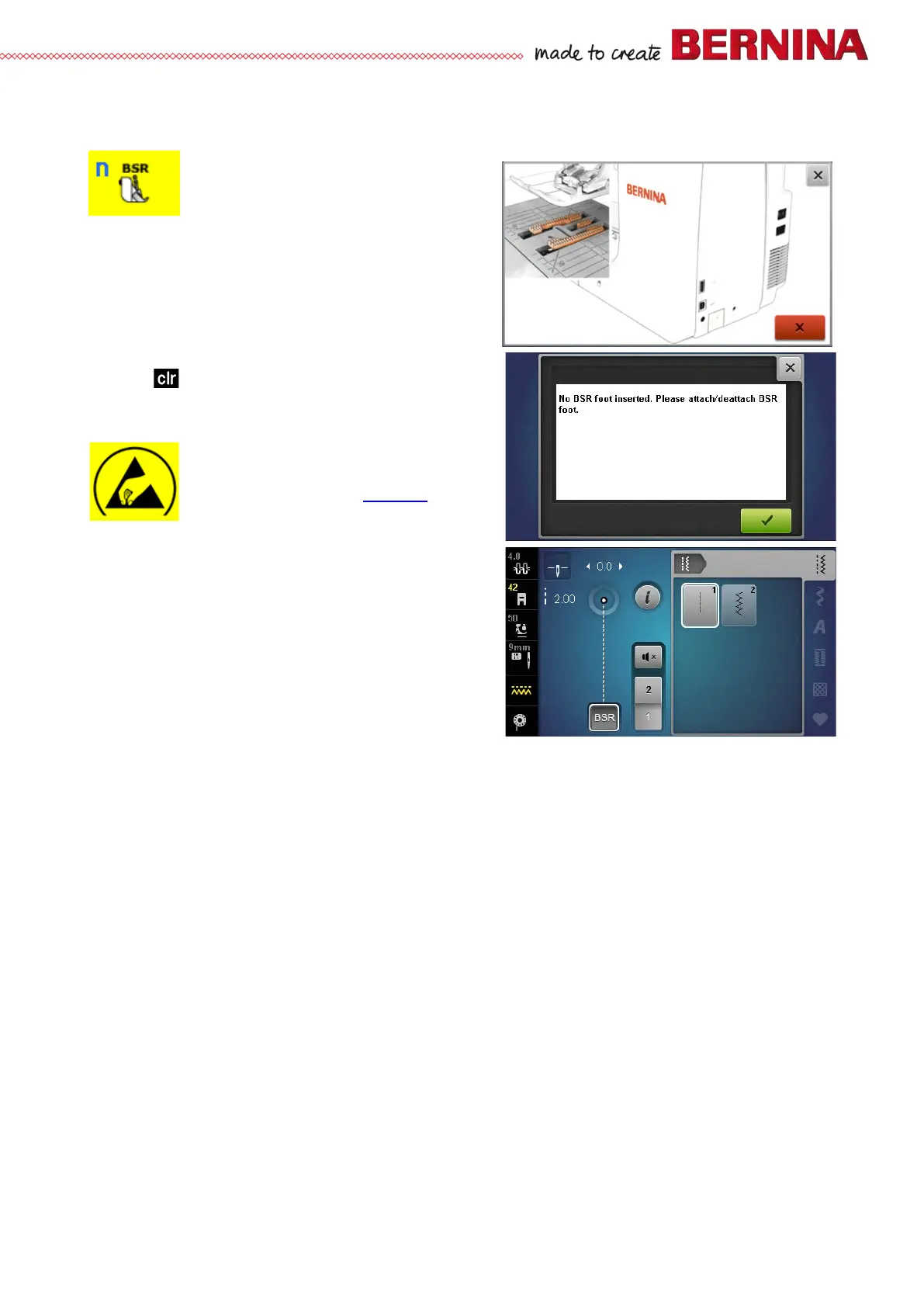
6n BSR sewing mode
Is used to go to BSE sewing mode
Check:
• Select test 6n.
• An animated prompt to lower the feed-dog appears.
• On pressing the red button the prompt to attach the
BSR presser foot appears.
• Attach BSR foot. Press green key to confirm.
• BSR mode 1 appears automatically.
• To switch to BSR 2 mode, press the respective button.
• Press to retrun to Service Program.
Repair note:
• Check BSR for dust or stains.
• Replace BSR foot.
• Replace Check BSR socket.
• Replace
PCBA-Base (see 4.2.4).



 To Next Page