Figure 4.6: Background menu for contamination probe
Set the desired parameters for the background measure-
ment.
Background: Shows the currently stored -
background. It may come from a back-
ground measurement or it can be entered
manually. The stored background is al-
ways subtracted from each measure-
ment.
Background: Shows the currently stored
background. It may come from a
background measurement or it can be
entered manually. The stored back-
ground is always subtracted from each
measurement.
Meas. Time: Enter the desired measuring time. Enter
at least 60 seconds, better 600 seconds
in order to get accurate results.
Autostart: When ON is set (X mark), a background
measurement is carried out automatically
whenever the device is turned on.
BG Meas. Time: If a background measurement was car-
ried out, the elapsed background meas-
urement time is entered here after sav-
ing. On the other hand, if you have en-
tered the background by hand, you have
to enter the measuring time associated
with the background, so that the accura-
cy calculation is correct for a contamina-
tion measurement.
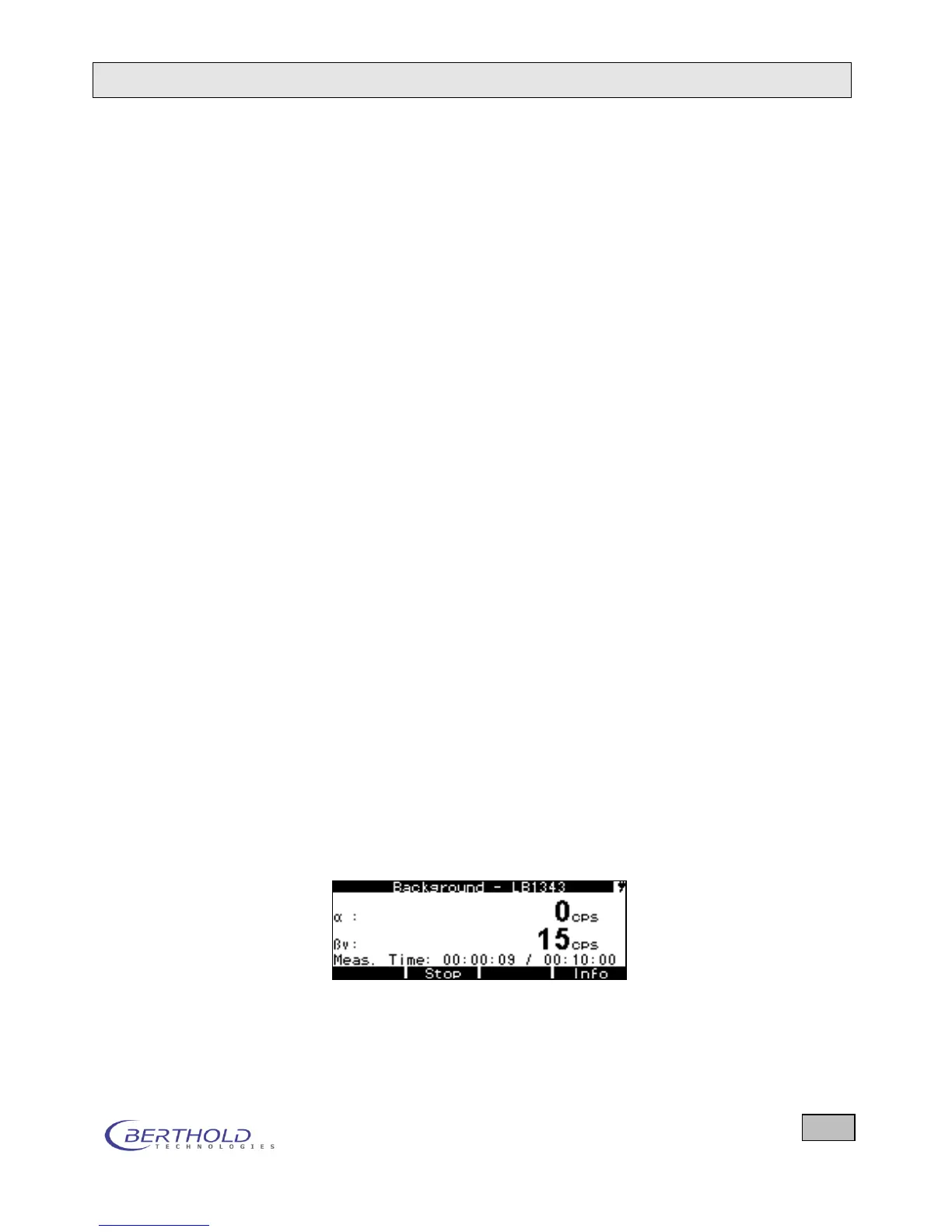
Start the background measurement by moving the cursor
() to Measure background and press the Enter key.
Then the background measurement starts.
Figure 4.7: Background measurement
The measured values and the elapsed measuring time are
displayed continuously. At the end of the measuring time,









 To Next Page