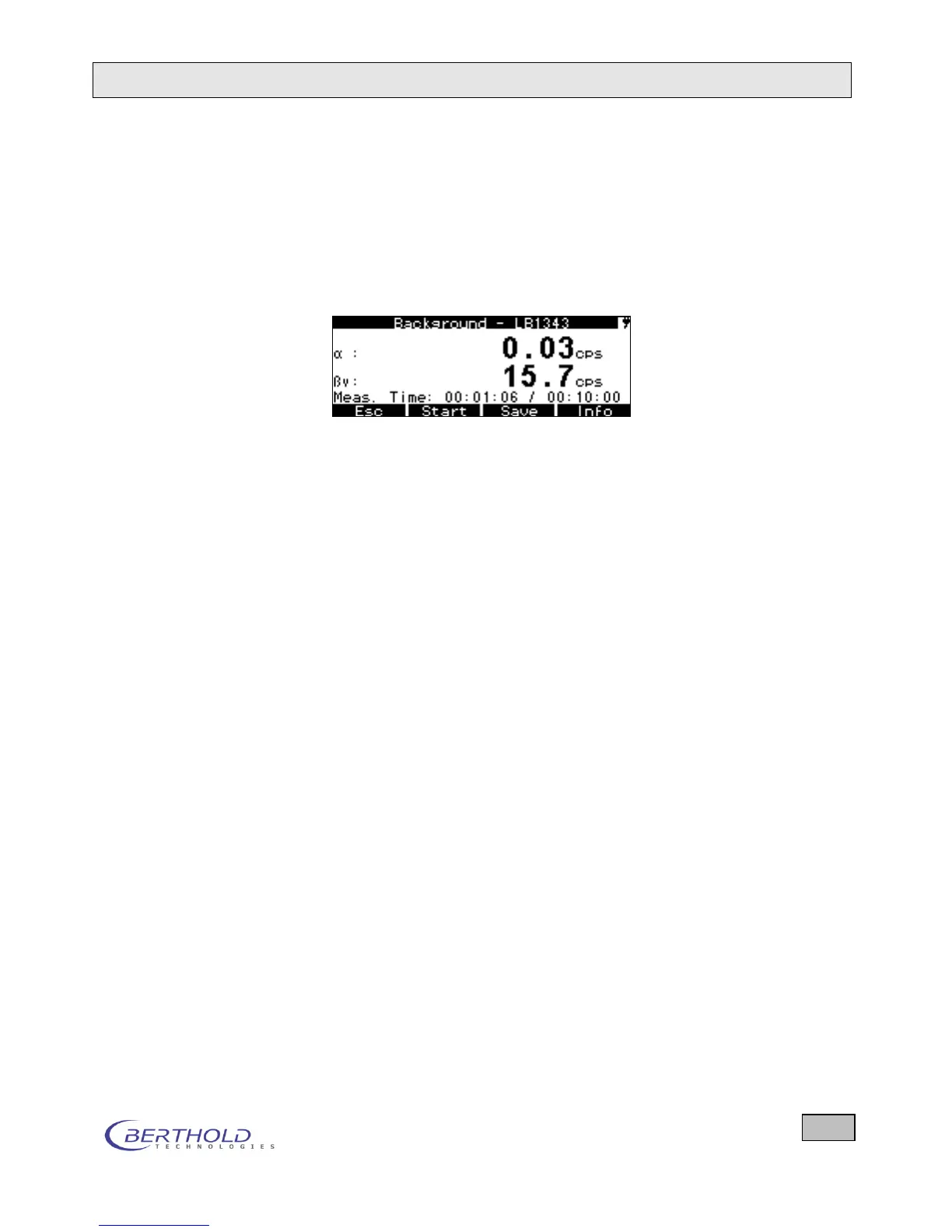
the background measured for both measuring channels is
displayed.
End of the background measurement: When the preset
measuring time is over or by pressing the Stop button. The
following softkeys are now enabled: Save the background,
Start a new background measurement, back to the system
Menu and Info.
Figure 4.8: Display at the end of a background measurement
Select the Save option by pressing the Save button The
stored background is displayed on the menu next to
background and background (see Figure 4.6).
The background should be measured daily or occasionally
or it should be measured new and stored whenever chang-
ing the environment to avoid incorrect results!
Automatic background measurement
With the autostart function enabled, a background measure-
ment is carried out with the preset parameters whenever the
device is turned on.
At the end of the background measurement (measuring time is
over or stop) the value determined can be stored via the Save
button or a new background measurement can be started with
Start.









 To Next Page