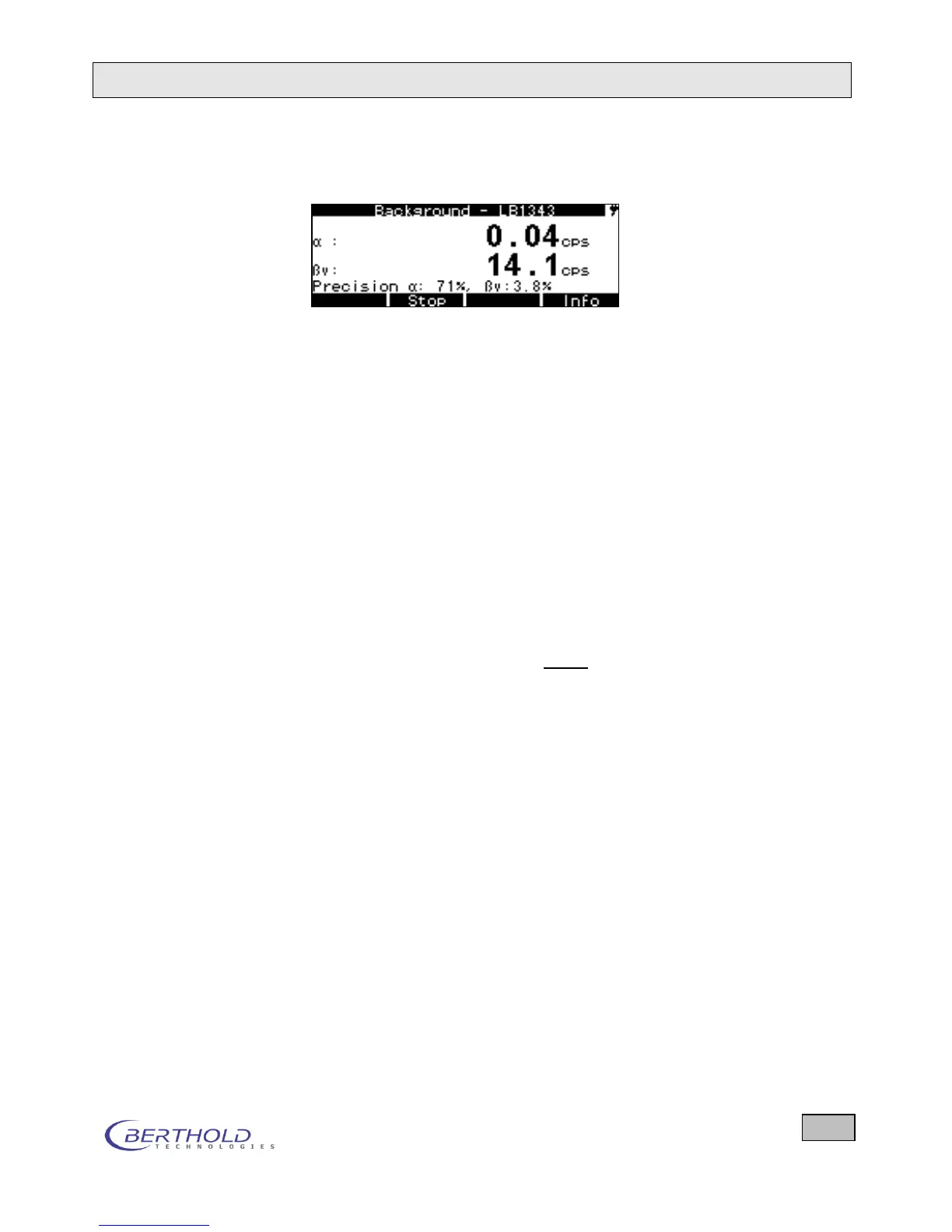
a) The info line can be used while a measurement is running
to view the accuracy or the time and date.
b) At the end of the measurement, the backgrounds ( and )
can be saved (Save button) and information on the meas-
urement can be viewed (Info button).
During a background measurement, the softkeys have the fol-
lowing functions:
Save This softkey is displayed only when the measurement has been
completed. Press this button to store the measured background
in the Background menu in the line BG α and BG β.
Start/Stop Stop is displayed while a measurement is running, Start is dis-
played if a measurement has been stopped or completed.
Esc Return to the Background menu.
Info Press this button repeatedly and briefly to view the following
additional information:
Accuracy
Elapsed Measuring Time and Preset Time
Date and Time
Negative values For statistical reasons it may happen that the stored and sub-
tracted background is greater than the currently measured
count rate. Mathematically this results in negative count rates.
Negative numbers are suppressed in order not to confuse the
user (display zero).
If the negative values are in fact only a result of statistical fluc-
tuations, then the result will constantly vary around 0. That's a
good sign indicating that the stored and the currently measured
background coincide on the average.
However, if the value 0.000 is visible all the time, this indicates
that the stored background is too high. In this case: Check the
background and, where necessary, carry out a new measure-
ment and store the new value!









 To Next Page