Figure 6.13: Measurement type parameters for a
dose rate probe
The following information is included for each measurement
type: name, active, radiation type, the order in the list, unit, one
calibration factor, one alarm threshold for the measured value,
one alarm threshold for the integral value, the unit for the inte-
gral value and the time base for the integral calculation that can
be edited by the user.
Selection for small nuclide/
measurement type table In the nuclide/measurement type table you can select individual
nuclides / measurement types for the small nuclide / measure-
ment type table (Measurement menu). To select a nu-
clide/measurement type, mark the menu item Active with an X
by pressing the ENTER key. The selected nuclide / measure-
ment type can then be set directly in a measurement. Press the
Enter key again to clear the selection.
Editing the nuclide table Be careful when editing the nuclide table. The calibration fac-
tors have been determined correctly in the factory for all entries.
The setting of the nuclide-specific alarm thresholds is important
for the user to trigger audible and visual alarm signals when
these thresholds are exceeded.
Proceed as follows
Move the cursor () to the desired nuclide.
Press the button to go to the Edit menu. Now press the
Edit button.
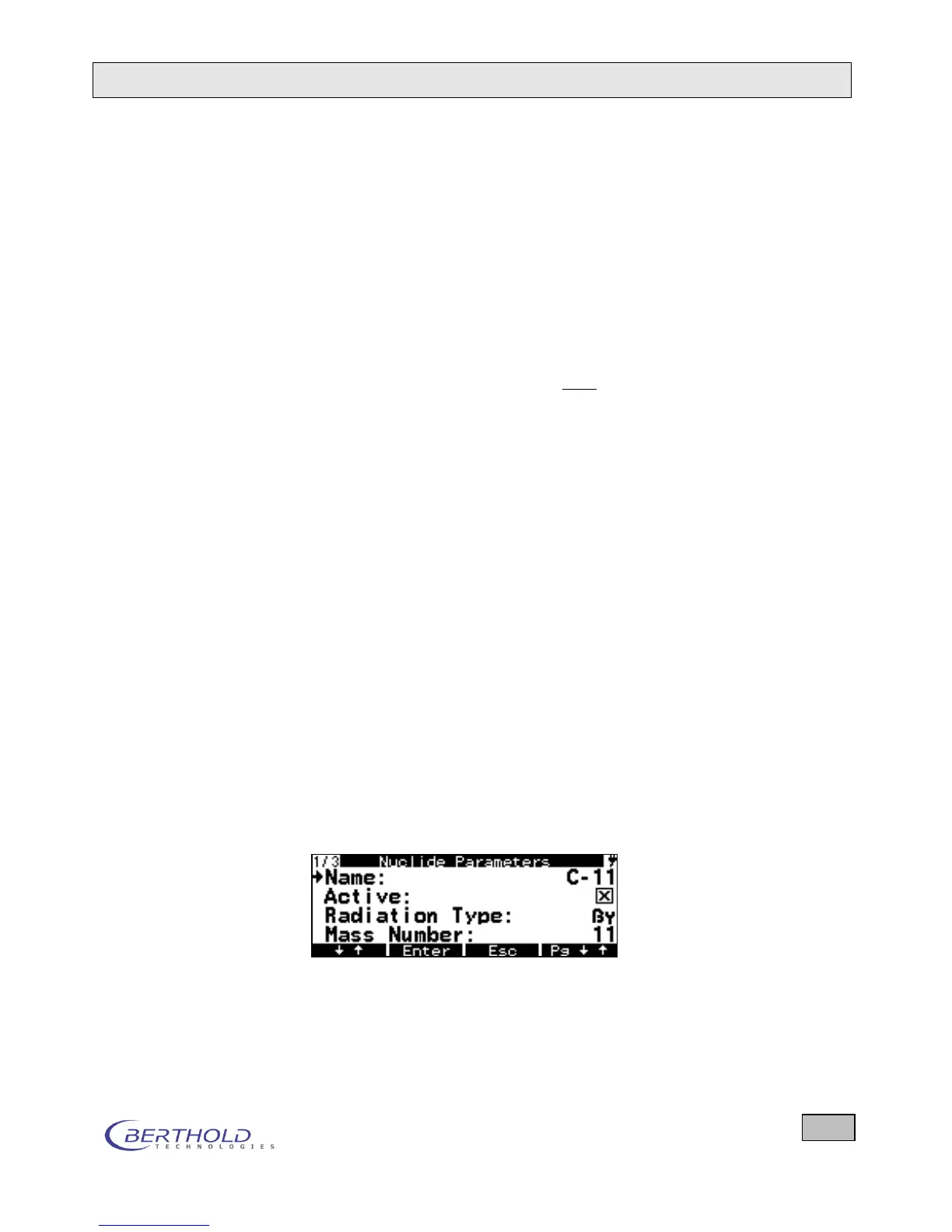
This will take you to the page on which the parameters for
that nuclide/measurement type can be edited.
Enter the desired values.
Confirm your entry by briefly pressing the Enter key.
Figure 6.14: Editing the nuclide parameters of C-11









 To Next Page