KBF P + KBF LQC + KBWF (E6) 11/2016 page 128/189
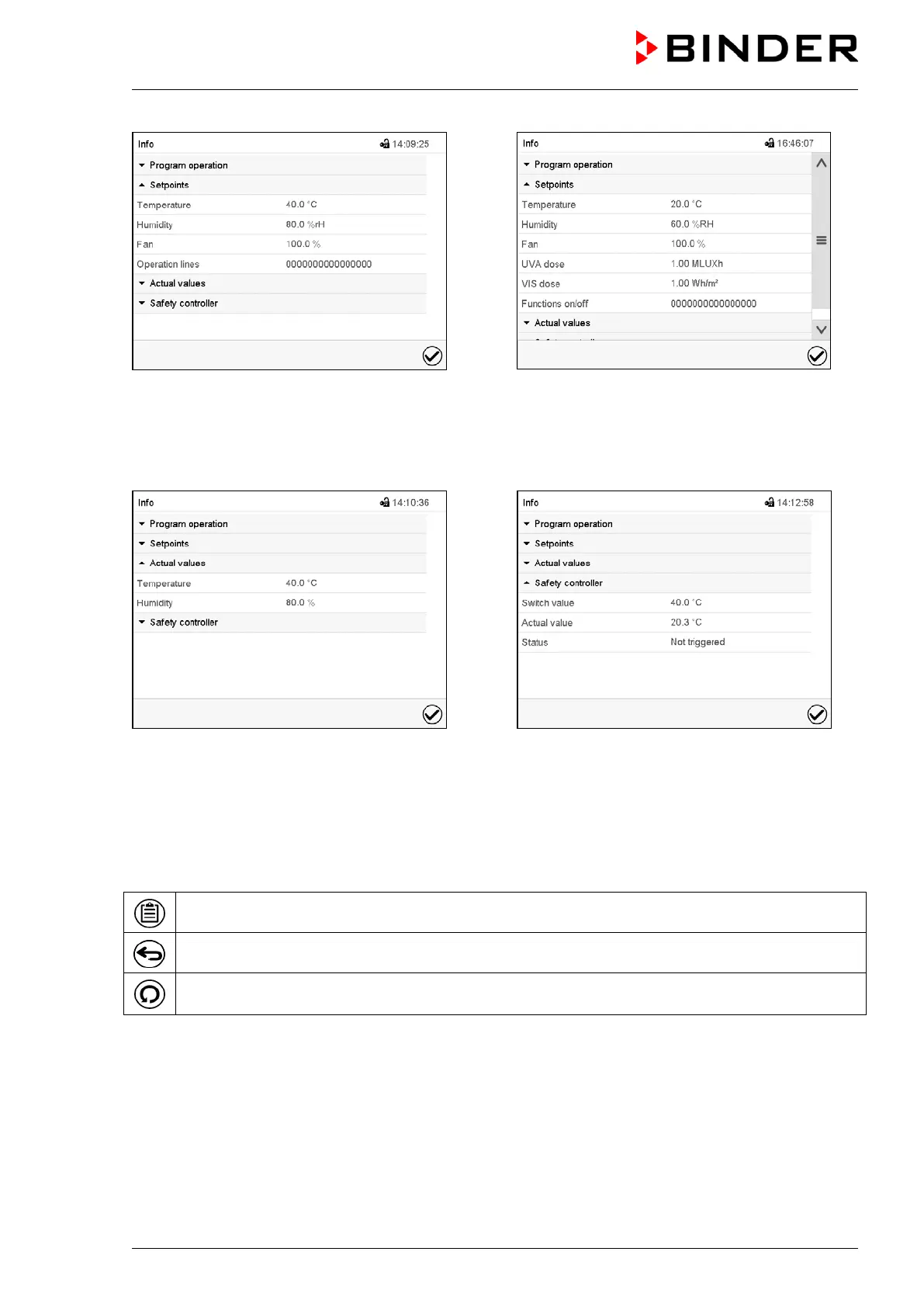
Display with KBF P / KBWF
-
Display with KBF LQC
Selection “Setpoints“.
Information on the entered setpoints and operation lines.
Selection “Actual values”.
Information on the current actual values.
Selection “Safety controller”.
Information on the safety controller.
16.3 Event list
Press the Event list icon to access the event list from Normal display.
Press the Back icon to return from every setting menu to Normal display.
Press the Update icon to update the event list.
The “Event list” displays status information and errors of the current day. It enables to view the last 100
events or defective conditions of the chamber.











 To Next Page