KBF P + KBF LQC + KBWF (E6) 11/2016 page 74/189
10.7.5 Humidity setpoint
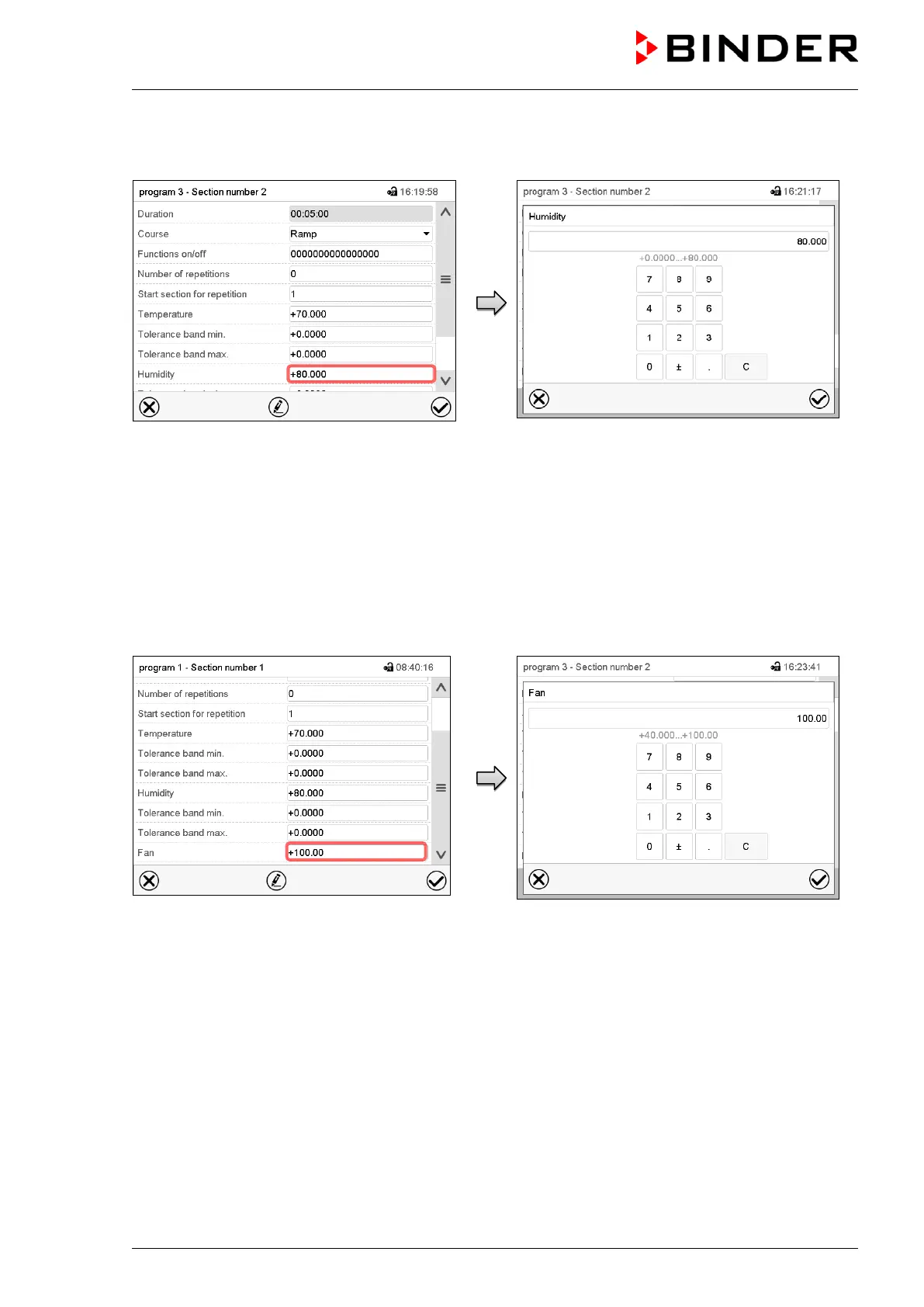
Section view.
Select the field “Humidity”.
“Humidity” entry menu.
Enter the desired value and press the Confirm
icon.
Setting range: 0% r.H. up to 80% r.H.
The controller returns to the section view.
10.7.6 Fan speed setpoint
Section view.
Select the field “Fan”.
“Fan” entry menu.
Enter the desired value and press the Confirm
icon.
Setting range: 40% up to 100% fan speed.
The controller returns to the section view.











 To Next Page