KBF P + KBF LQC + KBWF (E6) 11/2016 page 143/189
20.4 Illumination control
The fluorescent tubes can be turned on and off with the operation lines of the program controller.
For activating the operating contacts please see chap. 8.4, 10.7.3, and 11.6.9.
KBF LQC: The fluorescent tubes can be turned on by entering a dose set-point value in Manual Mode
higher than a dose value already reached. In Manual Mode the fluorescent tubes automatically turn off
when the respective dose target value is reached. The operation lines permit turning on the fluorescent
tubes independently from that value or to prevent automatic turning off. This enables attaining dose val-
ues, which lie above the entered maximum dose.
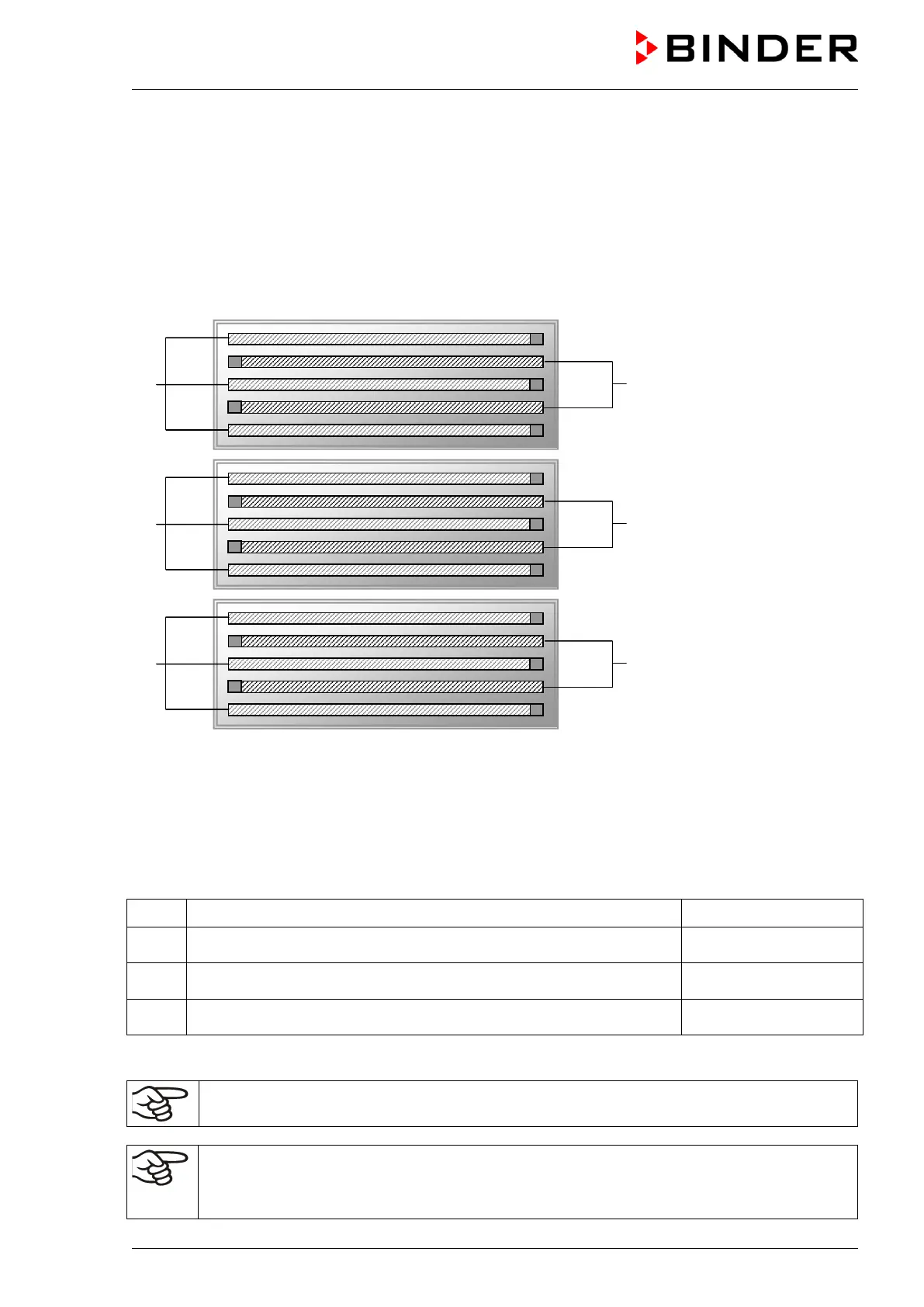
(third light cassette only
with size 720)
Figure 29: Control of fluorescent tubes in the light cassettes
Control via operation line “Light Level 1” (KBWF) or “Light UVA” (KBF P / KBF LQC)
Control via operation line “Light Level 2” (KBWF) or “Light VIS” (KBF P / KBF LQC)
By switching the operation lines therefore the following intensities can be obtained:
Operation line “Light Level 1” Off, operation line “Light Level 2” Off 0 % illumination
Operation line “Light Level 1” On, operation line “Light Level 2” Off 40 % illumination
Operation line “Light Level 1” Off, operation line “Light Level 2” On 60 % illumination
Operation line “Light Level 1” On, operation line “Light Level 2” On 100 % illumination
The waste heat of the fluorescent tubes leads to a modification of the temperature - humidity diagram:
When operating the chamber with illumination: Restricted temperature and humidity range 20
°C / 68 °F to 60 °C / 140 °F, at 20 °C not below 30 % r.H
Entering the set point values when operating without illumination
• Adapt the setting of the temperature and humidity set-points
according to the table in chap.
8.3.











 To Next Page