KBF P + KBF LQC + KBWF (E6) 11/2016 page 133/189
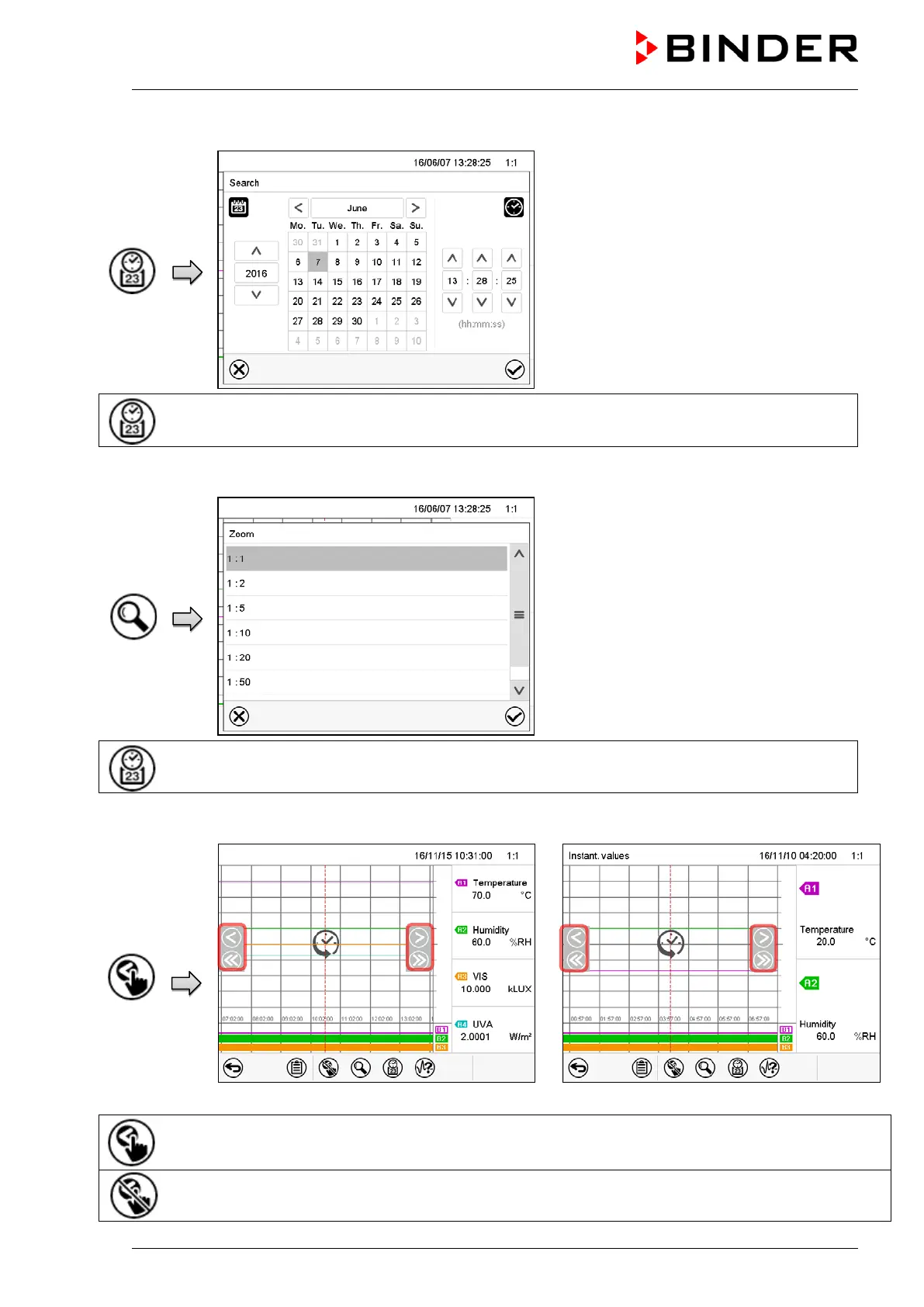
History display: Search function
“Search” submenu.
Enter date and time of the required instant
and press the Confirm icon
Search and go to a desired instant
History display: Zoom function
“Zoom” submenu.
Select the zoom factor and press the
Confirm icon.
Select the zoom factor
History display: Show and hide arrow keys
Display with KBF P / KBWF
Display with KBF LQC
“Page selection” submenu.
Arrow keys are shown on the left and on the right. Use them to move along the timeline.
Hide arrow keys











 To Next Page