KBF P + KBF LQC + KBWF (E6) 11/2016 page 41/189
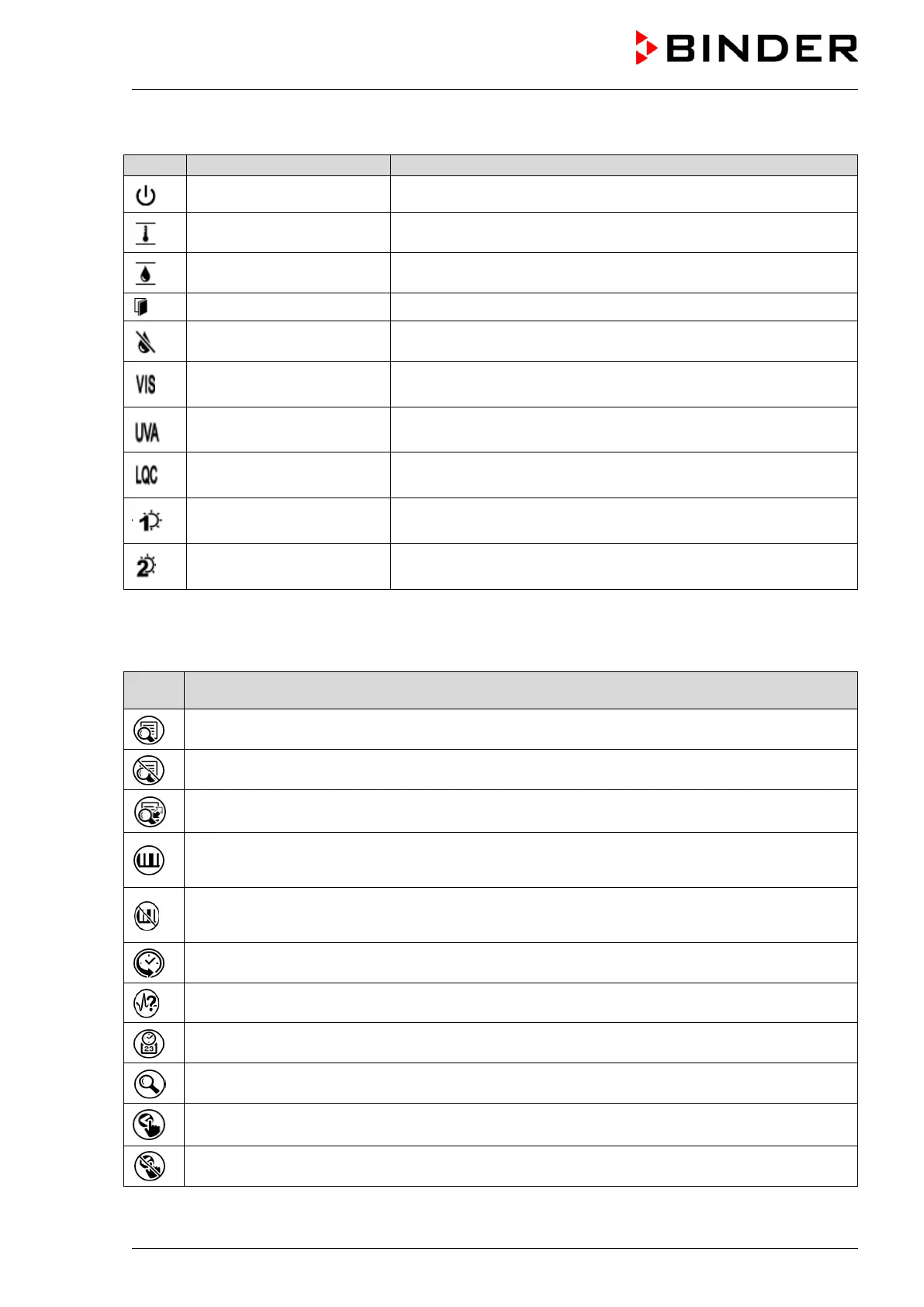
Information icons
Idle mode
Controller in Idle mode
Temperature range
Current actual temperature value outside the tolerance range
Humidity range
Current actual humidity value outside the tolerance range
Door open
Chamber door is open
Humidity off
The humidification / dehumidification system is turned off
Light VIS
KBF P / KBF LQC: VIS light turned on (operation line “Light VIS”
activated)
Light UVA
KBF P / KBF LQC: UVA light turned on (operation line “Light
UVA” activated)
LQC On
KBF LQC: Light integration activated (operation line “LQC On”
activated)
Light level 1
KBWF: Light level 1 (40% illumination) turned on (operation line
“Light level 1” activated)
Light level 2
KBWF: Light level 2 (60 % illumination) turned on (operation line
“Light level 2” activated)
Functional icons in the chart recorder display
Function
Show legend
Hide legend
Switch between legend pages
KBF P / KBF LQC: Show the indications “Door open” (B1), “Light UVA” (B2), and “
KBWF: Show the indications “Door open” (B1), “Light Level 1” (B2), and “Light Level 2” (B3).
KBF P / KBF LQC: Hide the indications “Door open” (B1), “Light UVA” (B2) and “Light VIS” (B3)
KBWF: Hide the indications “Door open” (B1), “Light Level 1” (B2) and “Light Level 2” (B3).
Pause chart recorder and change to history display. Data recording continues.
Go to “Curve selection” submenu
Go to “Search” submenu: Select the required instant
Go to “Zoom” submenu: Select the zoom factor
Show arrow keys to select instant
Hide arrow keys to select instant











 To Next Page