Basic Front Panel Operation
At power-on, the power supply will automatically enter the front-panel operation mode and the instrument
can be controlled via the front panel keys and knob.
3.1 Keys
3.1.1 Main Keys
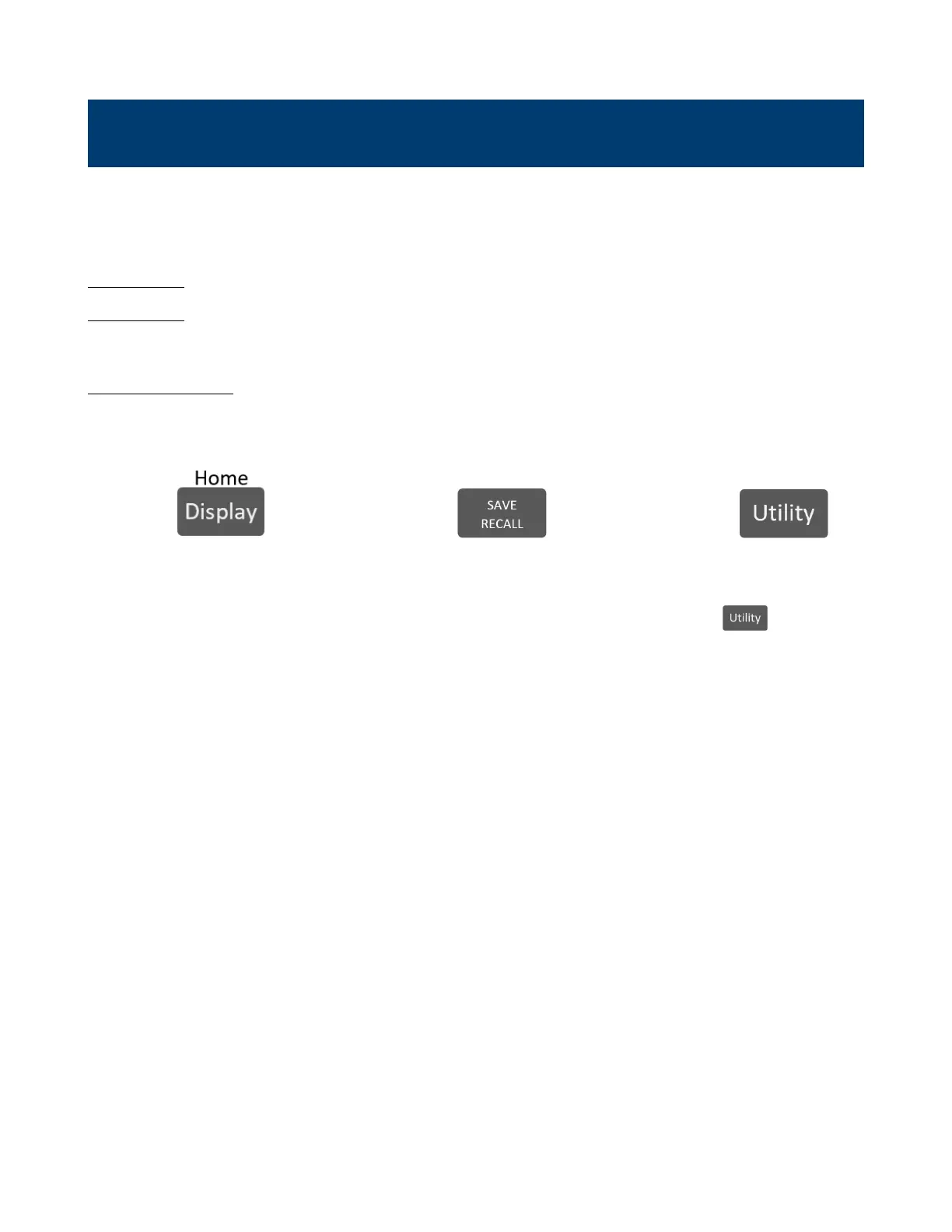
There are three main keys:
Navigates the 5 available screens.
When navigating any menu
returns the key will return "Home"
main display
5 available displays:
– Main page:
Overview of the 3 outputs.
– Single Channel Display 1 to
3: Detailed channel overview.
– Live Output Monitoring:
Oscilloscope like overview
of the measured output
parameters.
Opens up a menu giving access
to various save and load options,
regardless of the current display
of the screen.
Opens the main menu bar. If
a menu bar is already open,
pressing will navigate to
the main menu bar.
More information on each display in 3.2.
www.GlobalTestSupply.com
Find Quality Products Online at: sales@GlobalTestSupply.com


 To Next Page
 Loading...







