1 - 6
1.2.3 Changing the Current COM Port
The default setting of the connection port is “COM1” but it can be changed through
this tool. The method is described below.
If the COM port needs to be changed depending on the PC to be used, change it as
described below.
NOTE: Changing the COM port affects VR adjustment for the QL-720NW.
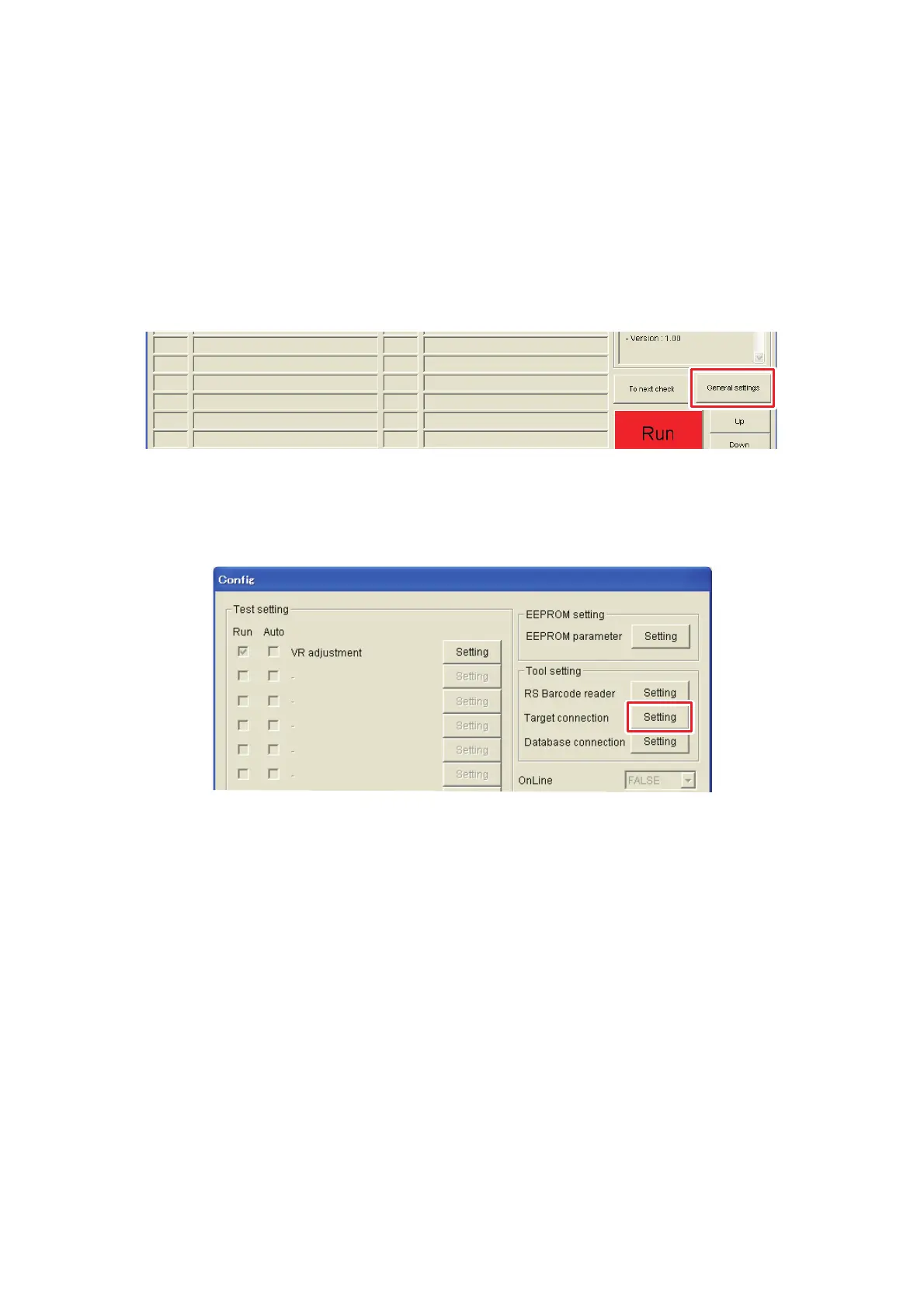
(1) Click the [General settings] button on the main screen.
Fig. 9 [General settings] button
(2) “Config” screen appears. Click the [Setting] button next to the “Target
connection”.
Fig. 10 [Setting] button next to the “Target connection”



 To Next Page
 Loading...










