153I-Modell - 11/12 - Ausgabe 09/11 - 2096165 - BUE-0056-05EN
Appliances
9
9.2.4 Alde hot-water heater (partially special equipment)
The hot-water heater is installed at the bottom of the wardrobe or under the
beds.
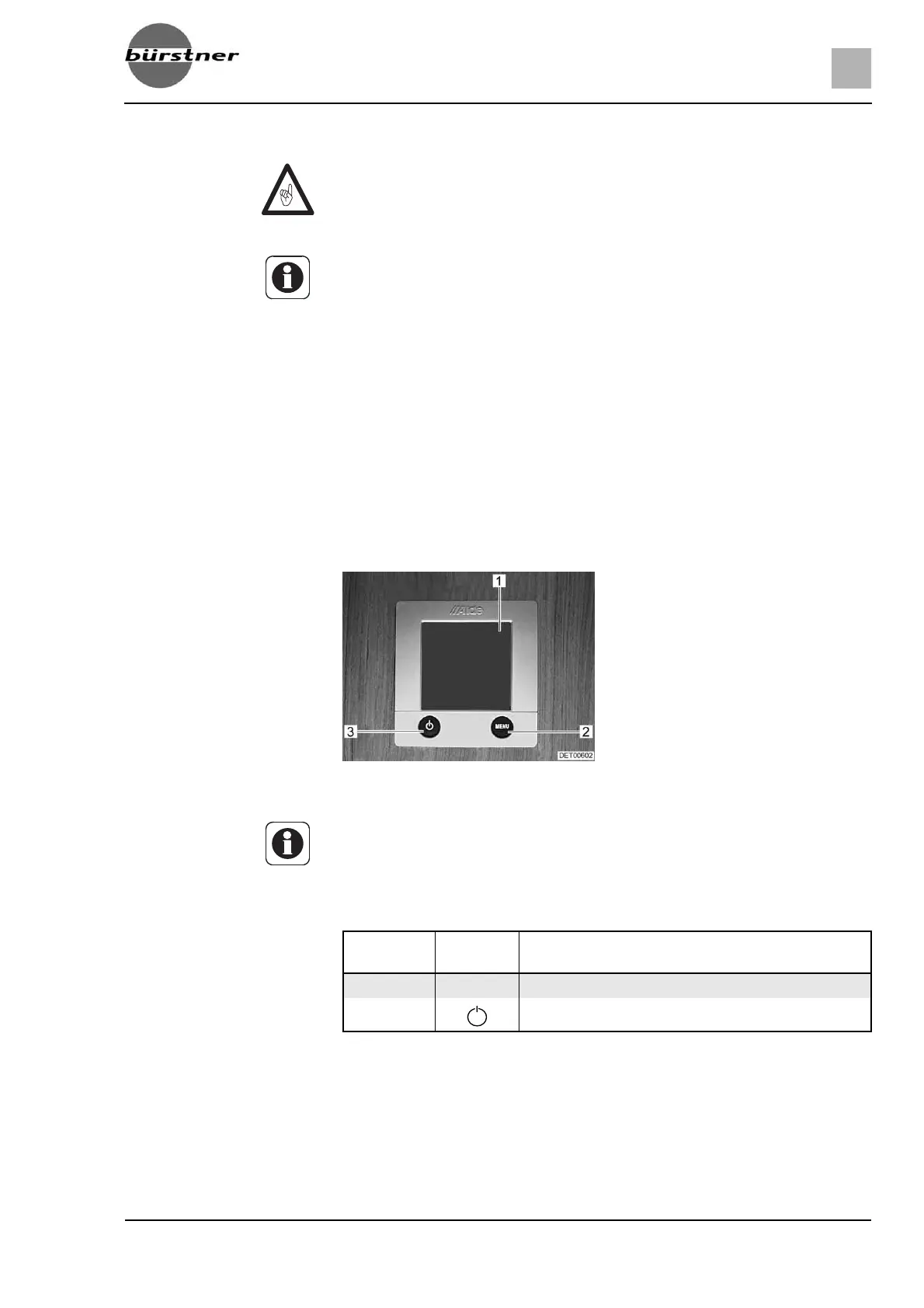
Operating unit The operating unit is divided into two sections:
z Display (touch screen)
z Control buttons
Control buttons The control buttons have the following functions:
Display The display (Fig. 160,1) is designed as a touch screen. Touching the symbols
calls up the relevant function.
Z Never run hot-water heater without heating fluid. Observe notes in
chapter 12.
Z Never drill holes in the floor. This might damage the hot-water pipes.
Z The circulating pump must always be turned on when the hot-water heater
is in operation.
Z We recommend to bleed the heating system after the initial heater opera-
tion and to check the glycol content. Observe notes in chapter 12.
Z When the heater is turned on, it starts with the last settings used.
Z For further information, see the separate manufacturer's instruction manual
and observe the maintenance instructions found in chapter 12.
Z For further information about the use of the boiler see section "Boiler".
Fig. 160 Operating unit for hot-water
heater
1 Display (touch screen)
2 "Menu" button
3 On/Off button
Z When no button is pressed, the operating unit automatically switches to
home position after two minutes.
Z Changes to the settings are saved automatically after 10 seconds.
Pos. in
Fig. 160
Button Function
2 MENU Open adjustment menu
3
Activate heating





 To Next Page