Installation 130
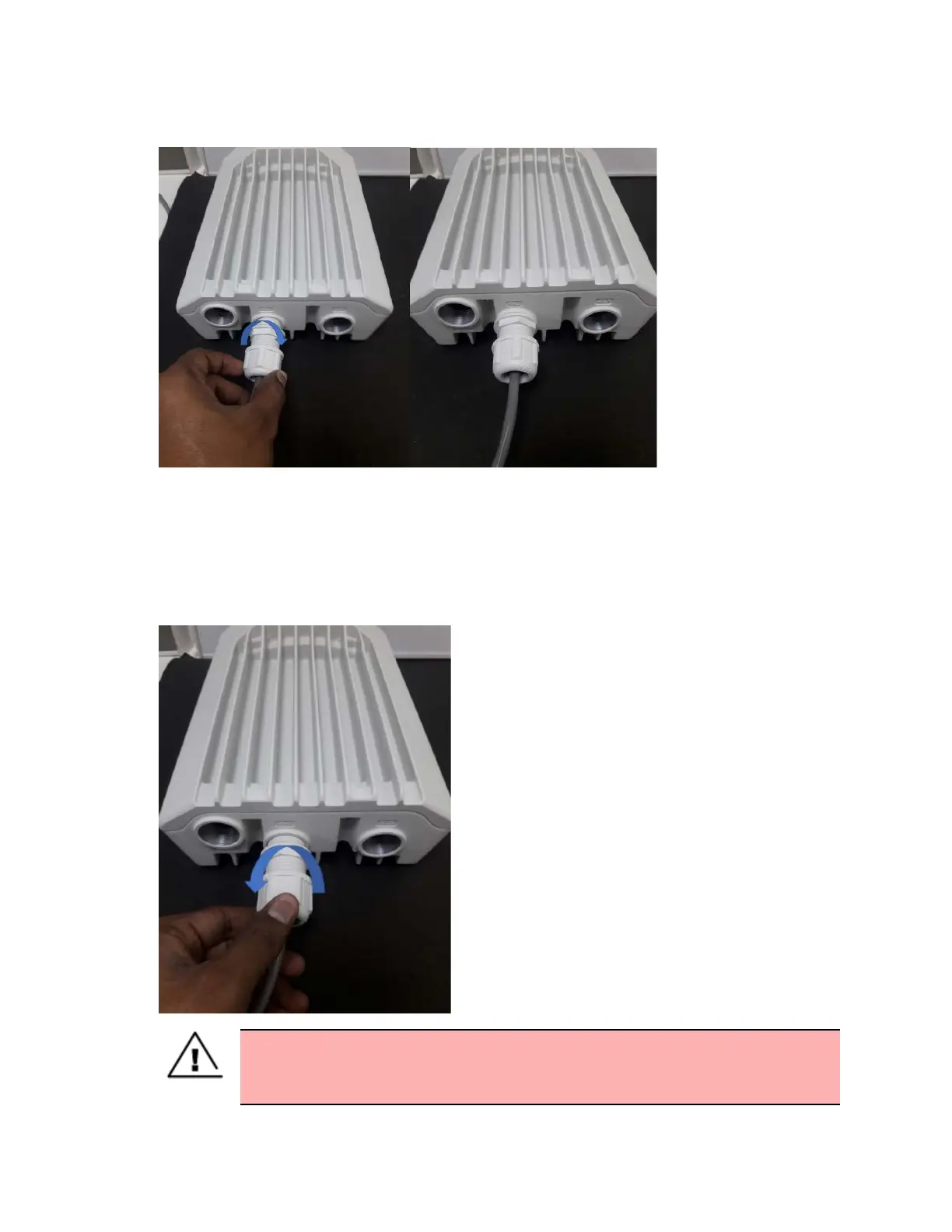
Figure 118:
Rotating the gland
5. Tighten the gland (cap or nut), this must be done last. Otherwise, it may damage the RJ45 or PCB.
Disconnecting drop cable from the radio
1. Loosen and remove the cable clamp by rotating anti-clockwise from the PSU port.
Figure 119:
Removing the cable clamp
Warning
Loosen the cable clamp completely and then unscrew the gland. Not releasing the
cable may cause damage to the RJ45 socket and/or PCB.









 To Next Page