Operation 217
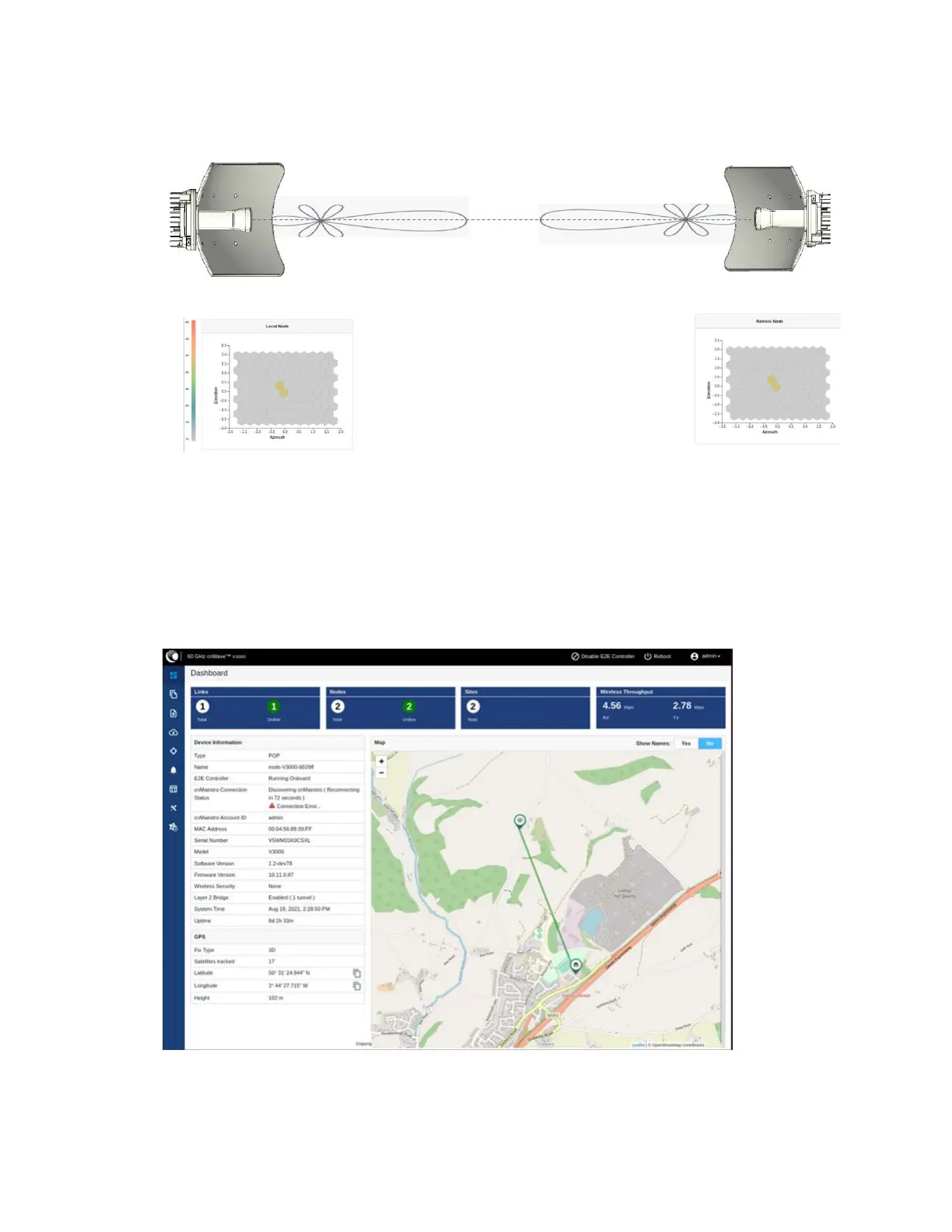
Figure 238:
On correcting the azimuth mismatch
6. When you achieve the desired alignment and RSSI, click the End Alignment button located at the
top left side of the Antenna Alignment page.
If you do not click the End Alignment button, the alignment cycle ends automatically after 15
minutes. When the alignment cycle ends, the ignition state (disabled earlier) is enabled to auto
ignition and the link is established. Figure 239 shows how the Antenna Alignment dashboard page
looks on completing the antenna alignment task.
Figure 239:
The updated Antenna Alignment dashboard page




 To Next Page